Per-weapon anti-recoil triangle/Y + L2/LT
This menu gathers all the settings specific to the weapon currently selected: its anti-recoil, the type of optic used, some automatic movements and corrections specific to firing while moving. Each setting is saved for that weapon.
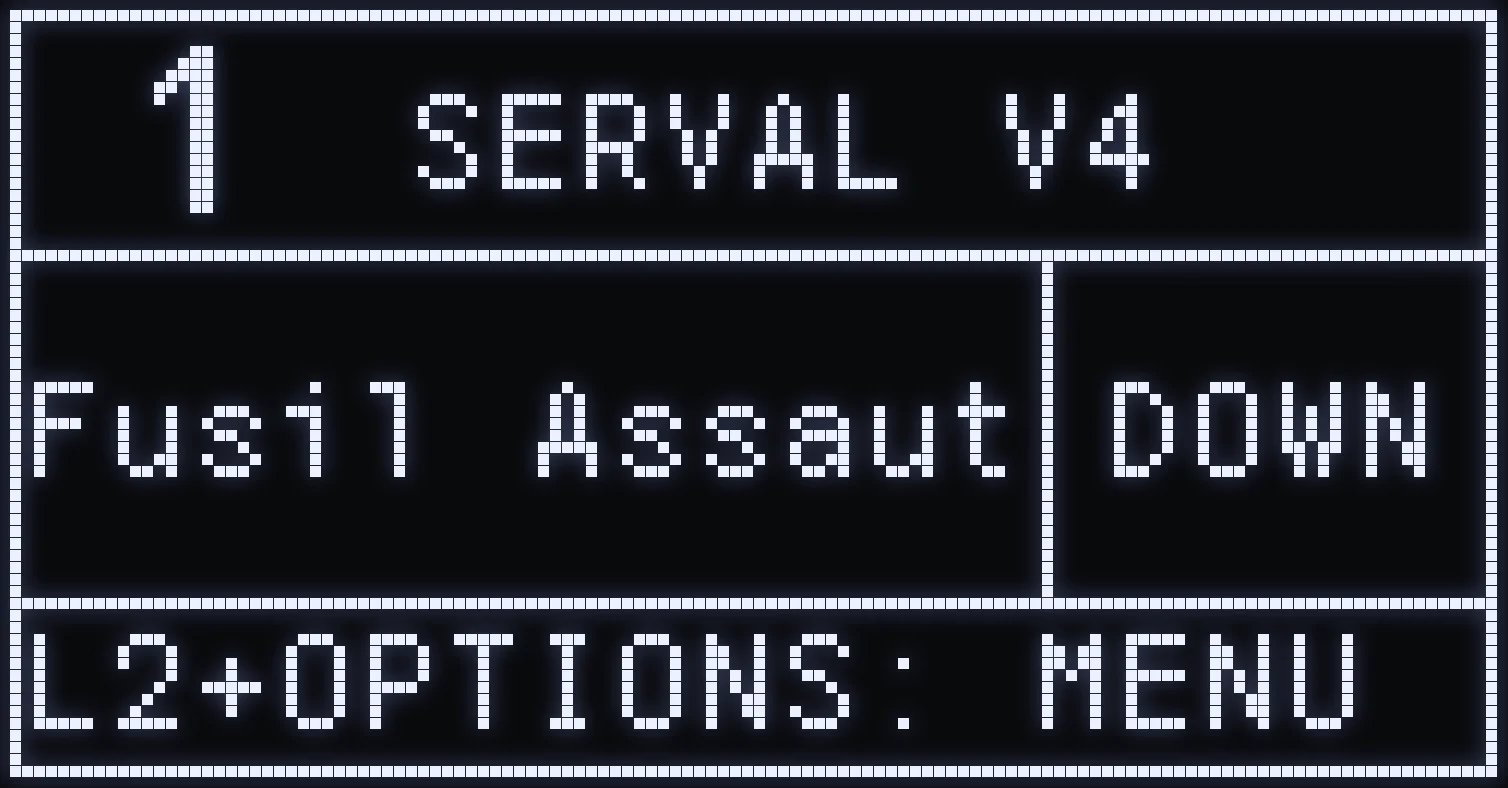
CHANGE WEAPON
🎯 WHAT IS IT FOR?
Tells the script which weapon you're holding. Everything you set in this menu (recoil, phases, optic, CROUCH, STRAFE and CORRECTION) is saved for that weapon.
🎮 CONTROLS
From the home screen, hold TRIANGLE / Y then press: - DOWN: next weapon in the list; - UP: previous weapon.
The name of the selected weapon is shown in the middle of the home screen. The weapon stays saved for the current slot, shown in the top left.
🔫 WEAPON LIST
DEFAULT • Fusil Assaut • LR-300 • M249 • THOMPSON • SMG perso • Fusil semiA • LMG legere • Revolver • Revolver P • MP5 • PROTOTYPE • HandGun S-A • CLOU • SKS • RapidFire • SMG F-M • M39 • M92
DEFAULT has no preset anti-recoil: you can set it yourself with RECOIL and the PHASES.
(#35d09a:💡 TIP: the buttons for this shortcut can be changed in SETTING › QUICK TOGGLE: LIST GUNS1, LIST GUNS+ and LIST GUNS-.)
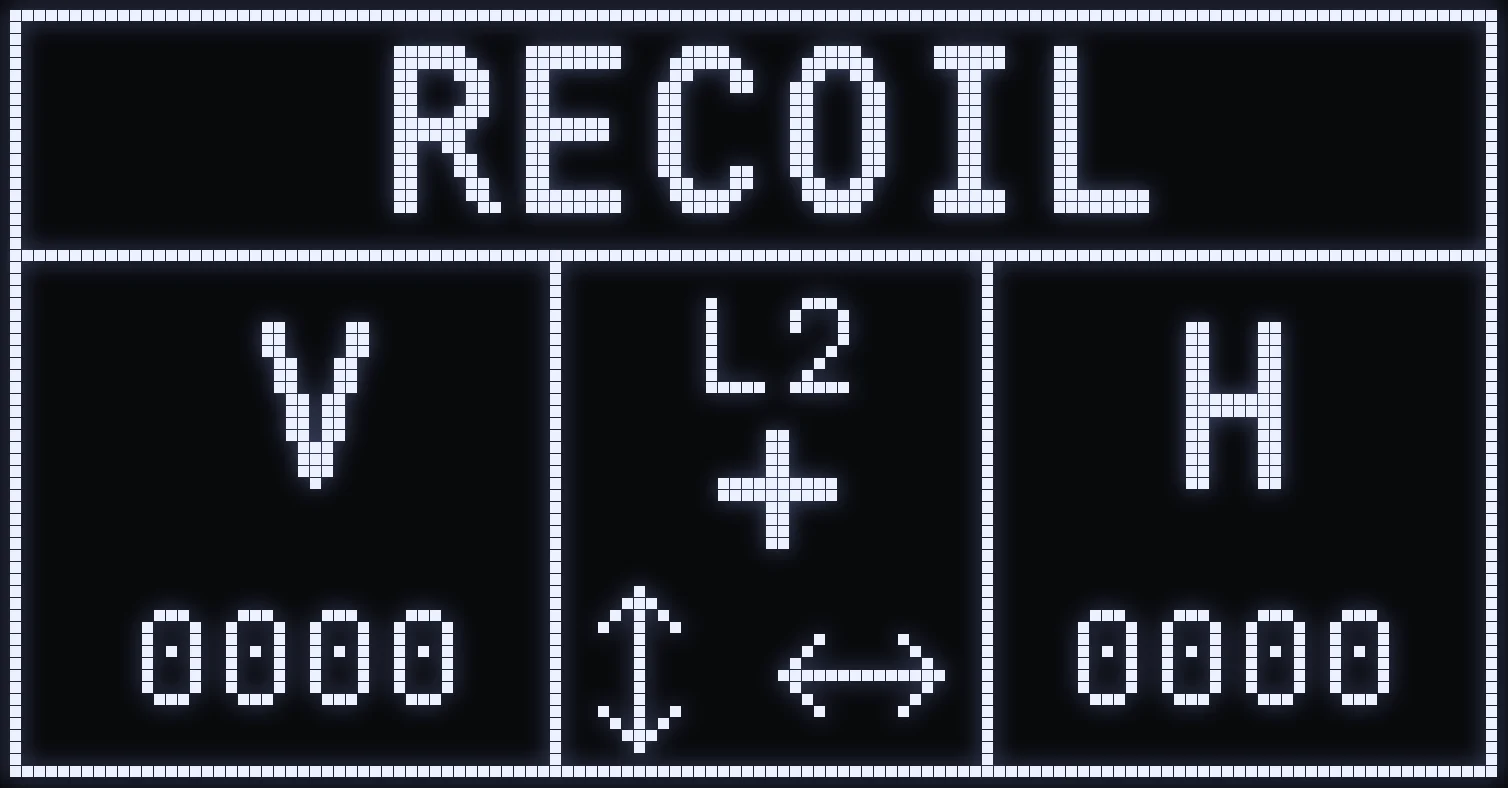
RECOIL
🎯 WHAT IS IT FOR?
Increases or decreases the vertical and horizontal recoil compensation of the selected weapon.
⚙️ CONTROLS
- L2 / LT + UP / DOWN: adjusts the vertical recoil. - L2 / LT + RIGHT / LEFT: adjusts the horizontal recoil. - CROSS / A: opens the advanced PHASE setting.
These two values quickly correct the weapon's overall behavior while firing.
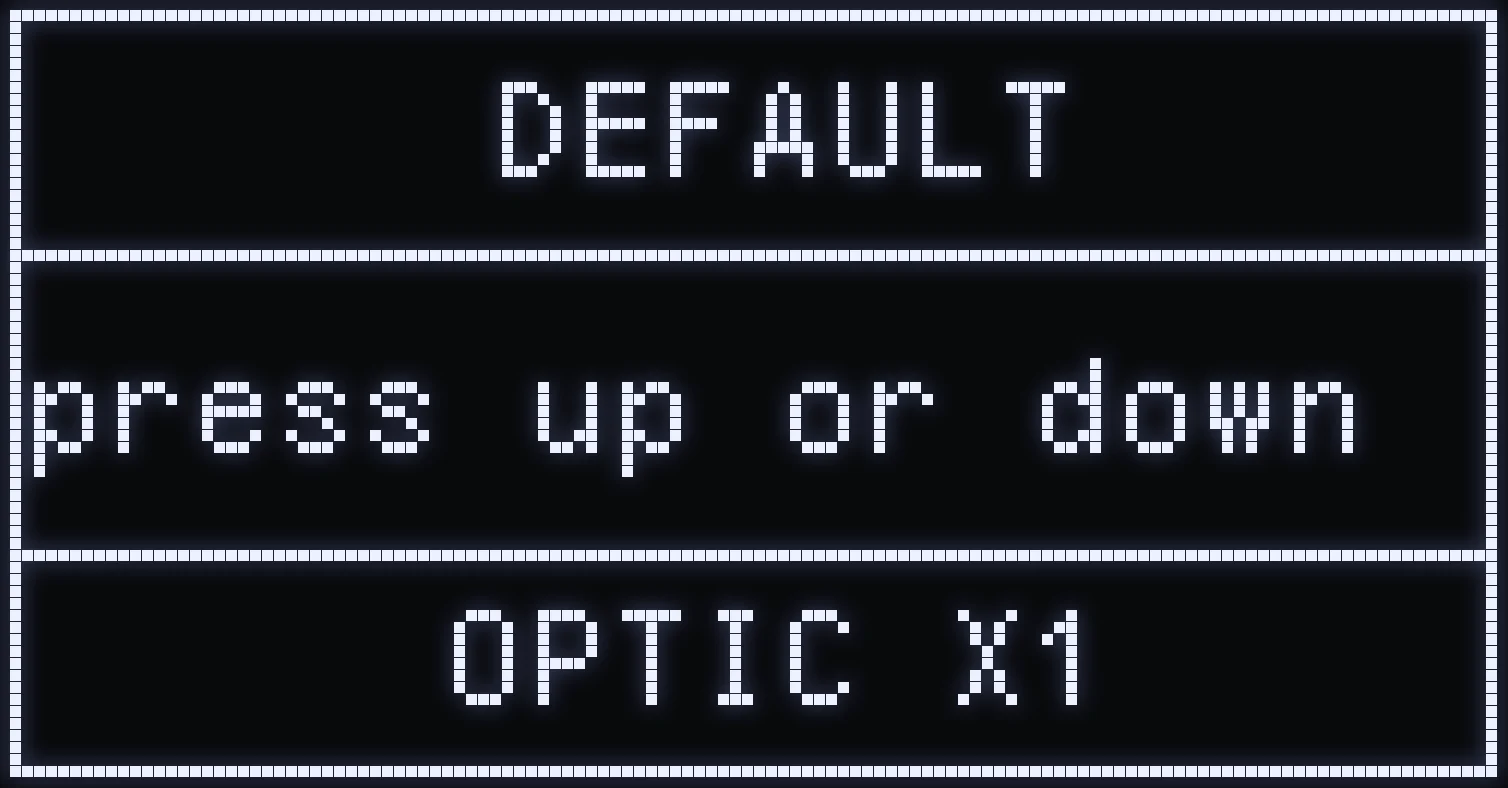
OPTIC
🎯 WHAT IS IT FOR?
Tells the script which sight is mounted on your weapon. UP / DOWN to choose:
- X1: sight with no magnification. - X4: the zoom sight.
The choice is saved for each weapon.
❗ IMPORTANT: the recoil compensation is much stronger on X4. If you leave X4 on with a non-magnified sight, your weapon will pull too far down.
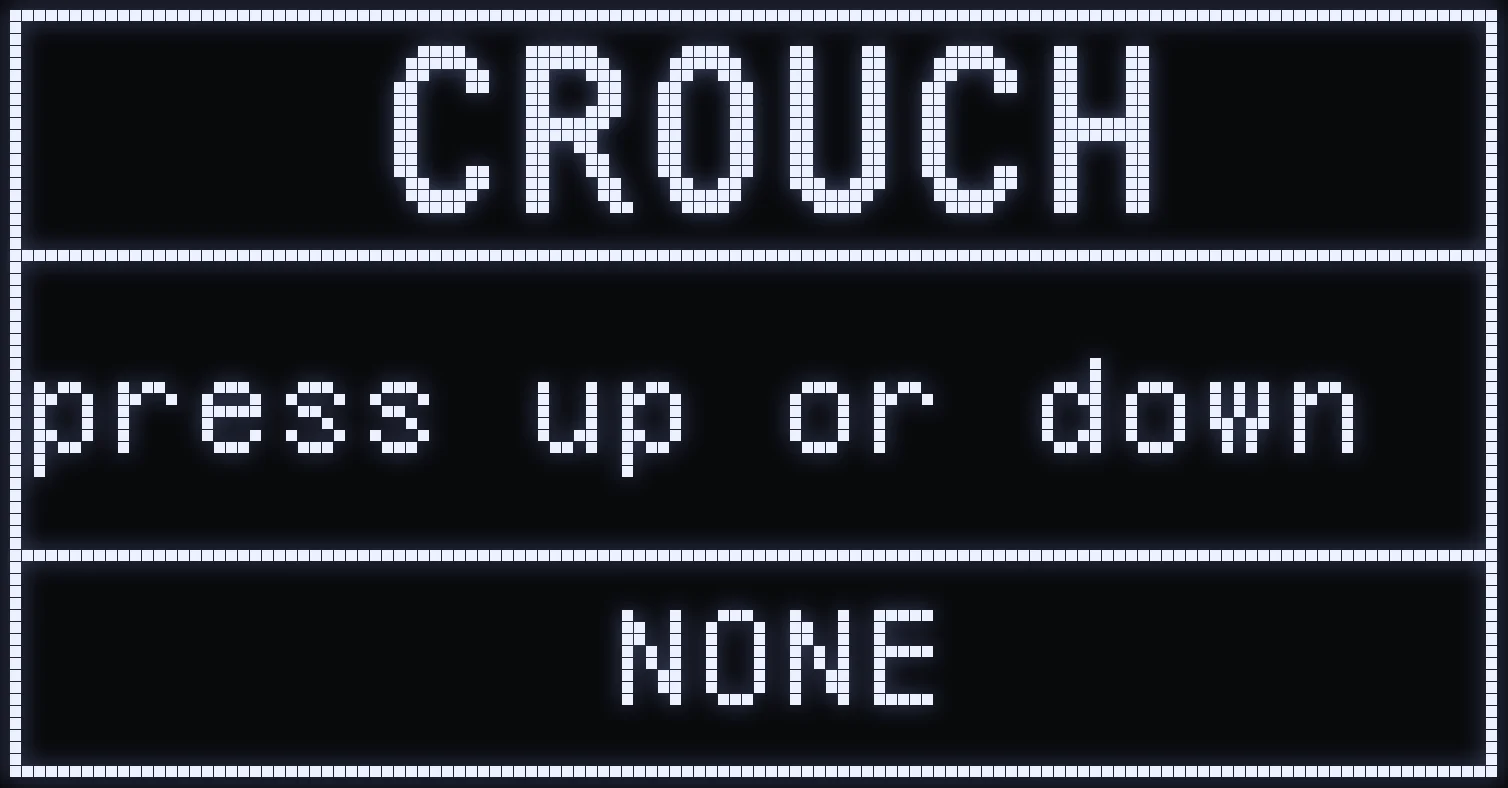
CROUCH
🎯 WHAT IS IT FOR?
Turns on an automatic crouch-and-stand movement while firing: your character alternates between standing and crouching.
⚙️ ACTIVATION MODE
UP / DOWN to choose:
- NONE: feature turned off. - FIRE: active when you fire without aiming. - ADS&FIRE: active when you aim and fire at the same time. - ALWAYS: active on every shot.
STRAFE
🎯 WHAT IS IT FOR?
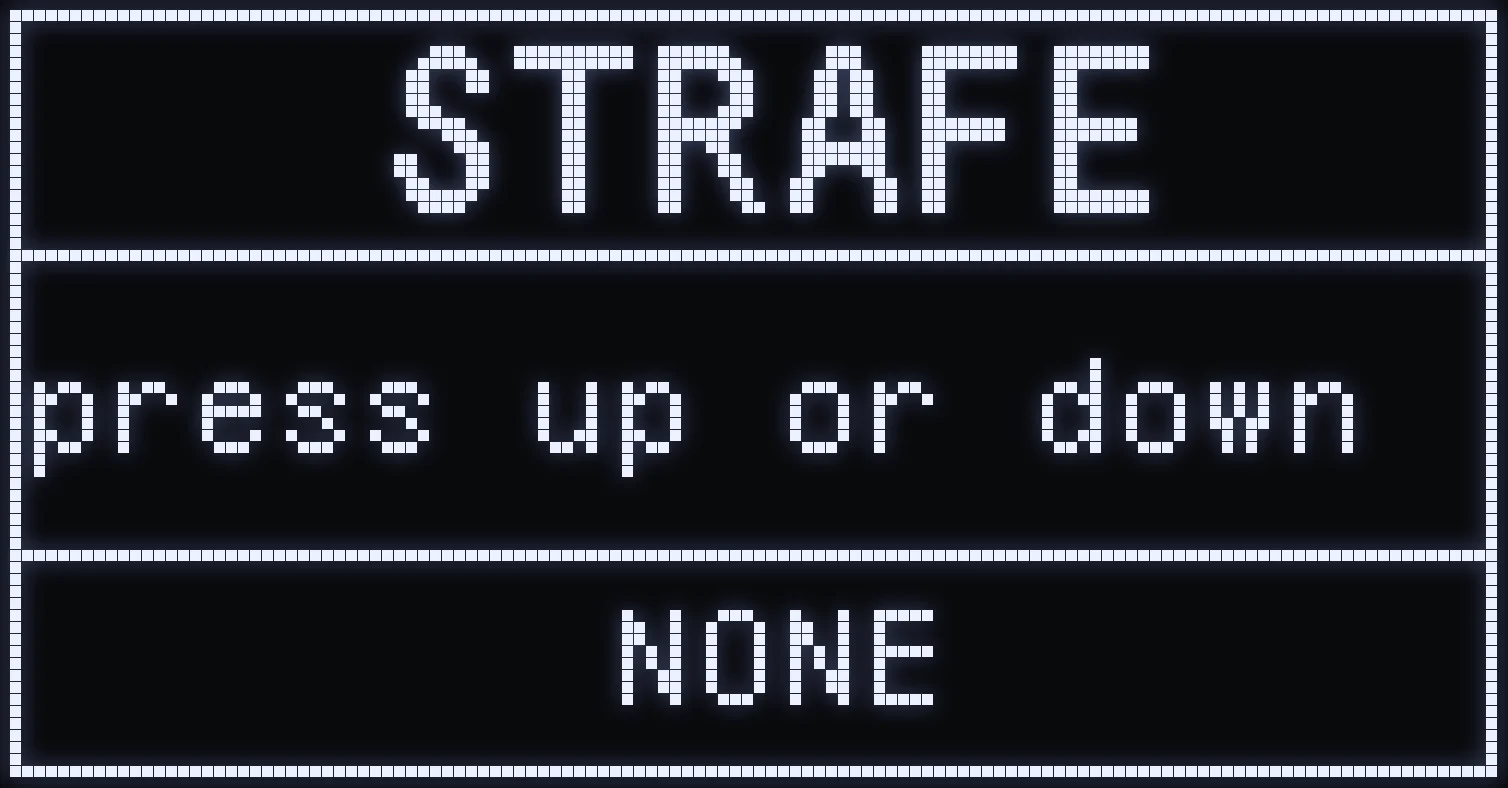
Automatically adds side-to-side movement while firing, to create a strafe.
⚙️ ACTIVATION MODE
UP / DOWN to choose:
- NONE: feature turned off. - FIRE: active when you fire without aiming. - ADS&FIRE: active when you aim and fire at the same time. - ALWAYS: active on every shot.
CORRECTION
🎯 WHAT IS IT FOR?
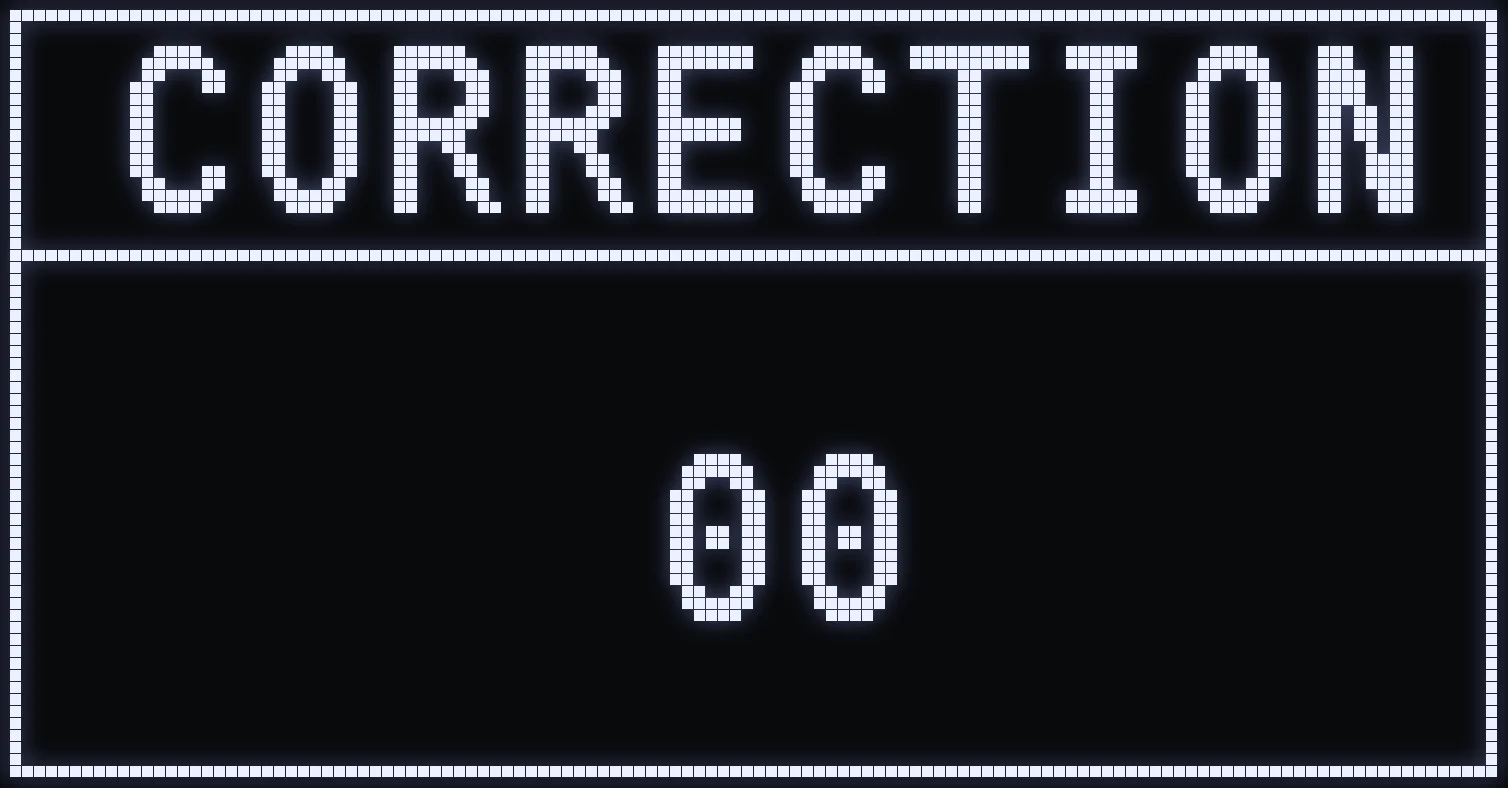
Adds vertical compensation that only applies when you fire while moving. In Rust, vertical recoil can be stronger when your character is moving than when standing still.
⚙️ HOW DO I SET IT?
UP / DOWN increases or decreases the correction, until your shots behave the same whether you're standing still or moving.
⚠️ WARNING: this value doesn't change the weapon's overall recoil: it only corrects the difference in recoil caused by movement.
PHASE SUBMENU
🎯 WHAT IS IT FOR?
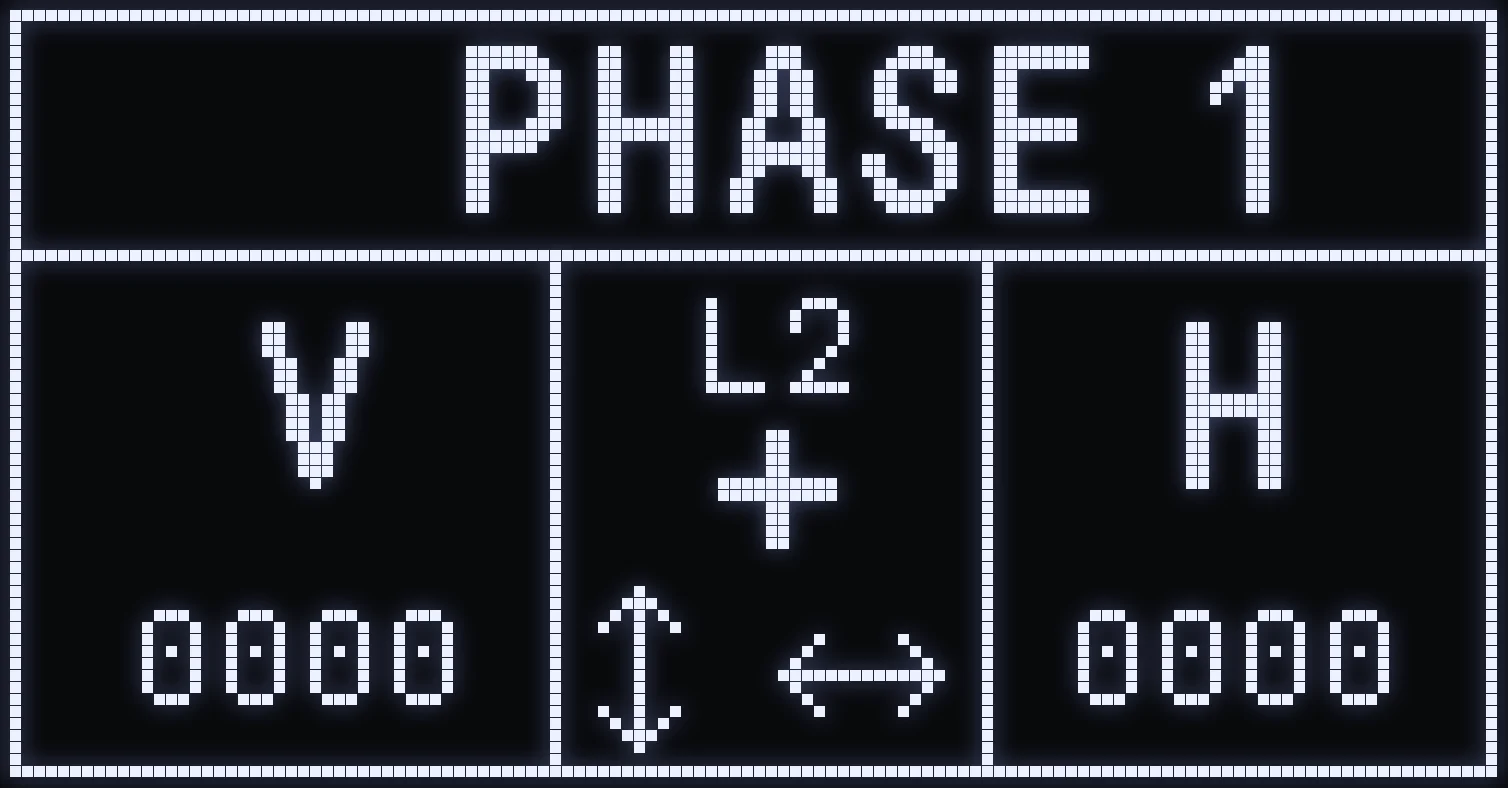
Instead of changing the weapon's recoil as a whole, you work separately on each moment of the spray. The full recoil is split into 8 PHASES: PHASE 1 is the start of the spray, then the phases move forward in order up to PHASE 8, the last part of the recoil.
🎮 OPENING IT
From the RECOIL screen, press CROSS / A.
⚙️ CONTROLS
- LEFT / RIGHT: move from one phase to another. - L2 / LT + UP / DOWN: vertical correction for the phase. - L2 / LT + RIGHT / LEFT: horizontal correction for the phase. - CIRCLE / B: go back to the RECOIL screen.
💾 SAVING
Phases are saved separately for each weapon, for each stance (UP / DOWN) and for each optic (X1 / X4). Before setting your phases, check that the stance and optic shown are the ones you're actually using in game.
📝 EXAMPLE: your weapon is perfectly steady at the start of the spray but climbs too much mid-mag: go only to the phases involved and increase their vertical correction. Same thing if your sight drifts right or left at a specific moment: correct that phase horizontally without touching the others.
📌 REMEMBER: RECOIL = the weapon's overall recoil setting · PHASE 1 → 8 = precise setting for each part of the spray.
💡 TIP: start by setting your weapon with RECOIL, then only use the PHASES if you want to fine-tune specific moments of its recoil.
Frequently asked questions
How do I change weapons on SERVAL?
From the home screen, hold TRIANGLE / Y then press DOWN for the next weapon or UP for the previous one. The name of the selected weapon is shown in the middle of the home screen.
Why does my weapon pull too far down with a non-zoom sight?
Your OPTIC is probably still set to X4. Use X1 when your sight has no magnification: the compensation is much stronger on X4. The choice is saved for each weapon.
What's the difference between RECOIL and the PHASES?
RECOIL sets the weapon's overall recoil. The PHASES split the spray from start to finish so you can correct only the moment when the weapon kicks too high or to the side. Start with RECOIL, then fine-tune with the PHASES.
Why do my phase settings seem to have changed?
Phases are saved separately for each weapon, each stance (UP / DOWN) and each optic (X1 / X4). Check that the weapon, stance and optic shown are the ones you're actually using in game.