SETTING menu L2/LT + OPTIONS
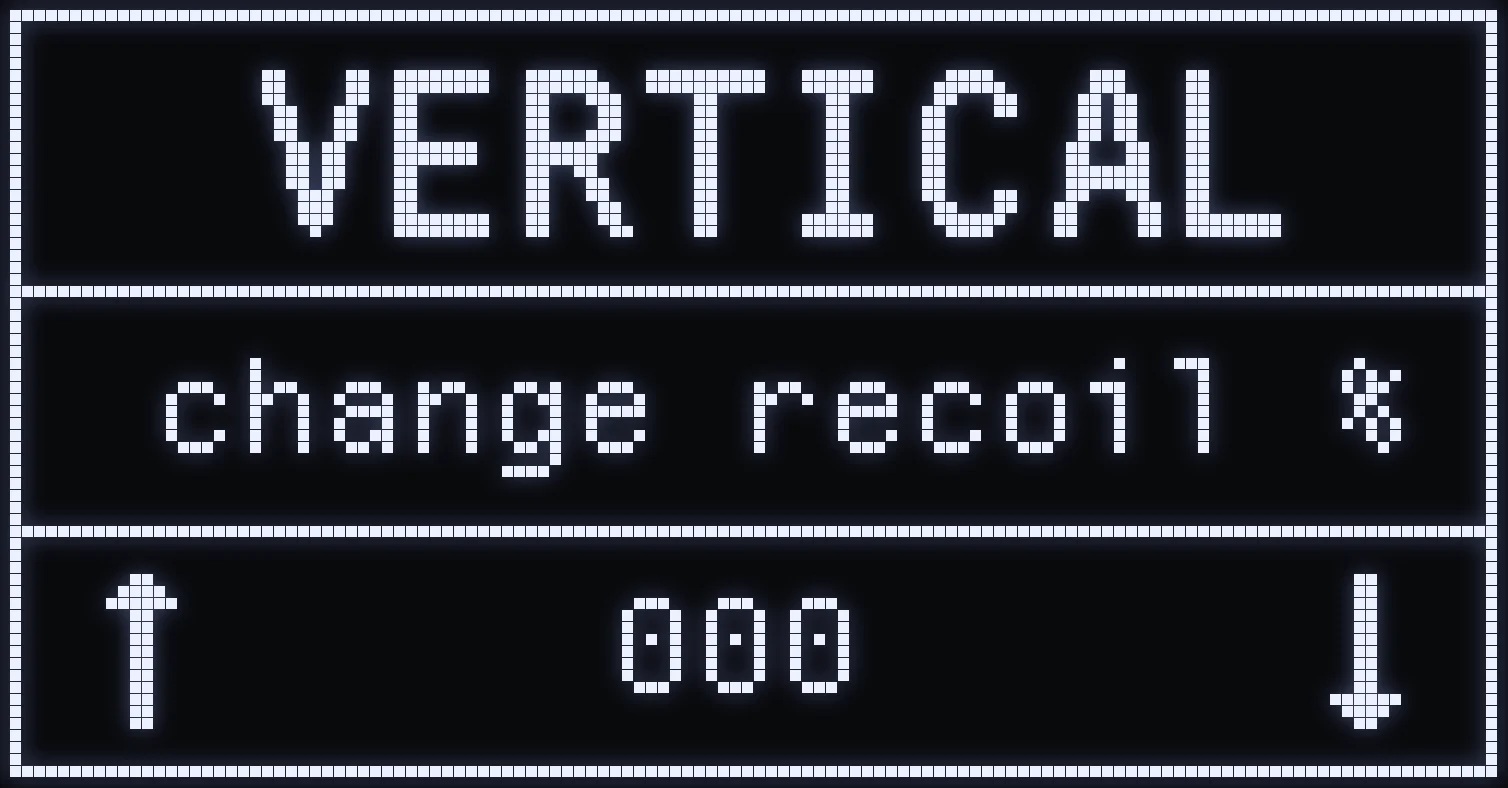
VERTICAL
🎯 WHAT IS IT FOR?
Sets the general vertical recoil for all your weapons at once.
⚙️ HOW DO I SET IT?
The higher the value, the more your sight is pulled down while firing. The lower it is, the more it's pulled up.
(#ffb547:⚠️ WARNING: this setting affects every weapon. For a single weapon, use the per-weapon anti-recoil.)
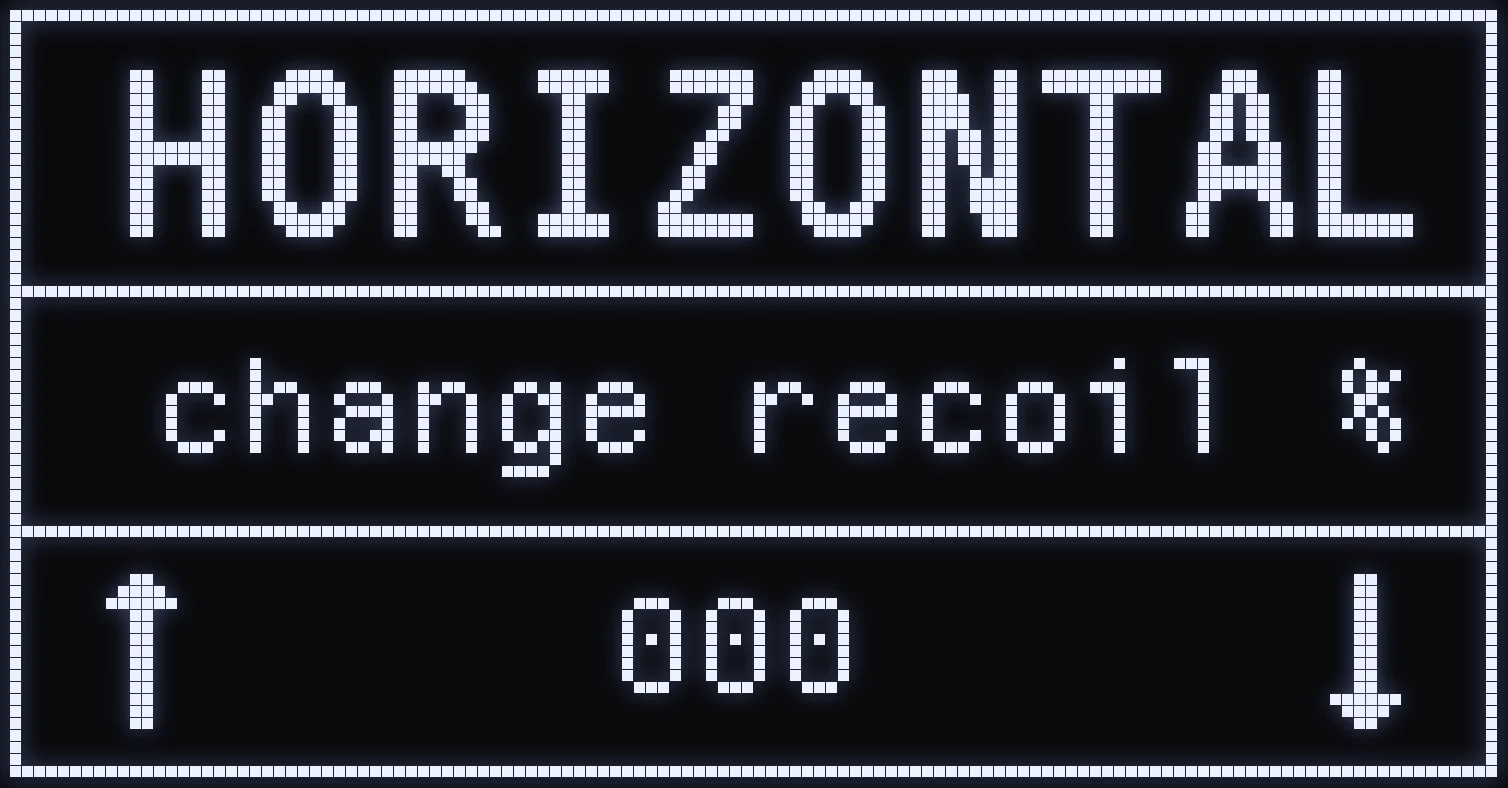
HORIZONTAL
🎯 WHAT IS IT FOR?
Sets the general horizontal recoil for all your weapons at once.
⚙️ HOW DO I SET IT?
By changing this value, you reduce or increase how much your sight moves right or left while firing.
(#ffb547:⚠️ WARNING: this setting affects every weapon. For a single weapon, use the per-weapon anti-recoil.)
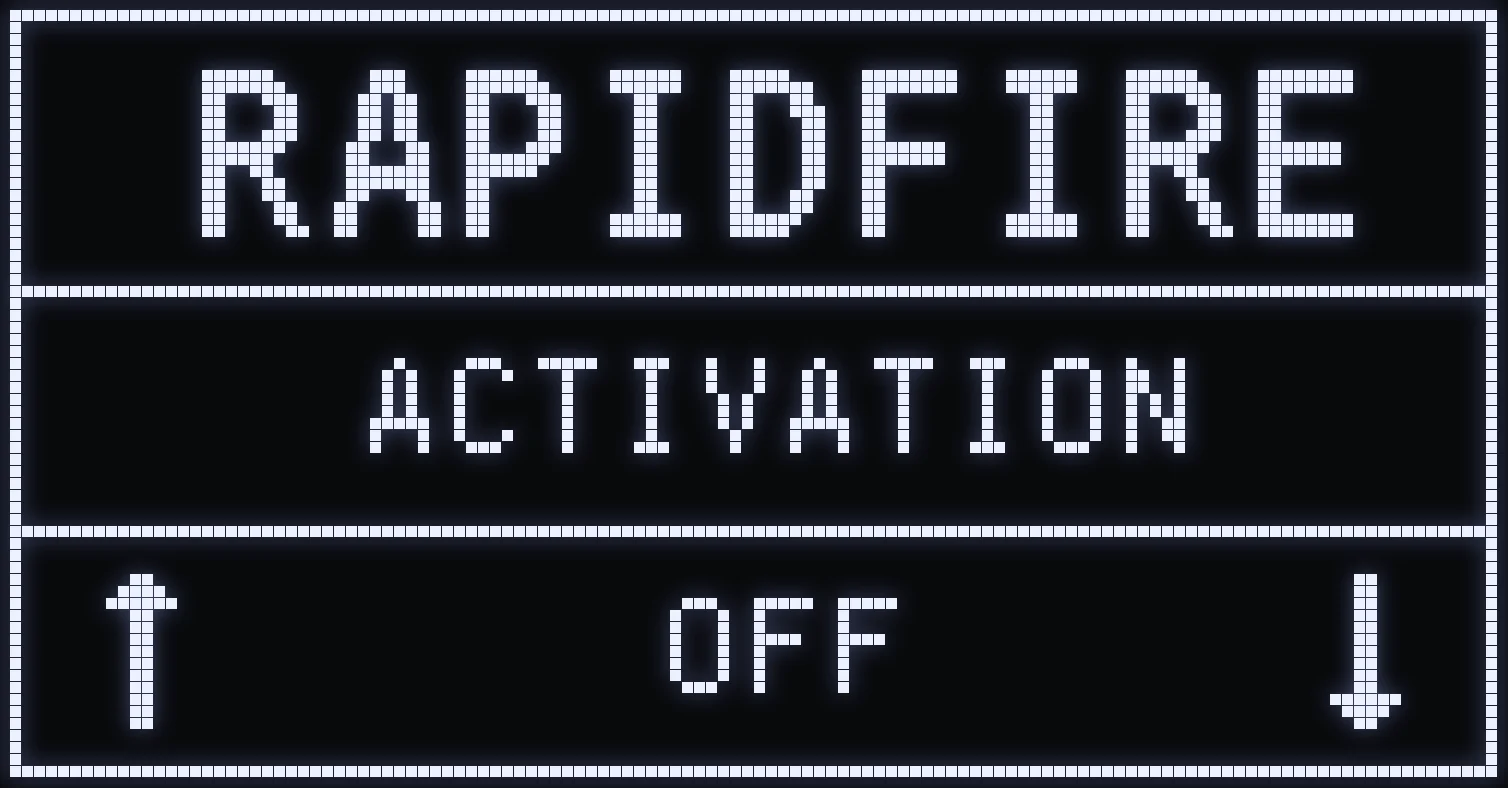
RAPIDFIRE
🎯 WHAT IS IT FOR?
When set to ON, the script automatically repeats the shot as long as you hold your fire button, only with semi-automatic weapons. Automatic weapons aren't affected.
⚙️ ACTIVATION
UP / DOWN: ON / OFF.
🔫 WEAPONS AFFECTED
Fusil semiA • Revolver • Revolver P • PROTOTYPE • HandGun S-A • CLOU • SKS • RapidFire • M39 • M92
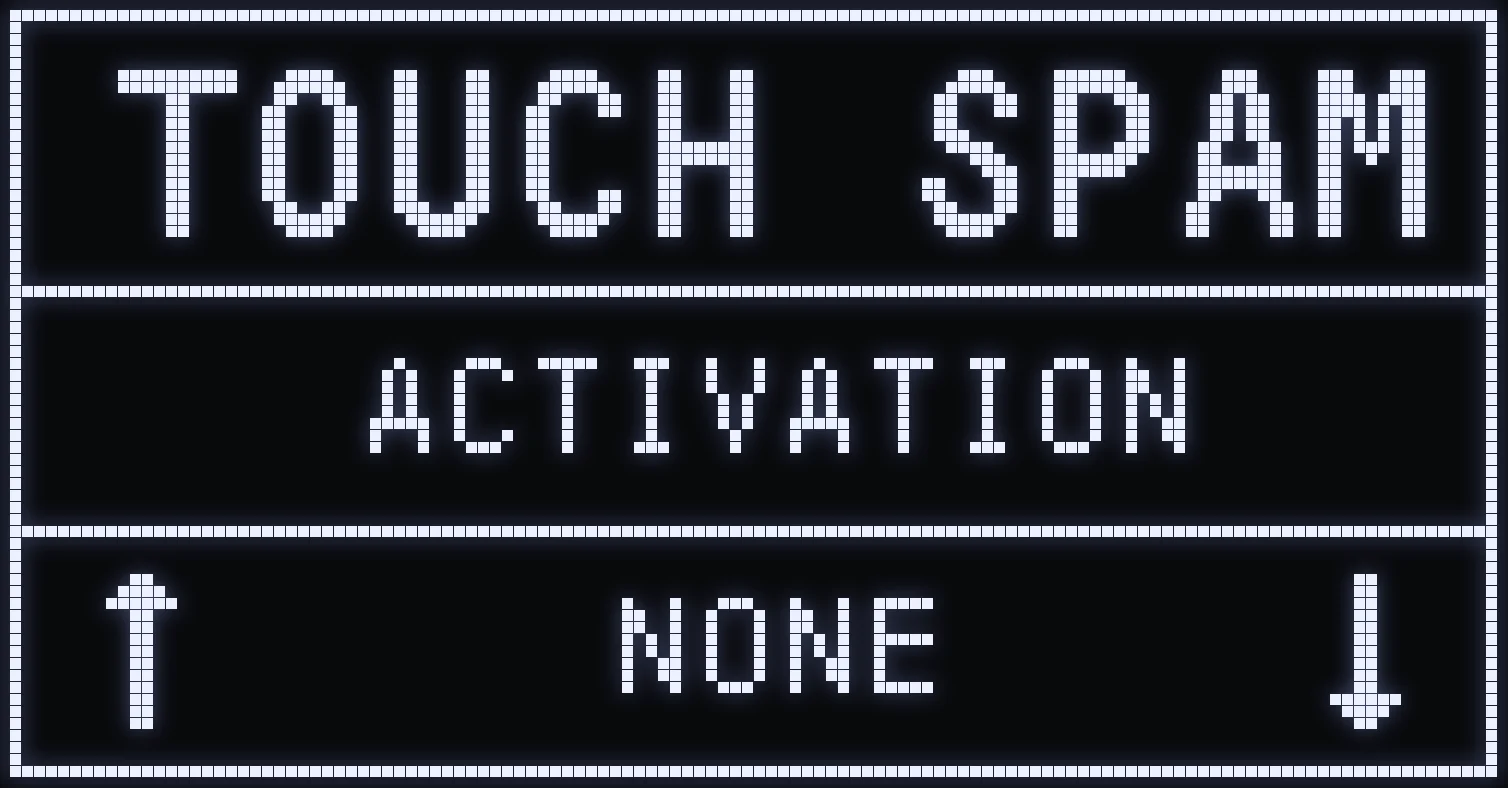
TOUCH SPAM
🎯 WHAT IS IT FOR?
Pick a button: it will be repeated automatically in a loop as long as you hold it.
AFK
🎯 WHAT IS IT FOR?
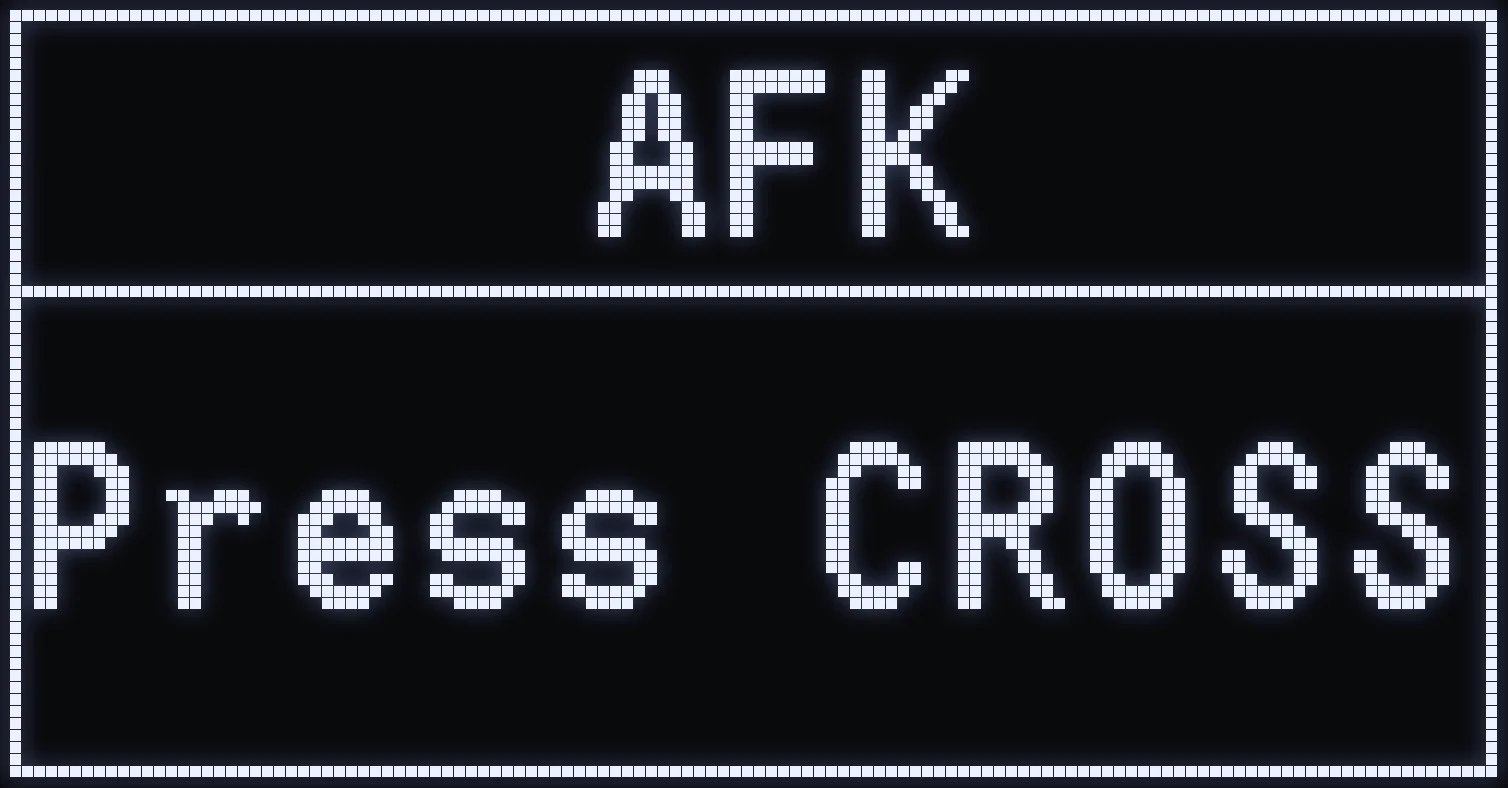
Makes your character move on its own while you're away from the controller.
🎮 ACTIVATION
On the AFK screen, press CROSS / A: the menu closes and a short countdown appears. Then your character jumps and takes a small step left, then right, at irregular intervals. The LED turns red as long as AFK mode is active.
⛔ STOPPING IT
AFK mode stops as soon as you move a stick or press CROSS, CIRCLE, SQUARE, TRIANGLE, R1, L1 or OPTIONS (Xbox: A, B, X, Y, RB, LB or MENU).
⚠️ WARNING: R2, L2 and the D-pad don't stop it.
💡 TIP: the jump uses your Jump button set in LAYOUT.
LAYOUT
🎯 WHAT IS IT FOR?
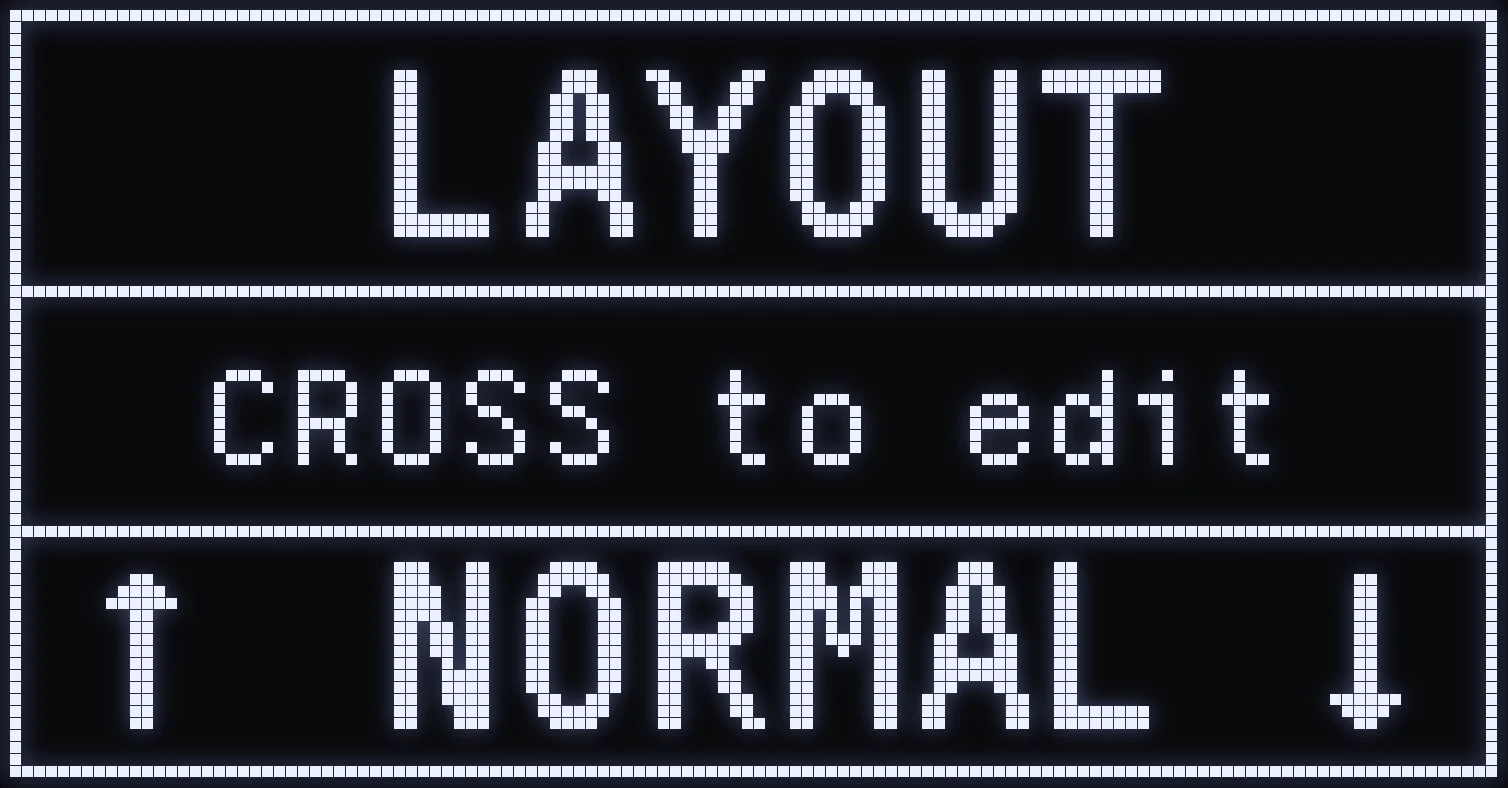
Tells the script which button matches each action in your game. Enter the same buttons here as in your Rust controls: several features depend on them.
- Fire: anti-recoil, RAPIDFIRE and MOD JACK. - ADS: ADS sensitivity. - Crouch: CROUCH and the AUTO mode of UP / DOWN. - Jump: AFK. - Sprint: the AUTO mode of UP / DOWN.
⚙️ NORMAL / INVERTED
UP / DOWN to choose:
- NORMAL: you aim and fire with L2 and R2. - INVERTED: lets you use L1 and R1 to aim and fire without changing the buttons in game, so you keep the adaptive trigger effects.
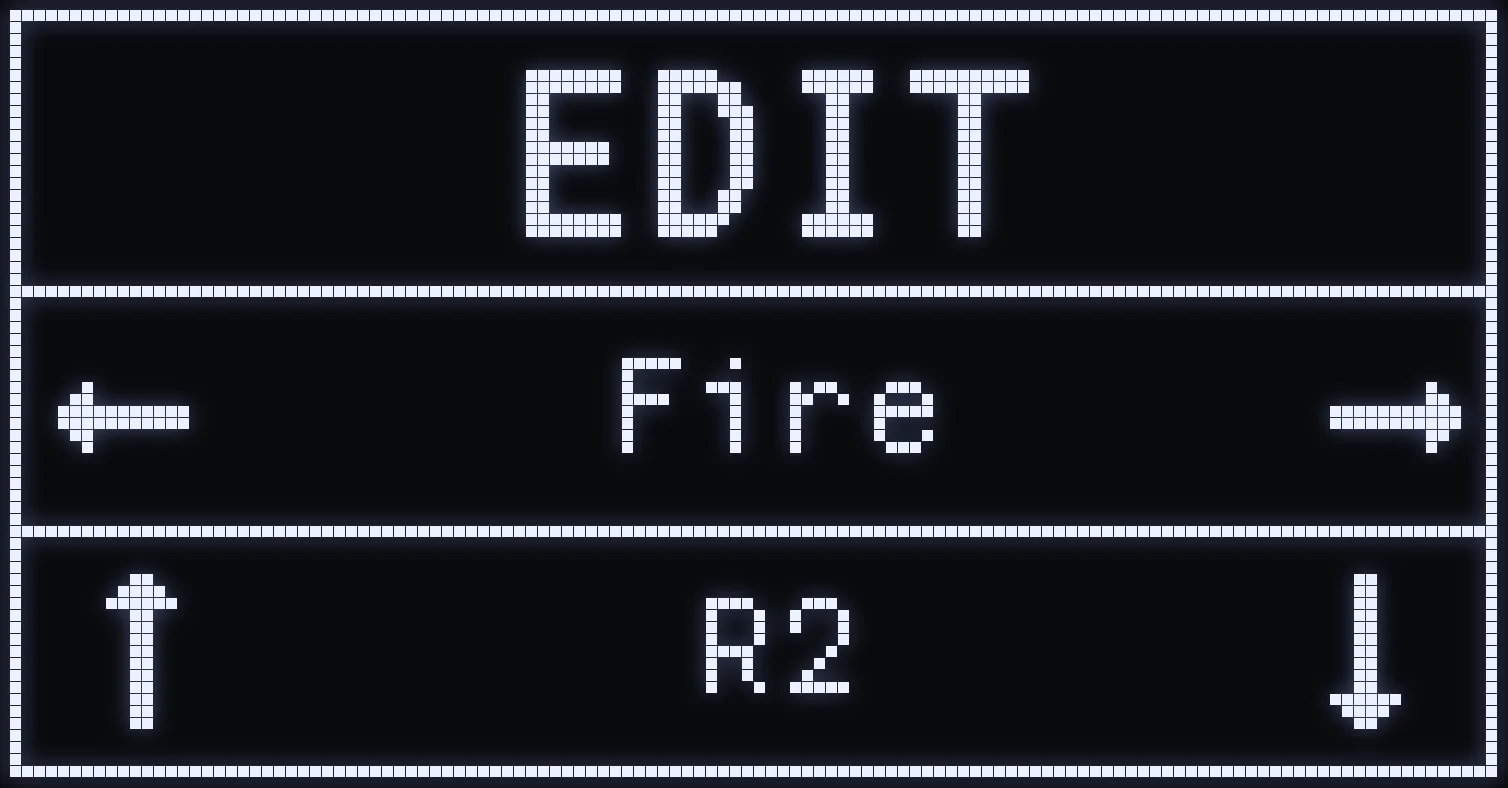
To change the button for an action, press CROSS / A: the EDIT screen opens.
EDIT
🎮 CONTROLS
- LEFT / RIGHT: choose the action. - UP / DOWN: choose the button. - CIRCLE / B: save and go back to the LAYOUT screen.
📋 DEFAULT BUTTONS
- Fire: R2 - ADS: L2 - Crouch: CIRCLE - Jump: CROSS - Swap: TRIANGLE - Sprint: L3 - Reload: R1 - Inventory: UP
HIP / ADS X / Y
🎯 WHAT IS IT FOR?
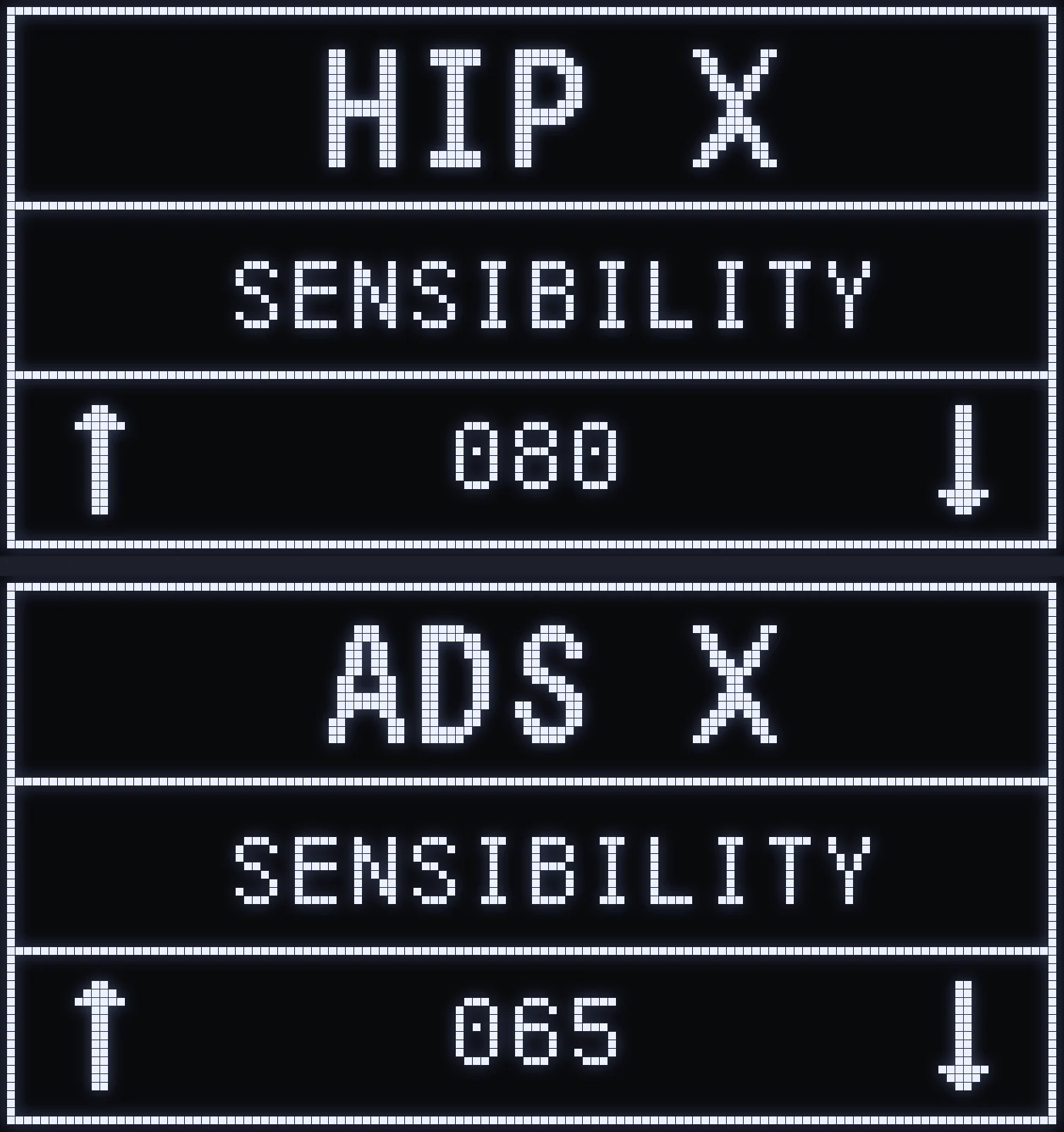
Reduces your right stick sensitivity, separately for hip fire and when aiming.
- HIP: sensitivity without aiming. - ADS: sensitivity while aiming, using your ADS button from LAYOUT. - X axis: horizontal movement · Y axis: vertical movement.
⚙️ HOW DO I SET IT?
UP / DOWN changes the value, CROSS / A switches from the X axis to the Y axis. At the maximum, your sensitivity isn't changed; the lower you set the value, the more it's reduced.
⚠️ WARNING: these settings can only reduce your sensitivity, never increase it. Set a high sensitivity in the game first, then lower it here.
UP / DOWN
🎯 WHAT IS IT FOR?
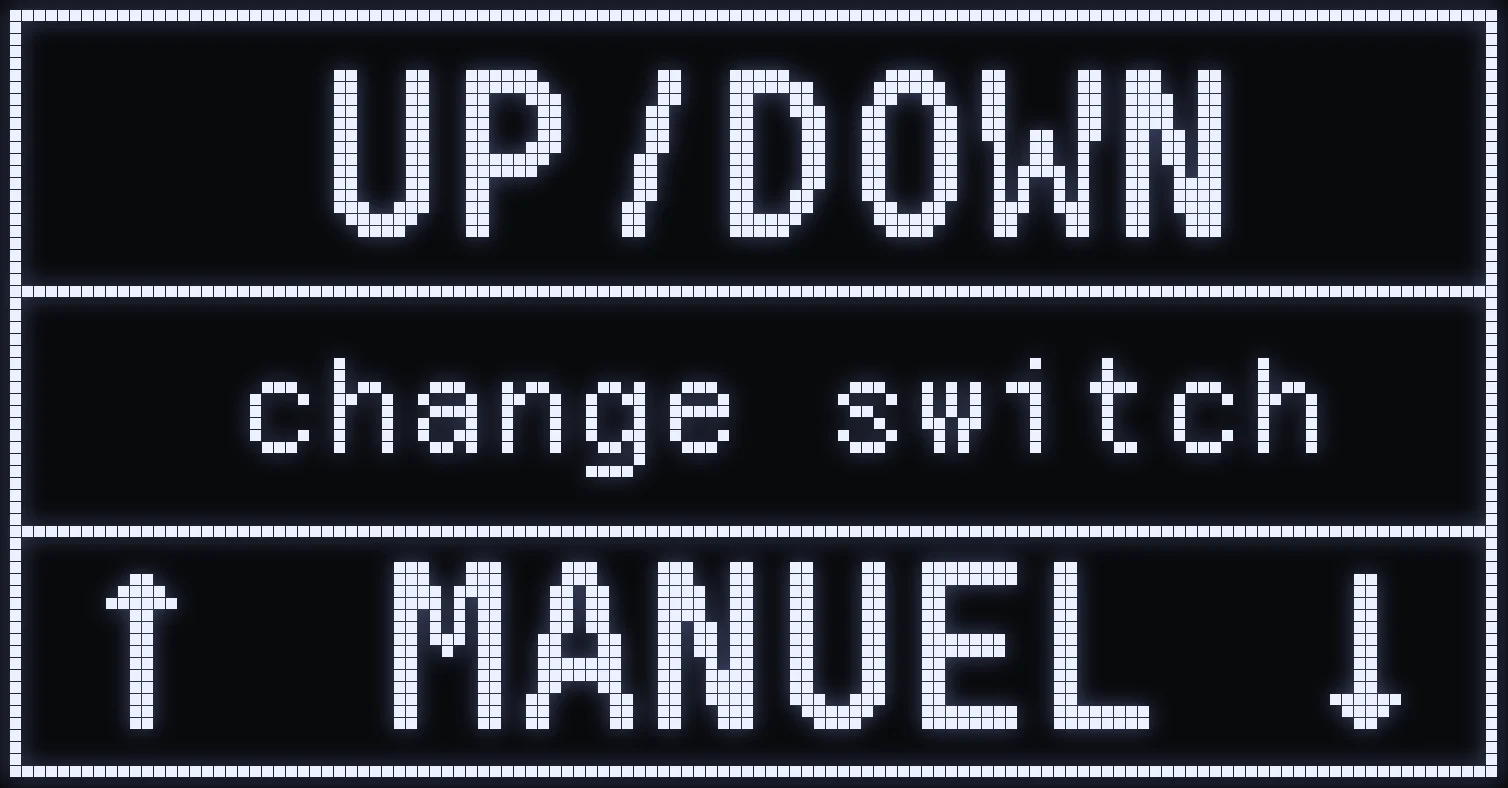
Tells the script whether your character is standing UP or crouched DOWN. The anti-recoil isn't the same in both stances: the stance shown on the home screen must always match your character's. It's shared by all weapons.
⚙️ MODE
UP / DOWN to choose:
- MANUEL (manual): hold TRIANGLE / Y then press L1 / LB to switch from DOWN to UP and back. - AUTO: each press of your Crouch button from LAYOUT changes the stance. If you sprint while crouched, the script switches back to UP.
💡 TIP: in AUTO, if the stance shown no longer matches your character's, hold TRIANGLE / Y then press L1 / LB to resync it. Make sure you're already holding TRIANGLE before you press L1.
SWITCH P
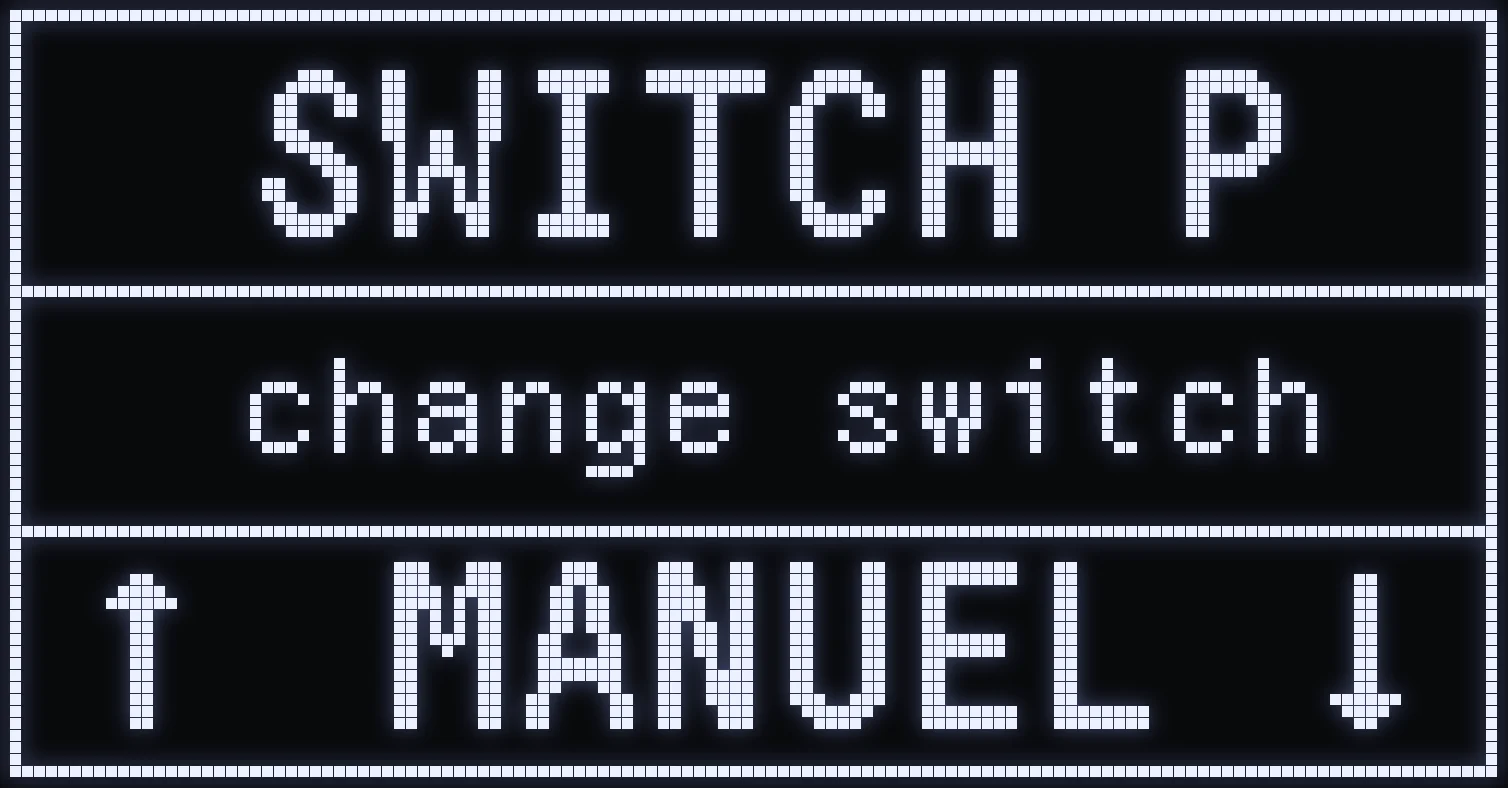
🎯 WHAT IS IT FOR?
Switches between the 6 available profiles, which match your 6 in-game slots. Each profile can be set up with a weapon or left on the default settings.
- MANUEL: R1 + L1 moves to the next profile, L1 + R1 goes back to the previous one. - AUTO: a single press of RIGHT or LEFT changes the profile automatically, just like in game.
DEADZONE
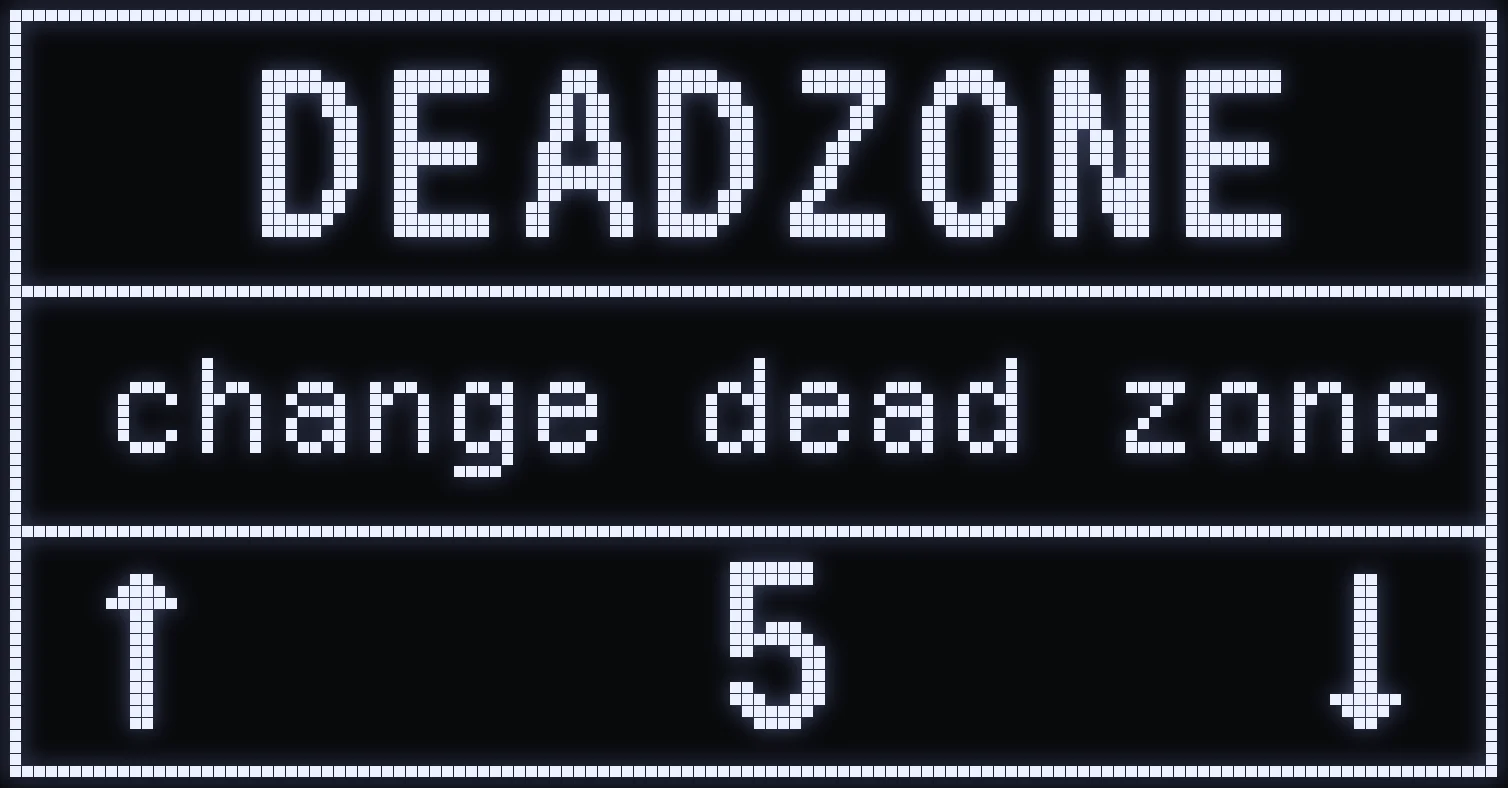
🎯 WHAT IS IT FOR?
Applies a deadzone to both sticks.
⚙️ HOW DO I SET IT?
UP / DOWN increases or decreases the value. The higher it is, the further you have to move the stick before the sight movement registers.
BLOCK RUMBLE
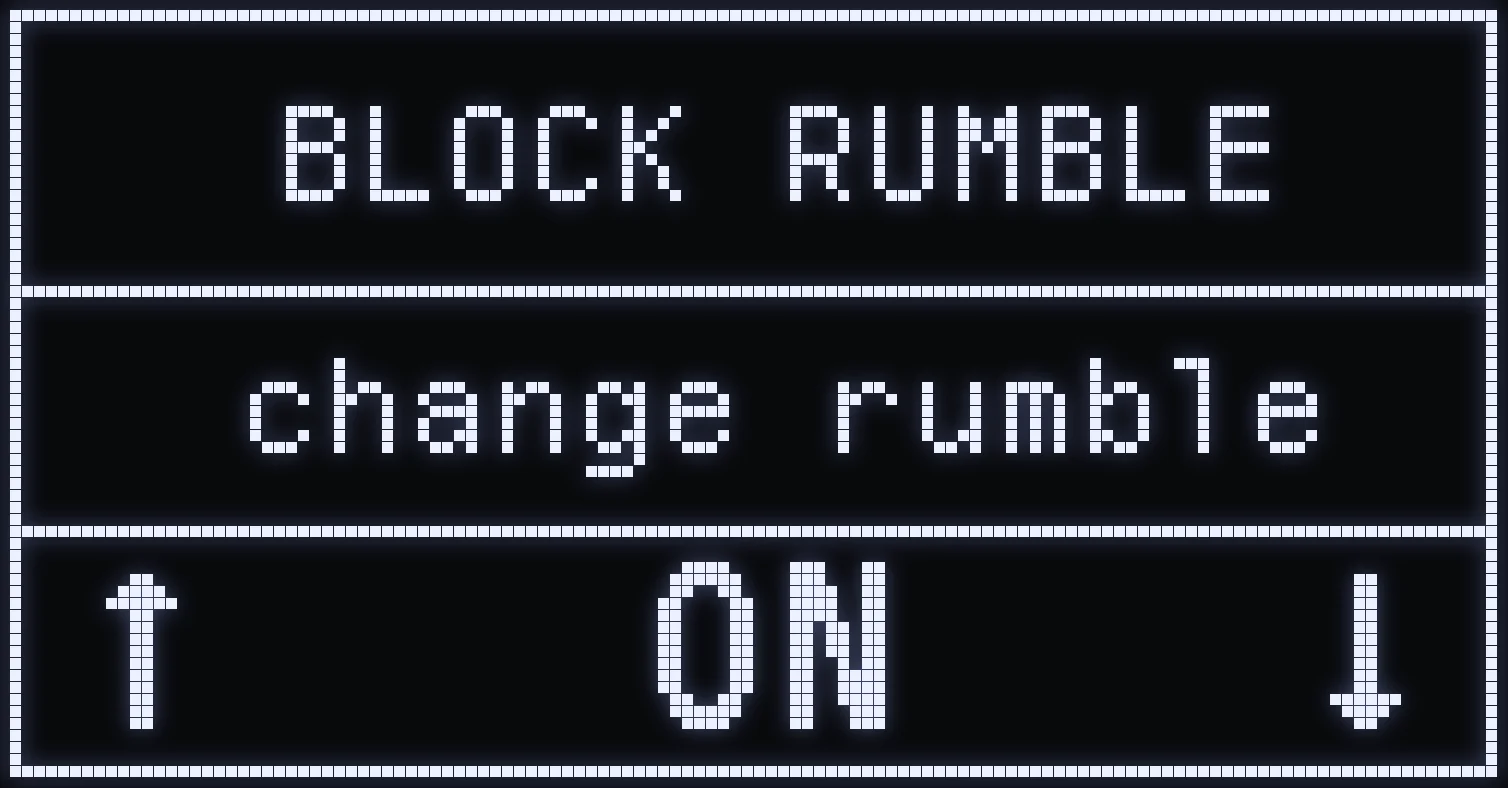
🎯 WHAT IS IT FOR?
Blocks, or doesn't block, the vibrations you feel in the controller. UP / DOWN to choose:
- ON: vibrations are blocked, you no longer feel them in your hands. - OFF: you feel the vibrations normally.
❗ IMPORTANT: vibrations must stay turned on in the game settings, at their DEFAULT intensity, even if you then block them with the script.
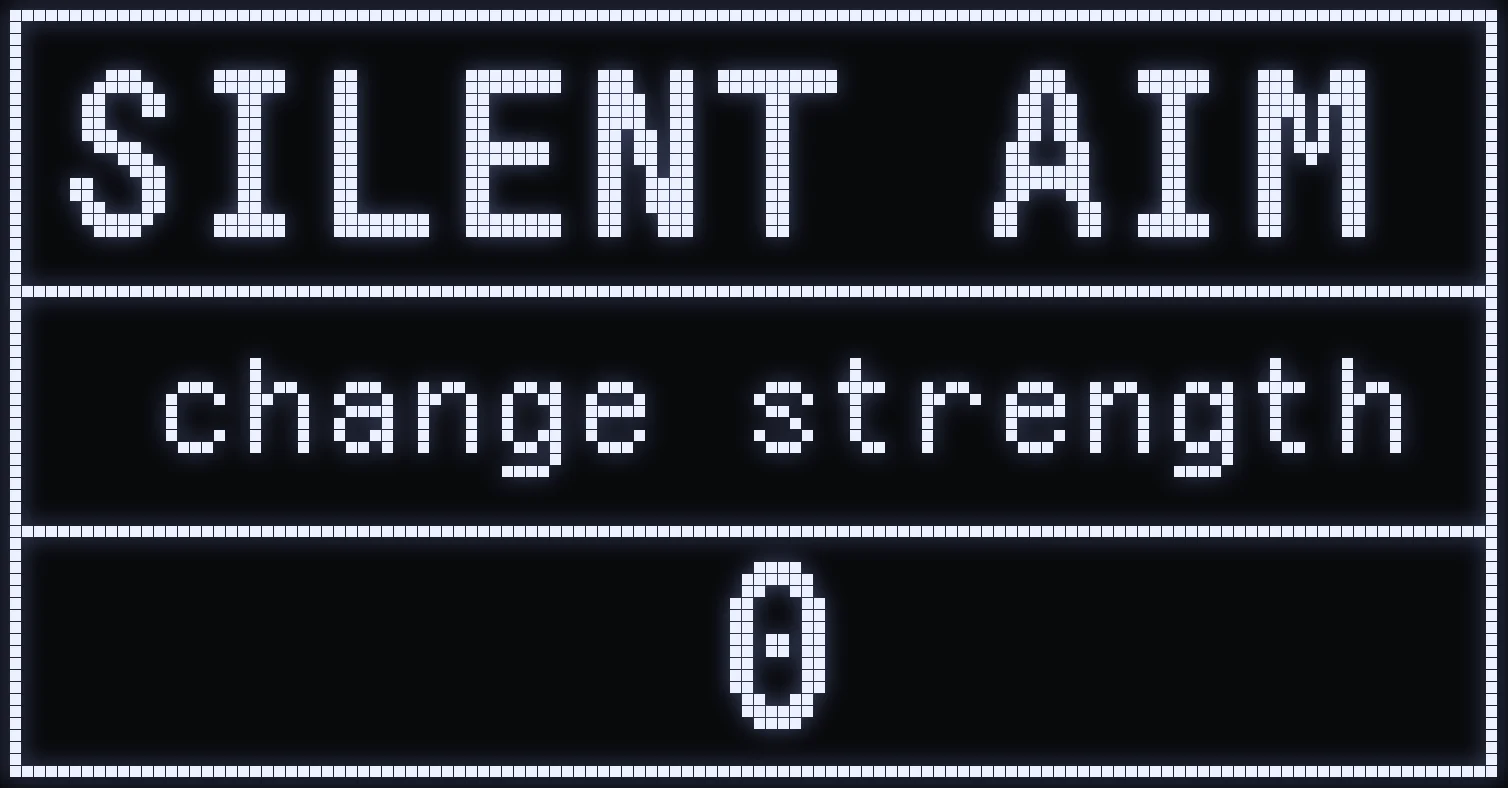
SILENT AIM
🎯 WHAT IS IT FOR?
Applies extra correction to your sight when you aim, fire and move your character at the same time.
⚙️ HOW DO I SET IT?
At 0, no correction is applied. The higher you set the value, the stronger the correction to compensate for your sight drifting while you move.
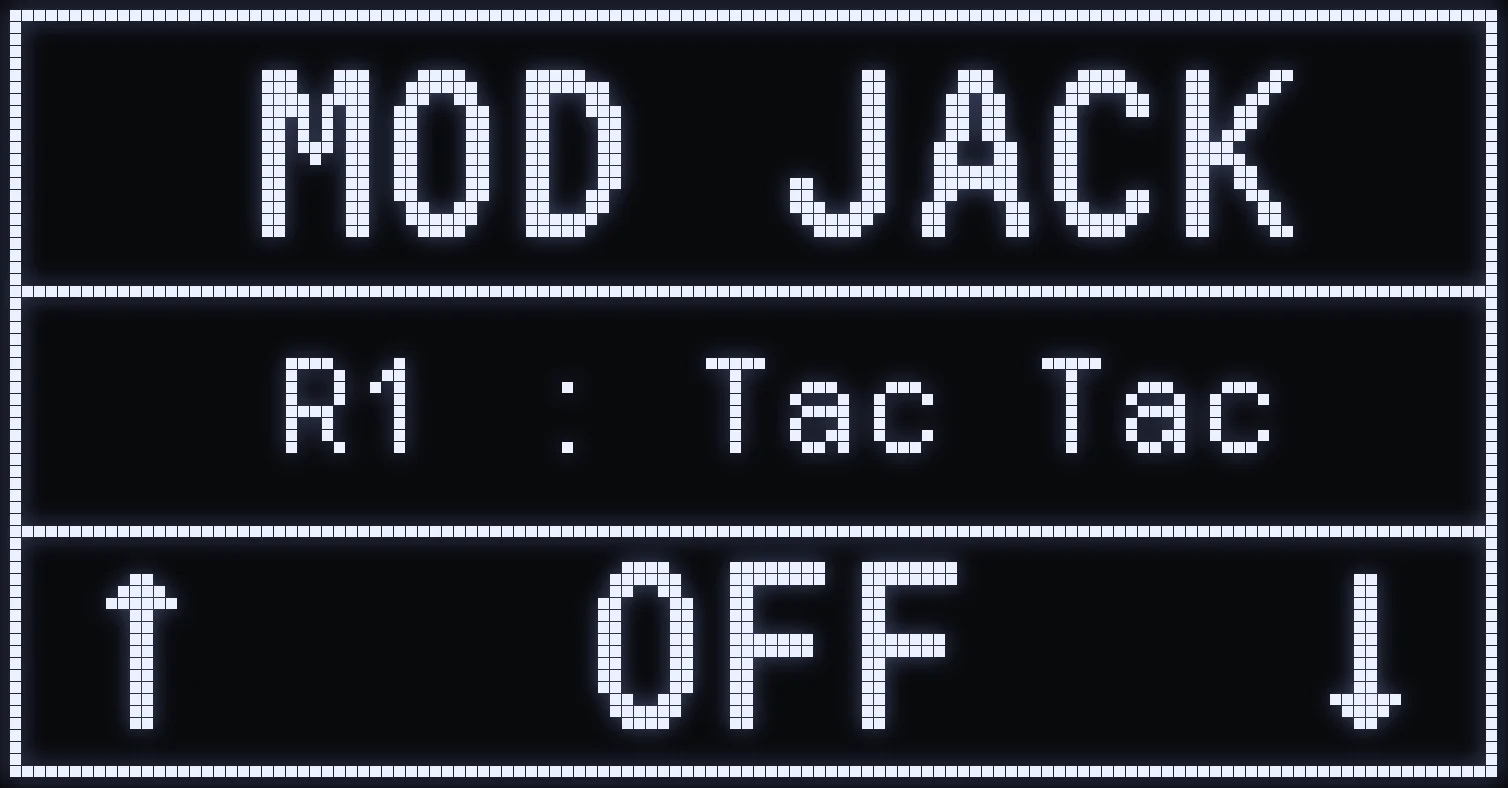
MOD JACK
🎯 WHAT IS IT FOR?
Turns MOD JACK on or off: once it's on, R1 / RB is used for mining.
💡 TIP: you can swap this button for another one in QUICK TOGGLE.
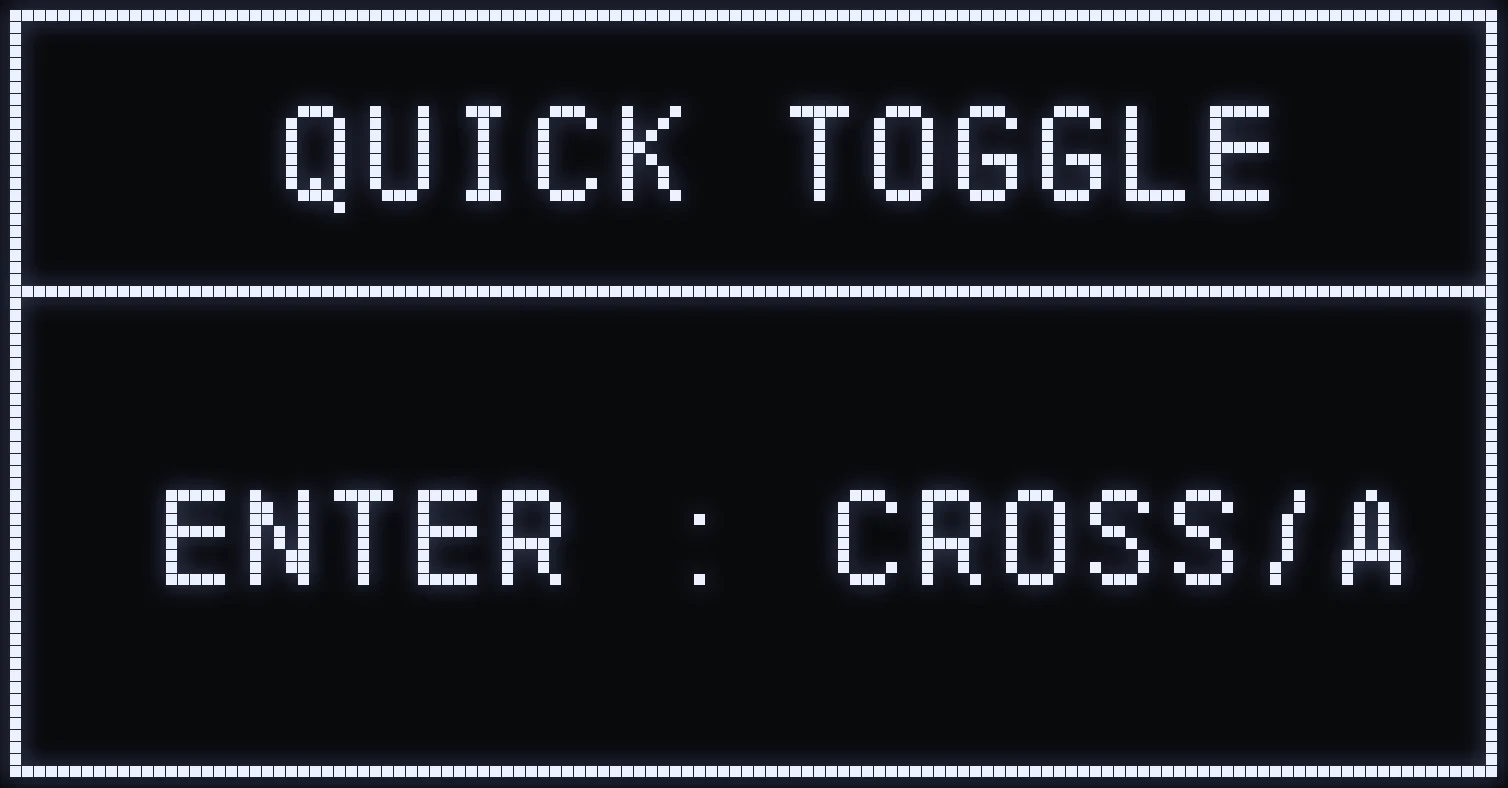
QUICK TOGGLE
🎯 WHAT IS IT FOR?
Changes the buttons used by some of the script's shortcuts: slot switching, MOD JACK and weapon switching.
⚙️ SETUP
Press CROSS / A from the QUICK TOGGLE screen: the settings open, starting with SWITCH P1.
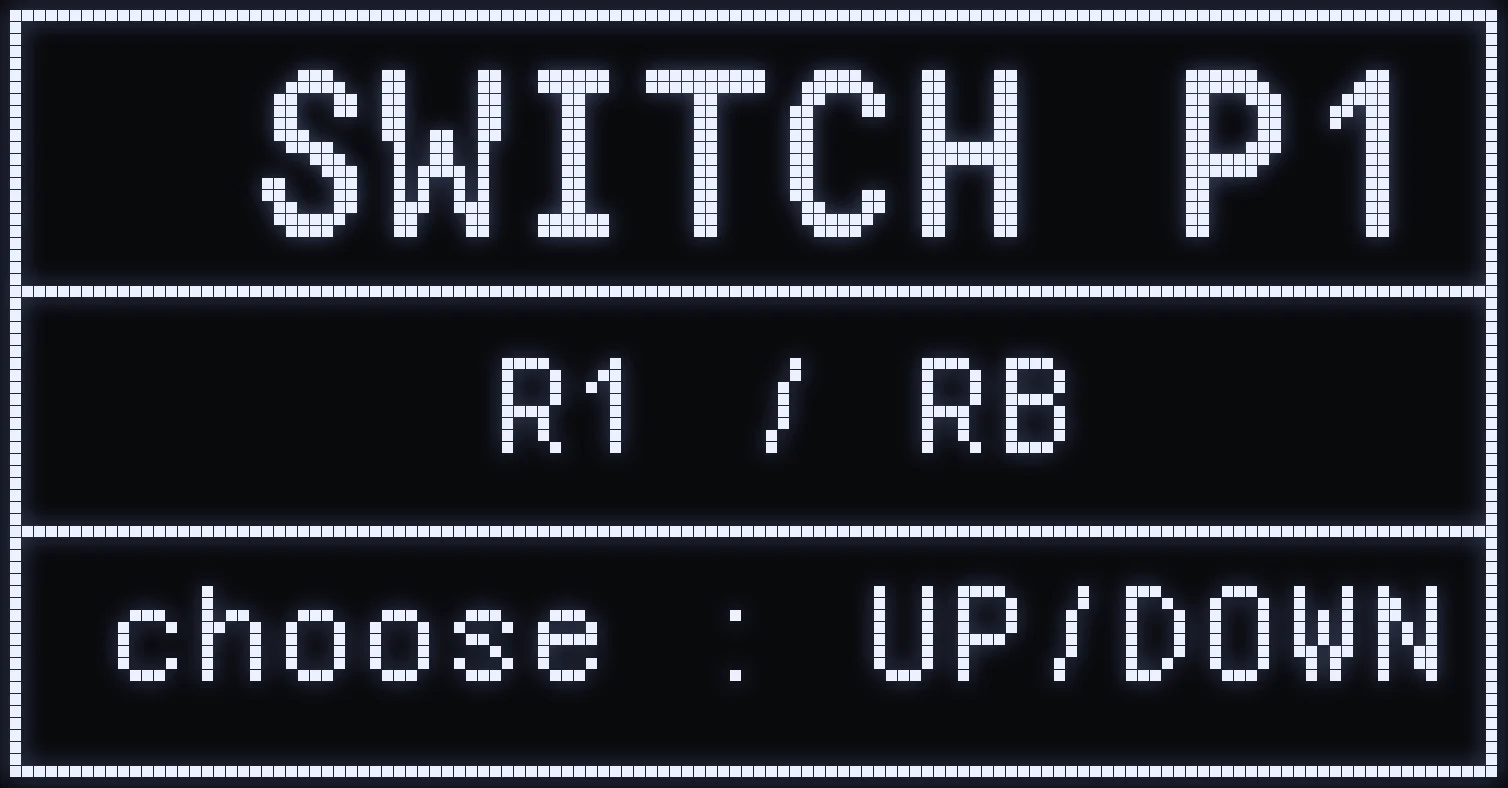
QUICK TOGGLE SETTINGS
🎮 CONTROLS
- LEFT / RIGHT: move from one setting to another. - UP / DOWN: choose the button. - CIRCLE / B: go back to the QUICK TOGGLE screen.
⚙️ THE 6 SETTINGS
- SWITCH P1 and SWITCH P2: the two buttons that switch slots when SWITCH P is set to MANUEL. R1 and L1 by default. - TOUCH JACK: the button that triggers MOD JACK. R1 by default. - LIST GUNS1: the button to hold to change weapons. TRIANGLE by default. - LIST GUNS+ and LIST GUNS-: the two buttons that scroll through the weapon list. UP and DOWN by default.
Frequently asked questions
Why can't I increase my sensitivity with HIP / ADS?
These settings can only reduce your sensitivity, never increase it. Set a high sensitivity in the game first, then lower it in HIP and ADS, one axis at a time.
Does RAPIDFIRE work with every weapon?
No. It only works on the semi-automatic weapons listed on this page: automatic weapons aren't affected.
How do I stop AFK mode?
Move a stick or press CROSS, CIRCLE, SQUARE, TRIANGLE, R1, L1 or OPTIONS. Careful: R2, L2 and the D-pad don't stop it.
Can I turn off the controller vibrations?
Yes, set BLOCK RUMBLE to ON: you no longer feel the vibrations in your hands. Still keep vibrations turned on in the game settings, at their default intensity.