Home screen
The home screen shows the active profile and its weapon.
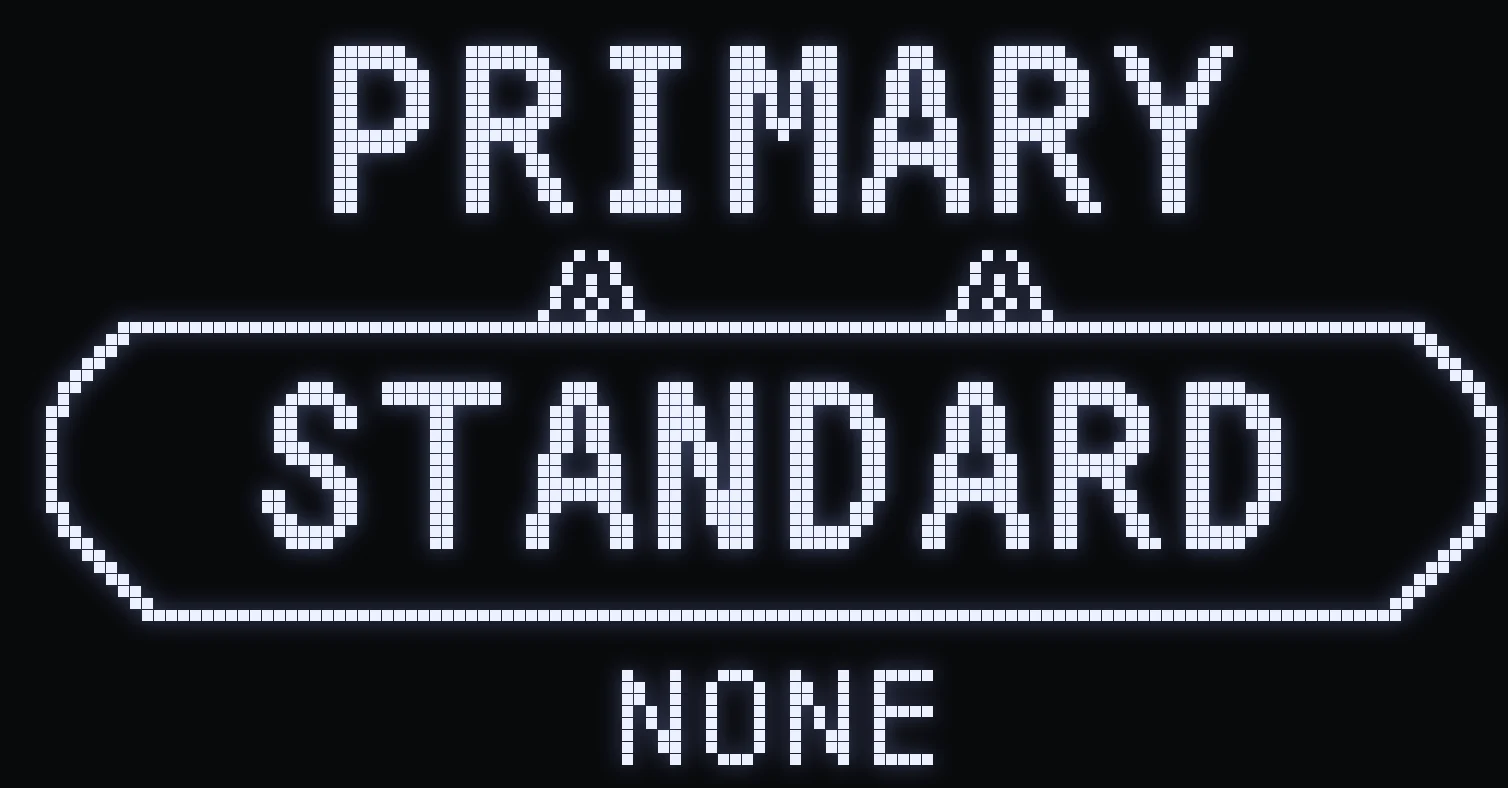
HOME SCREEN
🎯 WHAT IT SHOWS
- The name of the weapon currently selected for this profile. - The current weapon version, at the bottom center: NONE = no attachment on the weapon, WITH = with attachment. To switch between them in game: L2 + RIGHT (Xbox: LT + RIGHT).
🎮 THE TWO PROFILES
- PRIMARY: “PRIMARY” title, BLUE LED 🔵. - SECONDARY: “SECONDARY” title, RED LED 🔴.
The controller and Cronus LED changes color (red / blue) depending on the profile shown.
Frequently asked questions
What do NONE and WITH mean at the bottom of the Cronus screen?
NONE = your weapon has no attachment, WITH = it has an attachment. Each version keeps its own anti-recoil settings.
How do I switch from NONE to WITH during a match?
Hold L2 and press RIGHT (Xbox: LT + RIGHT). You can customize this shortcut in MOD+ → QUICK TOGGLE → SWITCH ACC.
Why is my controller LED blue or red?
It shows which profile is displayed: blue for PRIMARY, red for SECONDARY.