Mod+
MOD+ MENU
The MOD+ menu groups JAGUAR's extra features that let you customize certain actions during your matches: movement, firing, pings, shortcuts and other automations.
🎮 HOW DO YOU OPEN THE MENU?
Hold L2 + OPTIONS on PlayStation, or LT + MENU on Xbox, to open the script's main menu.
- Use UP / DOWN to select MOD+. - Press CROSS / A to enter this category.
🕹️ HOW DO YOU NAVIGATE?
- LEFT / RIGHT: move from one MOD to the next. - UP / DOWN: change the setting shown. - CROSS / A: open the extra settings when they're available. - CIRCLE / B: go back or exit the menu.
Some MODs have several setting screens, which you reach with LEFT / RIGHT or CROSS / A.
💡 TIP: Start by turning on and testing one MOD at a time, so you really understand what it does in game.
The opening shortcuts can also be customized in QUICK TOGGLE.
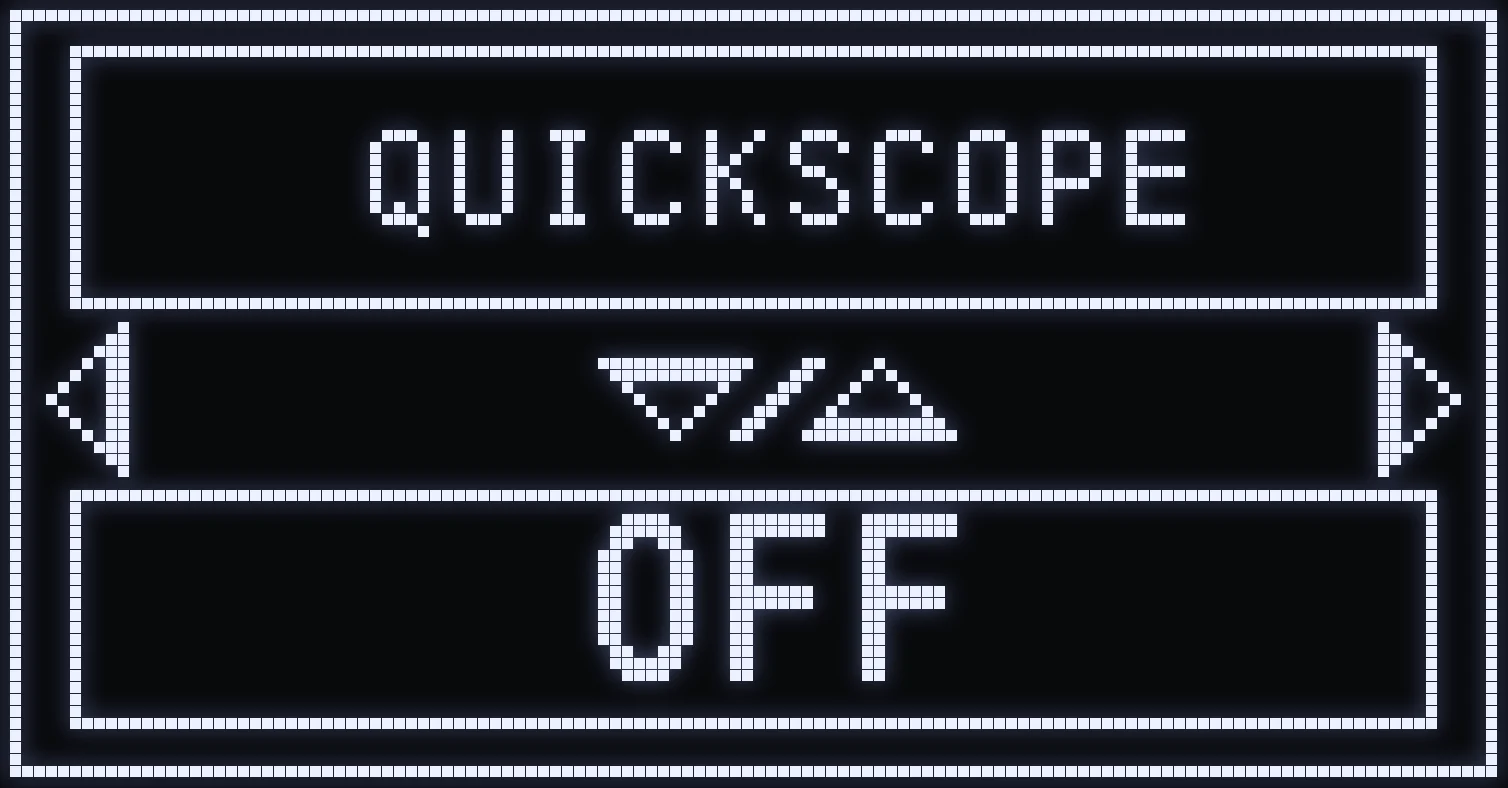
QUICKSCOPE
🎯 WHAT IS THIS MOD FOR?
QUICKSCOPE makes it easier to chain aiming and firing quickly with sniper rifles.
It lets you take quick shots without handling every aiming and firing step manually.
🎮 AVAILABLE MODES
- OFF: turns off Quickscope. - ADS: when you start aiming, the script automatically fires a quick shot. - FIRE: when you press fire without aiming, the script automatically chains a short aim and a shot.
⚙️ TIME SETTING
Press CROSS / A to open the TIME setting.
This value adjusts the Quickscope's execution delay so it matches your weapon's aiming speed.
⚠️ IMPORTANT: Quickscope only works with these weapons: VS RECON, XR-3 ION, SHADOW SK, HAWKER and STRIDER 300. It doesn't guarantee you'll hit an opponent automatically.
💡 TIP: Adjust the TIME gradually in a private match to find the right balance between aiming speed and when the shot fires.
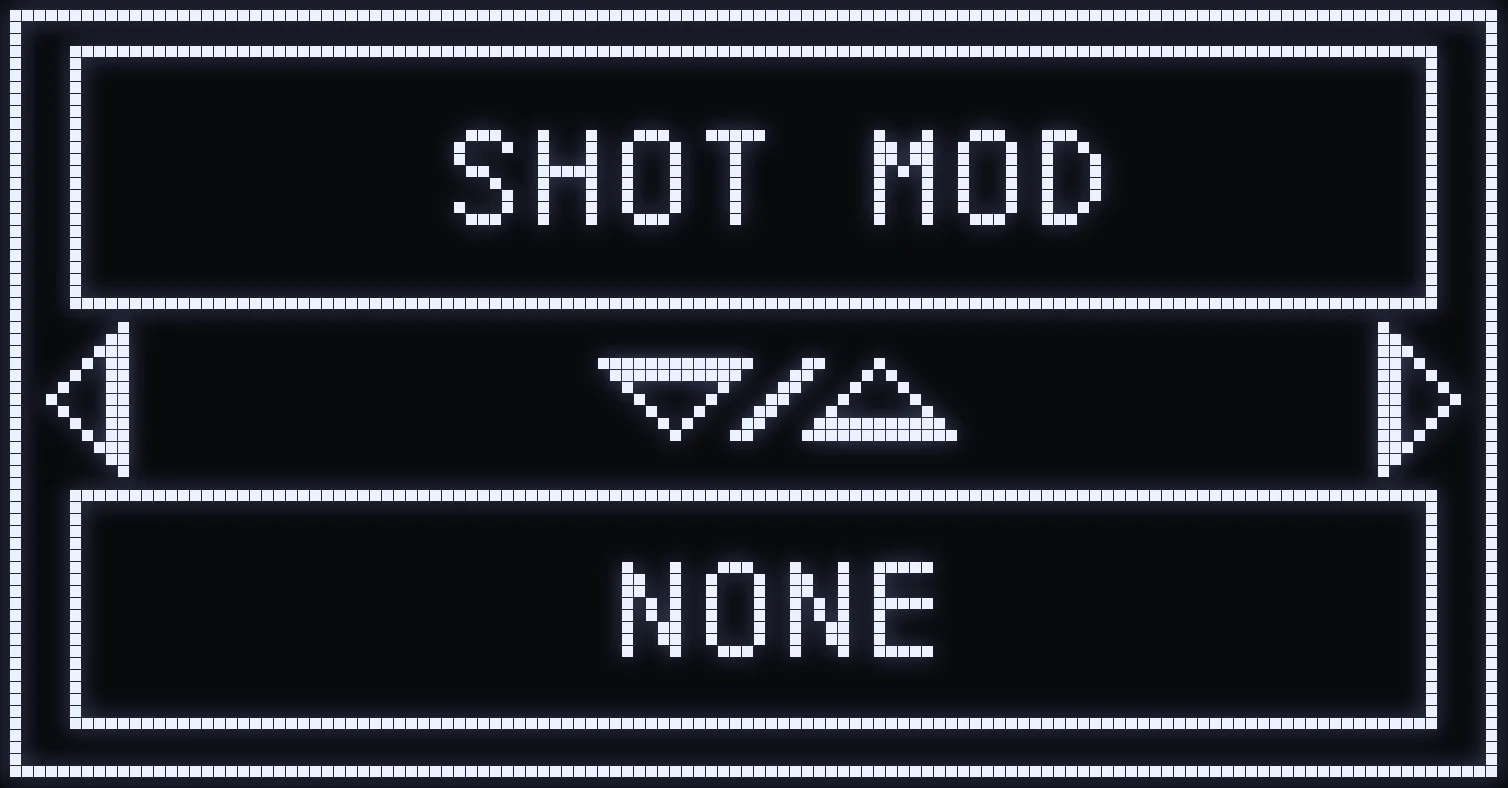
SHOT MOD
🔫 WHAT IS THIS MOD FOR?
SHOT MOD automatically performs certain movements while you fire.
The goal is to make your movement and stance changes more dynamic during fights.
🎮 AVAILABLE MODES
- NONE: no automatic movement. - CROUCH SPAM: chains crouches while you fire, to make your movement less predictable. - JUMP: automatically jumps during the firing sequence. - DROP SHOT: lets you go prone while firing.
⚙️ HOW DO YOU SET IT?
On the SHOT MOD screen, use UP / DOWN to choose the movement you want.
Then press CROSS / A to open ACTIVATION:
- FIRE: the movement triggers when you fire without aiming. - ADS&FIRE: the movement triggers when you aim and fire at the same time.
From ACTIVATION, press RIGHT to open the TIME setting.
TIME adjusts the delay between your shot and the movement.
💡 TIP: Match the movement to your playstyle. CROUCH SPAM and DROP SHOT are especially useful in close-quarters fights.
⚠️ Results depend on the movement and stance controls you use in the game.
💡 QUICK ON / OFF: in game, hold SQUARE / X and quickly press RIGHT twice to turn SHOT MOD off or back on without opening the menu. When the Cronus restarts, it goes back to ON.
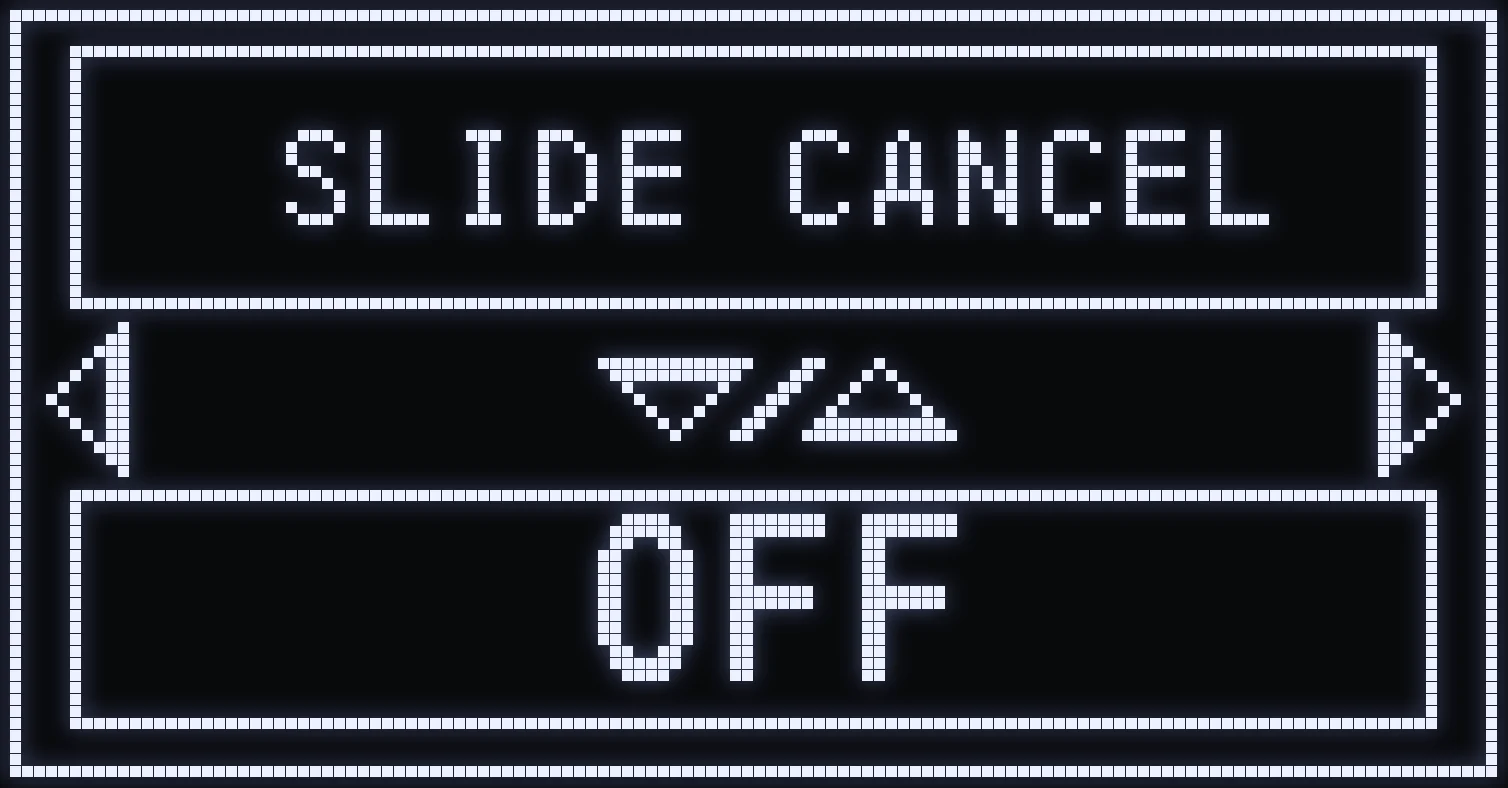
SLIDE CANCEL
🏃 WHAT IS THIS MOD FOR?
SLIDE CANCEL makes it easier to chain a slide into getting moving again.
When you're moving and trigger a slide, the script can automatically perform the action needed to come out of it with a jump.
This can help you keep a fast, dynamic movement style during your matches.
⚙️ AVAILABLE SETTINGS
- ON: turns on Slide Cancel. - OFF: turns off Slide Cancel.
Press CROSS / A to open the TIME setting.
TIME adjusts when the script chains the slide exit.
A poorly matched value can cut the movement off too early or too late.
🎮 HOW DO YOU USE IT?
Move, then use your crouch or slide button as usual.
When the movement conditions are met, the MOD automates the planned sequence.
💡 TIP: Try different TIME settings in a private match to get a natural transition between the slide and moving again.
⚠️ The result also depends on the movement settings and the game's mechanics.
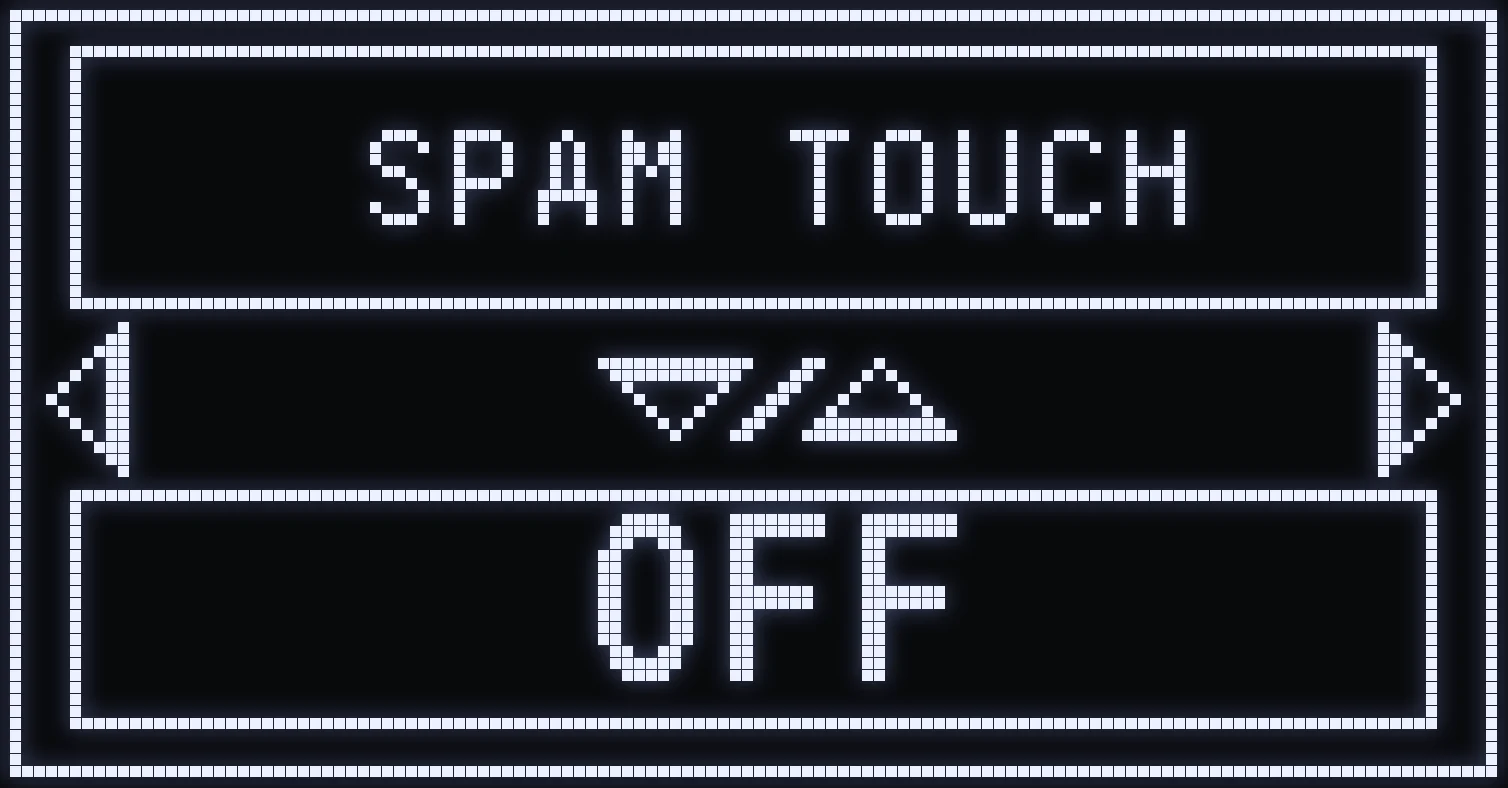
SPAM TOUCH
🎮 WHAT IS THIS MOD FOR?
SPAM TOUCH lets you repeat an action quickly just by holding a button on your controller.
Instead of pressing it manually several times, the script performs a series of presses on the configured button.
This feature can be used for certain repetitive in-game actions, depending on the button you choose.
⚙️ AVAILABLE SETTINGS
- ON: turns on automatic repeat. - OFF: turns off this feature.
Press CROSS / A to open the TIME setting.
TIME adjusts how fast the repeated presses are.
🕹️ HOW DO YOU CHANGE THE BUTTON USED?
The button used by SPAM TOUCH can be customized in QUICK TOGGLE → SPAM TOUCH.
So you can choose a button that matches the action you want to repeat.
💡 EXAMPLE: If you assign the melee button, holding it lets you quickly press melee several times.
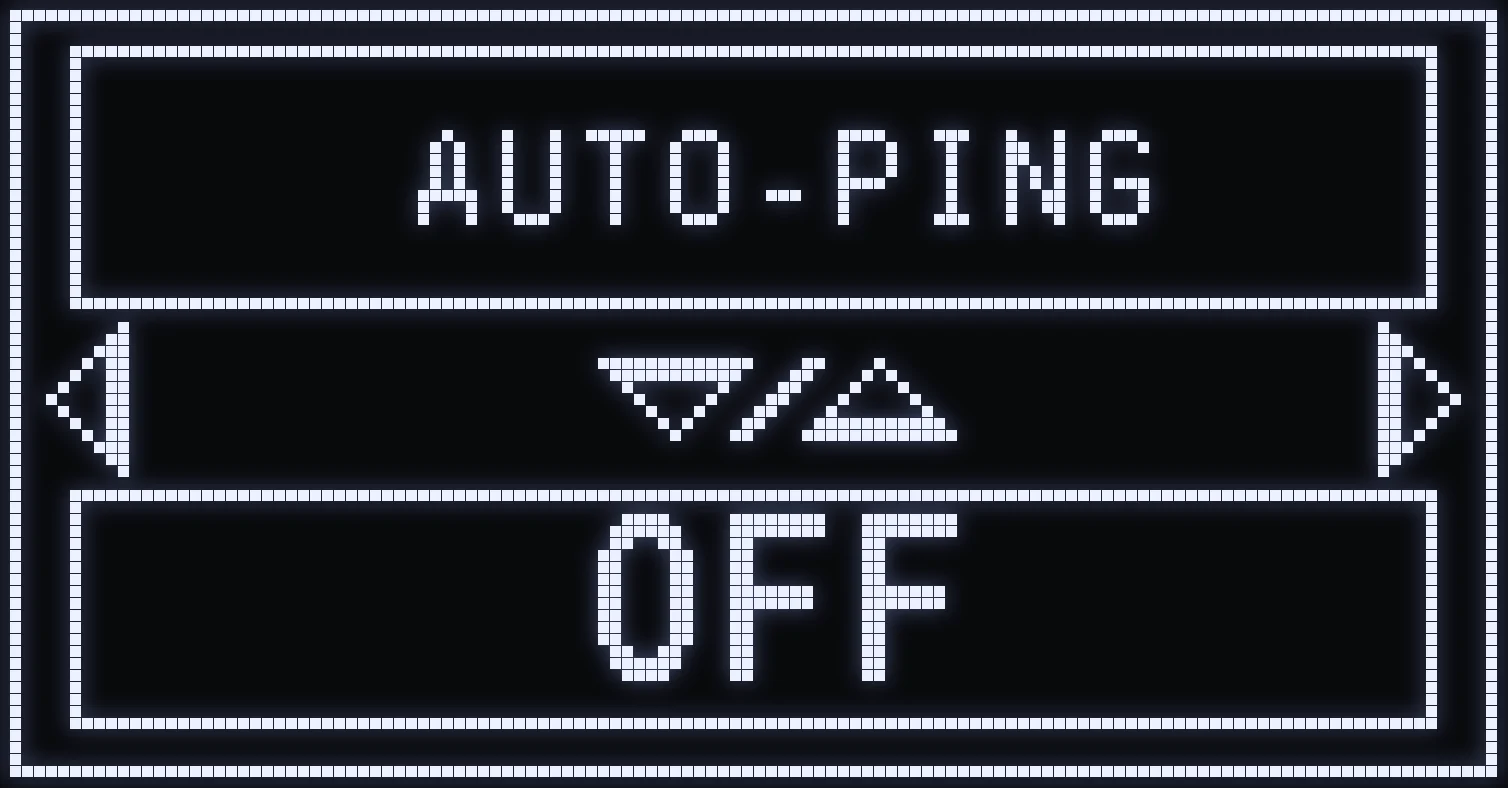
AUTO-PING
📍 WHAT IS THIS MOD FOR?
AUTO-PING pings automatically while you fire.
This makes communicating with your teammates easier by repeating the ping action, without you having to press the matching button manually.
It can be especially handy in team fights to quickly call out an enemy position.
⚙️ AVAILABLE SETTINGS
On the AUTO-PING screen, use UP / DOWN to select:
- ON: turns on automatic pinging. - OFF: turns off automatic pinging.
Press CROSS / A to open ACTIVATION.
Two modes are available:
- FIRE: auto-ping works when you fire without aiming. - ADS&FIRE: auto-ping works when you aim and fire at the same time.
From ACTIVATION, press RIGHT to open the TIME setting.
TIME sets the interval between automatic pings.
💡 TIP: Avoid a frequency that's too fast, so you don't flood your teammates with pointless markers.
⚠️ IMPORTANT: AUTO-PING doesn't detect enemies automatically. It just repeats the game's ping command.
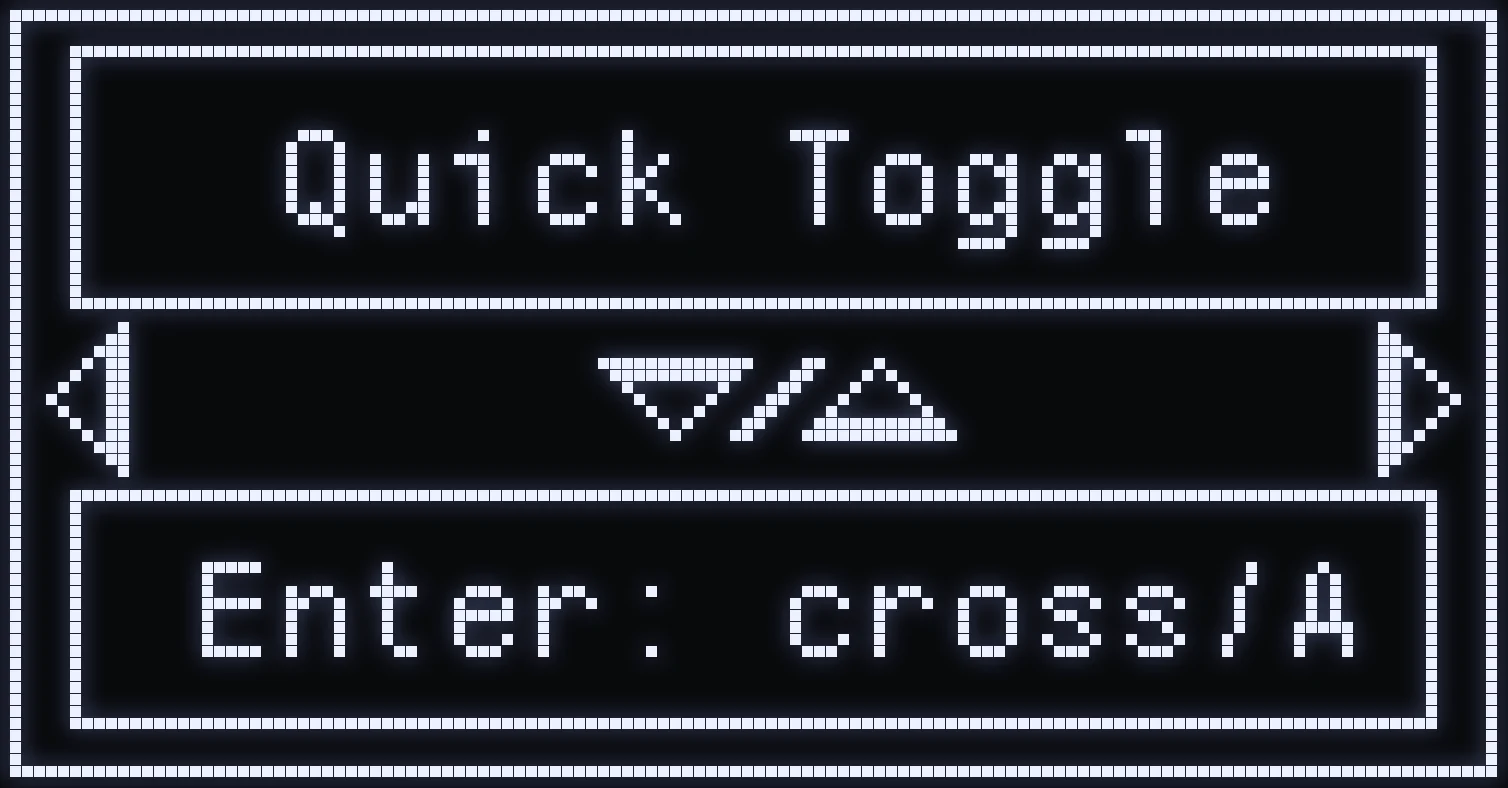
QUICK TOGGLE
🎛️ WHAT IS THIS MENU FOR?
QUICK TOGGLE lets you customize the shortcuts used to turn on certain features and open JAGUAR's different menus.
That way you can adapt the button combos to your habits, instead of keeping all the original shortcuts.
🎮 HOW DO YOU CHANGE A SHORTCUT?
On the QUICK TOGGLE screen, press CROSS / A to enter the menu.
- LEFT / RIGHT: move between the different shortcuts. - CROSS / A: edit the selected shortcut. - LEFT / RIGHT: choose TOUCH 1 or TOUCH 2 when there are two buttons. - UP / DOWN: change the assigned button. - CIRCLE / B: go back.
⚙️ CUSTOMIZABLE SHORTCUTS
- RAPIDFIRE: quickly change the Rapid Fire mode. - RESET ACC: reset the saved attachments. - STOP-ALL: temporarily turn off the script's features. - SPAM TOUCH: choose the button used for repeated presses. - ON/OFF ENNEMI (enemy): switch the recoil compensation mode tied to the enemy or to the surroundings. - MENU: customize the shortcut that opens the main menu. - SELECT GUN: customize the shortcut for the weapon selection menu. - MENU AR: customize the shortcut that goes straight to the per-weapon anti-recoil menu. - SWITCH ACC: customize the shortcut that switches the weapon from NONE to WITH, L2 + RIGHT by default. - SWITCH PAD: on PS5, swaps the TOUCHPAD and the SHARE button (ON / OFF with UP / DOWN). It does nothing on Xbox.
💡 EXAMPLE
By default, the main menu opens with L2 + OPTIONS on PlayStation or LT + MENU on Xbox.
With QUICK TOGGLE, you can assign a different combo if it suits you better.
✅ TIP: Pick shortcuts that are easy to remember, and avoid combos you already rely on for in-game actions.
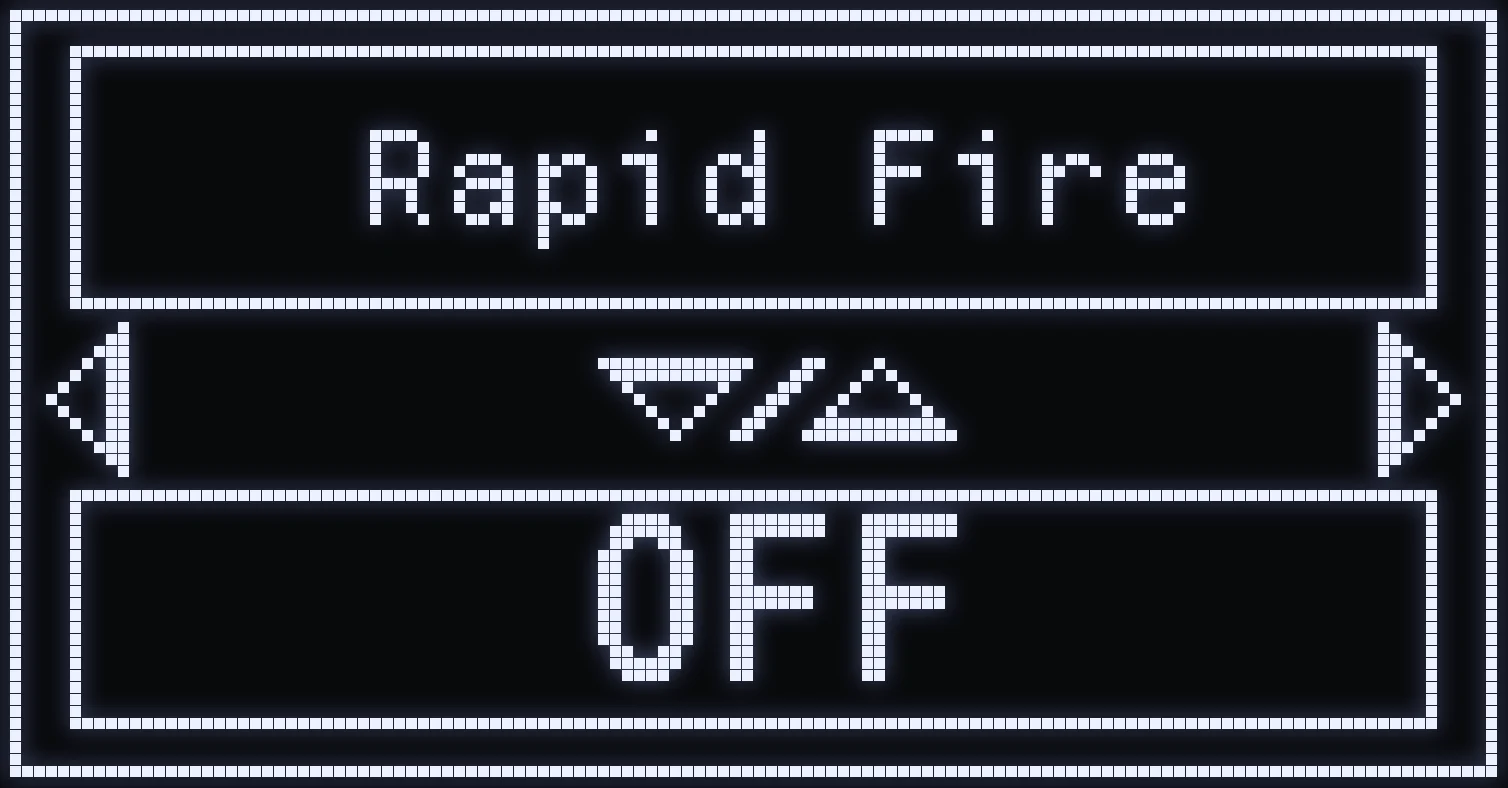
RAPID FIRE
🔫 WHAT IS THIS MOD FOR?
RAPID FIRE automatically chains shots while you hold the fire trigger.
This feature is mainly useful with semi-automatic weapons, which normally need several successive presses to fire several times.
It lets you fire repeatedly without having to keep pressing the trigger.
⚙️ AVAILABLE MODES
- OFF: turns off Rapid Fire. - AUTO: automatically turns on Rapid Fire, only for the weapons flagged as compatible in the script. - ALL: forces Rapid Fire on every weapon, whatever its category.
🔫 COMPATIBLE WEAPONS IN AUTO
JAGER 45 • WARDEN • SG-12 • KRS-7.62 • 1911 • TR51
⏱️ TIME SETTING
Press CROSS / A to open the TIME setting.
This value adjusts the rate of the automatic fire presses.
The goal is to get a repeat rate that suits the fire rate your weapon accepts.
💡 TIP: Go with AUTO mode, so the script only uses Rapid Fire with the weapons it's meant for.
⚠️ WARNING: ALL mode also affects automatic weapons and can disrupt their continuous fire. So it's best to use it only when you need to.
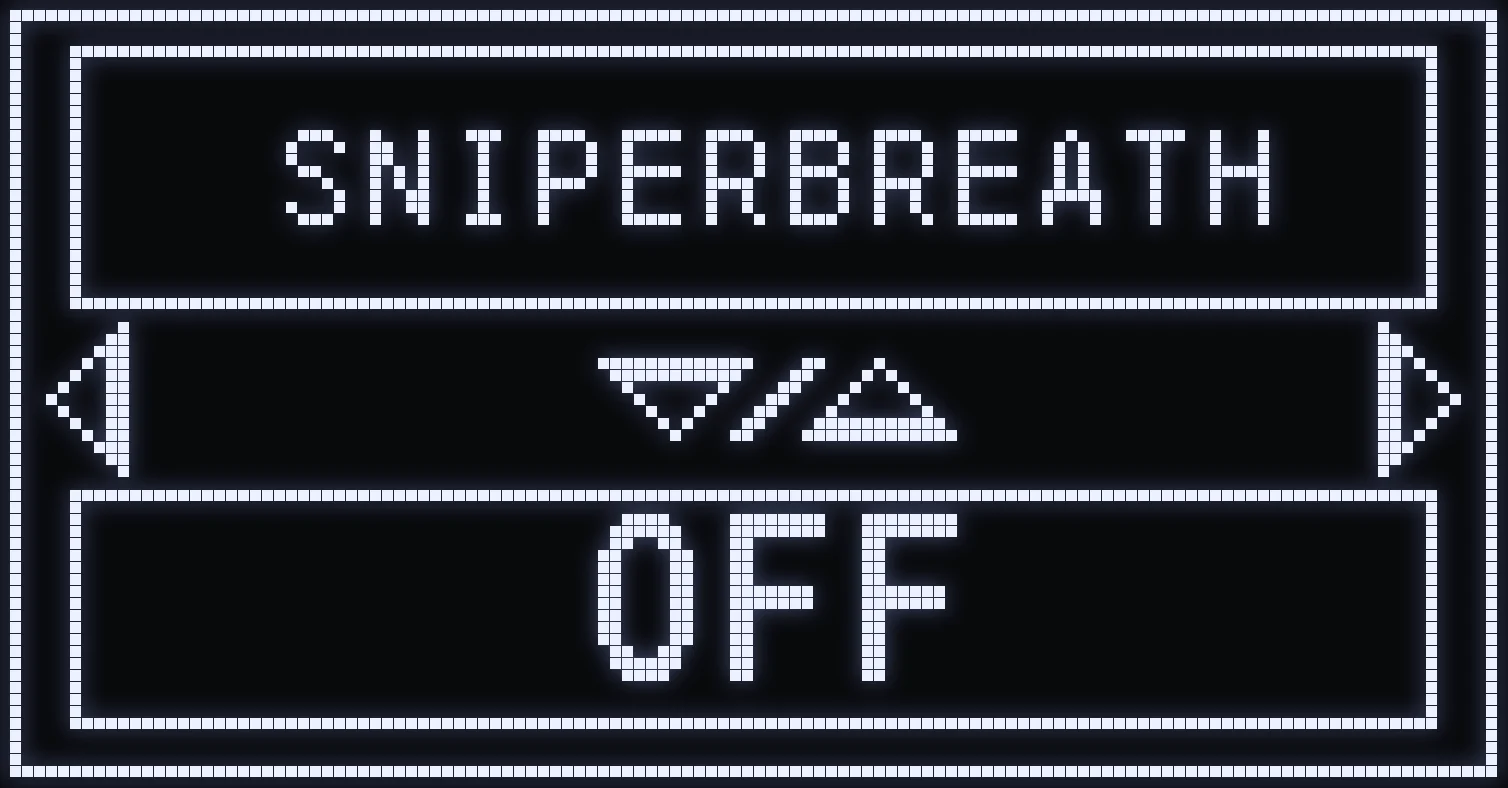
SNIPERBREATH
🎯 WHAT IS THIS MOD FOR?
SNIPERBREATH automatically holds your breath as soon as you aim, to steady your sight.
In the game, holding your breath reduces sway and makes precise shots easier. With this MOD, you no longer need to hold the button yourself.
⚙️ AVAILABLE SETTINGS
- ON: turns on automatic breath holding while aiming. - OFF: turns off this automation.
🎮 HOW DO YOU USE IT?
In JAGUAR, SNIPERBREATH works with all weapons, not just sniper rifles. As soon as you aim, the script holds your SPRINT button (as set in LAYOUT) for you: that's the button used to hold your breath in the game.
(#35d09a:💡 TIP: if you've changed your sprint button in the game, set it in LAYOUT, otherwise SNIPERBREATH won't press the right button.)
⚠️ IMPORTANT: This feature depends on the game's mechanics. It doesn't remove weapon recoil and doesn't automatically lock onto enemies.
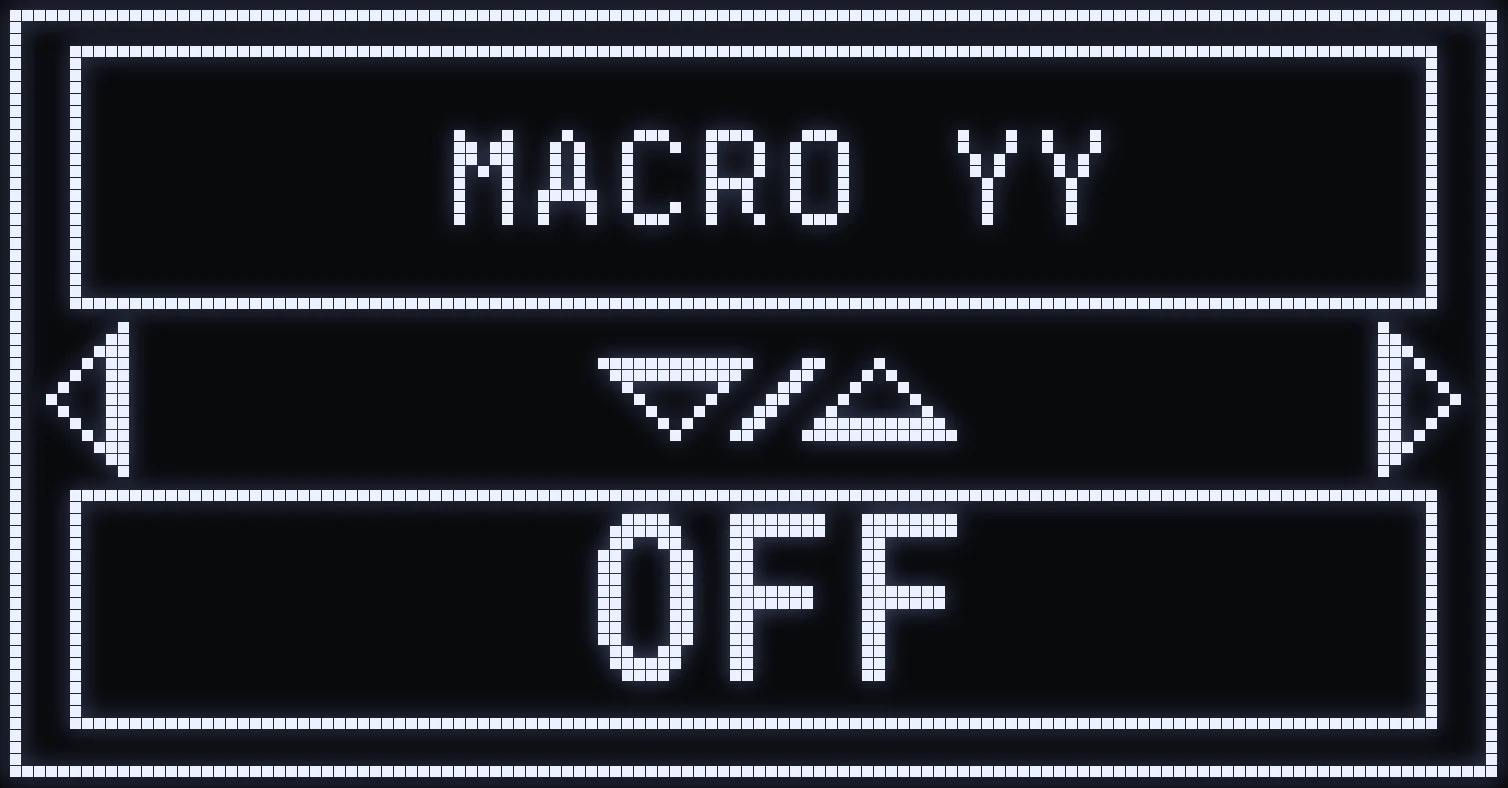
MACRO YY
🔄 WHAT IS THIS MOD FOR?
MACRO YY lets you do quick, repeated weapon swaps without pressing the weapon swap button manually several times.
It's mainly meant for players who regularly use quick weapon swaps as part of their playstyle.
Once it's on, just hold the activation button you chose to start the repeated weapon swaps.
⚙️ AVAILABLE SETTINGS
- ON: turns on Macro YY. - OFF: turns off Macro YY.
Press CROSS / A to open the TOUCHE (button) setting.
This screen lets you choose the button that will trigger Macro YY (R3 by default). Avoid a button that's already used for another action, like L3, which is used for sprint.
Use UP / DOWN to select the button you want.
Press CROSS / A again to open the TIME setting.
⏱️ TIME
This setting adjusts how fast the repeated weapon swaps are.
It's important to pick a suitable speed, so the game registers the weapon swaps properly.
🎮 EXAMPLE
You turn on Macro YY and keep the default activation button, R3.
When you hold R3, the script automatically performs a series of weapon swaps until you release the button.
💡 TIP: Start with a moderate speed before speeding up the weapon swaps.
⚠️ A rate that's too high can cause weapon swaps the game doesn't register properly.
Frequently asked questions
Which weapons does JAGUAR's QUICKSCOPE work with?
Only with these weapons: VS RECON, XR-3 ION, SHADOW SK, HAWKER and STRIDER 300.
Does SNIPERBREATH only work with snipers?
No: in JAGUAR, it works with all weapons, as soon as you aim. It presses your SPRINT button as set in LAYOUT: if you've changed your sprint button in the game, set it in LAYOUT.
Which weapons use RAPID FIRE in AUTO mode?
JAGER 45, WARDEN, SG-12, KRS-7.62, 1911 and TR51. In ALL mode, it applies to every weapon, which can get in the way of automatic weapons' fire.
How do you trigger MACRO YY?
Turn it on in MOD+, then hold your activation button, R3 by default: the weapon swaps keep chaining until you let go. Avoid L3, which is already used for sprint.