Aim Assist
Having trouble with aim assist?
Want to learn more about Silent Aim, or see how Aim Assist works with a Cronus on video? Click here.
AIM ASSIST — RADIUS & SPEED
🎯 HOW DOES AIM ASSIST WORK?
The JELLY script's Aim Assist makes small, repeated movements on the joysticks to trigger the game's built-in aim assist more easily.
These movements are controlled by two main settings: RADIUS and SPEED.
⭕ RADIUS — SIZE OF THE MOVEMENT
RADIUS sets how wide the Aim Assist movements are.
- Low RADIUS: short, subtle movements. - High RADIUS: wider, more noticeable movements.
💡 EXAMPLE:
With a low RADIUS, your crosshair makes very small movements around its position.
As you raise the RADIUS, these movements get wider, which can help trigger the game's aim assist, but can also cause distracting movements if the value is too high.
⚡ SPEED — SPEED OF THE MOVEMENT
SPEED sets how fast the Aim Assist movements are made.
- Low SPEED: slower movements. - High SPEED: movements repeated faster.
💡 EXAMPLE:
Picture your Aim Assist moving your crosshair in a small circle.
- RADIUS sets the size of that circle. - SPEED sets how fast that circle is traced.
So you can keep the same RADIUS and just raise the SPEED to speed up the movement without making it any wider.
🎮 HOW DO YOU FIND THE RIGHT BALANCE?
A good setting is all about balancing the size and the speed of the movements.
✅ TIP: Start with moderate values, then gradually adjust RADIUS and SPEED to keep your aim smooth and natural.
⚠️ IMPORTANT: The Cronus Aim Assist doesn't detect enemies and doesn't lock onto any target. SPEED isn't a lock-on speed and RADIUS isn't a magnet strength. Both settings only control the movements generated on the joysticks. How well they work depends on the game's built-in aim assist.
❗ IMPORTANT: out of the box, no RADIUS is set: aim assist does nothing until you've set at least one. In any situation where the RADIUS is all the way down, aim assist doesn't move, whatever the SPEED.
🎮 QUICK ON / OFF IN GAME
Hold SQUARE / X and quickly press DOWN twice to turn aim assist off or back on without opening the menu. A vibration confirms the change. When the Cronus restarts, aim assist goes back to ON.
AIM ASSIST — ACTIVATION MODES
🎮 WHAT DO HIP, ADS, FIRE AND ADS&FIRE MEAN?
Aim Assist covers 4 different in-game situations, so you can tailor its settings depending on whether you're aiming, shooting or just moving around.
Each situation can use different Aim Assist settings.
HIP — NOT AIMING OR SHOOTING
HIP covers the moments when you're neither aiming nor shooting.
💡 EXAMPLE: You're running, looking around or moving your crosshair without using the aim and fire triggers.
Aim Assist then applies the HIP settings.
ADS — AIMING WITHOUT SHOOTING
ADS stands for Aim Down Sights, in other words aiming with your weapon.
This mode only kicks in when you hold aim without shooting.
💡 EXAMPLE: You hold L2 / LT to track an enemy with your crosshair, but you don't press the fire trigger.
Aim Assist then uses the ADS settings.
FIRE — SHOOTING WITHOUT AIMING
FIRE means shooting.
This mode only kicks in when you shoot without aiming.
💡 EXAMPLE: An enemy is right in front of you and you fire straight away with R2 / RT, without holding L2 / LT.
Aim Assist then uses the FIRE settings.
ADS&FIRE — AIMING AND SHOOTING AT THE SAME TIME
ADS&FIRE means aiming and shooting at the same time.
This mode only kicks in when you hold aim and fire together.
💡 EXAMPLE: You hold L2 / LT to aim at an enemy, then press R2 / RT to shoot while still aiming.
As soon as you start shooting while aiming, the ADS settings give way to the ADS&FIRE settings.
When you stop shooting but keep aiming, the ADS settings take over again.
⚙️ SUMMARY
- HIP → Not aiming, not shooting. - ADS → Aiming only. - FIRE → Shooting only. - ADS&FIRE → Aiming and shooting at the same time.
💡 WHY USE DIFFERENT SETTINGS?
Every fight is different.
You might prefer subtle Aim Assist movements when you're just aiming, and a different setup when you're shooting or taking on an enemy up close without aiming.
✅ TIP: Adjust each mode based on how it feels in game. A setup that works well for HIP won't necessarily suit ADS&FIRE.
⚠️ IMPORTANT: ADS and ADS&FIRE are two separate situations. When you aim and shoot at the same time, the ADS settings alone don't stay active: the ADS&FIRE settings are the ones that apply.
AIM ASSIST — RIGHT JOYSTICK RS
RS settings act on the right joystick.
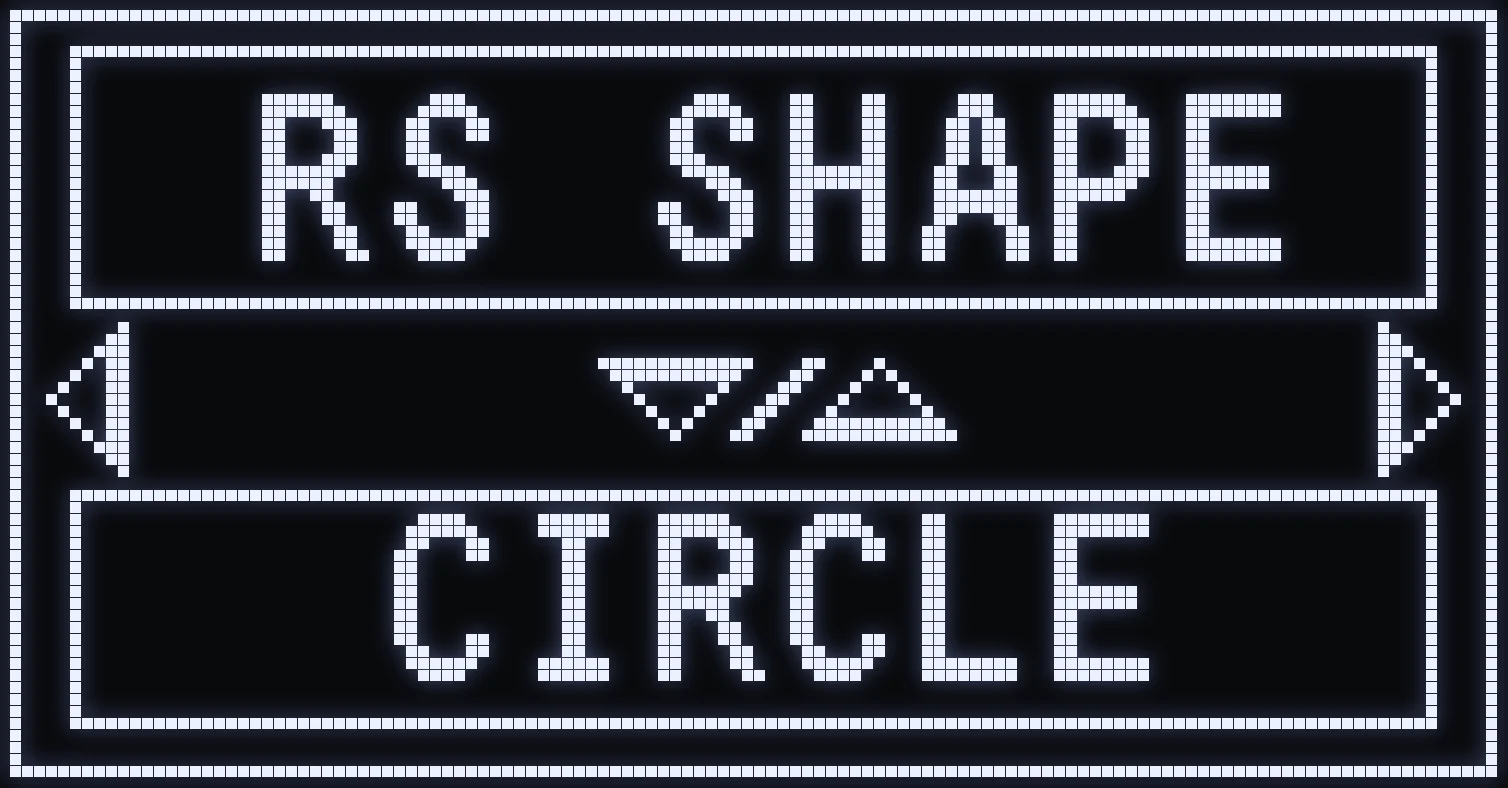
RS SHAPE
🎯 WHAT IS IT FOR?
Shape of the aim assist movement on the right joystick.
⚙️ VALUES
- CIRCLE: the crosshair moves in a circle. - FIG8: the crosshair traces a sideways 8. - BOX: the crosshair traces a square.
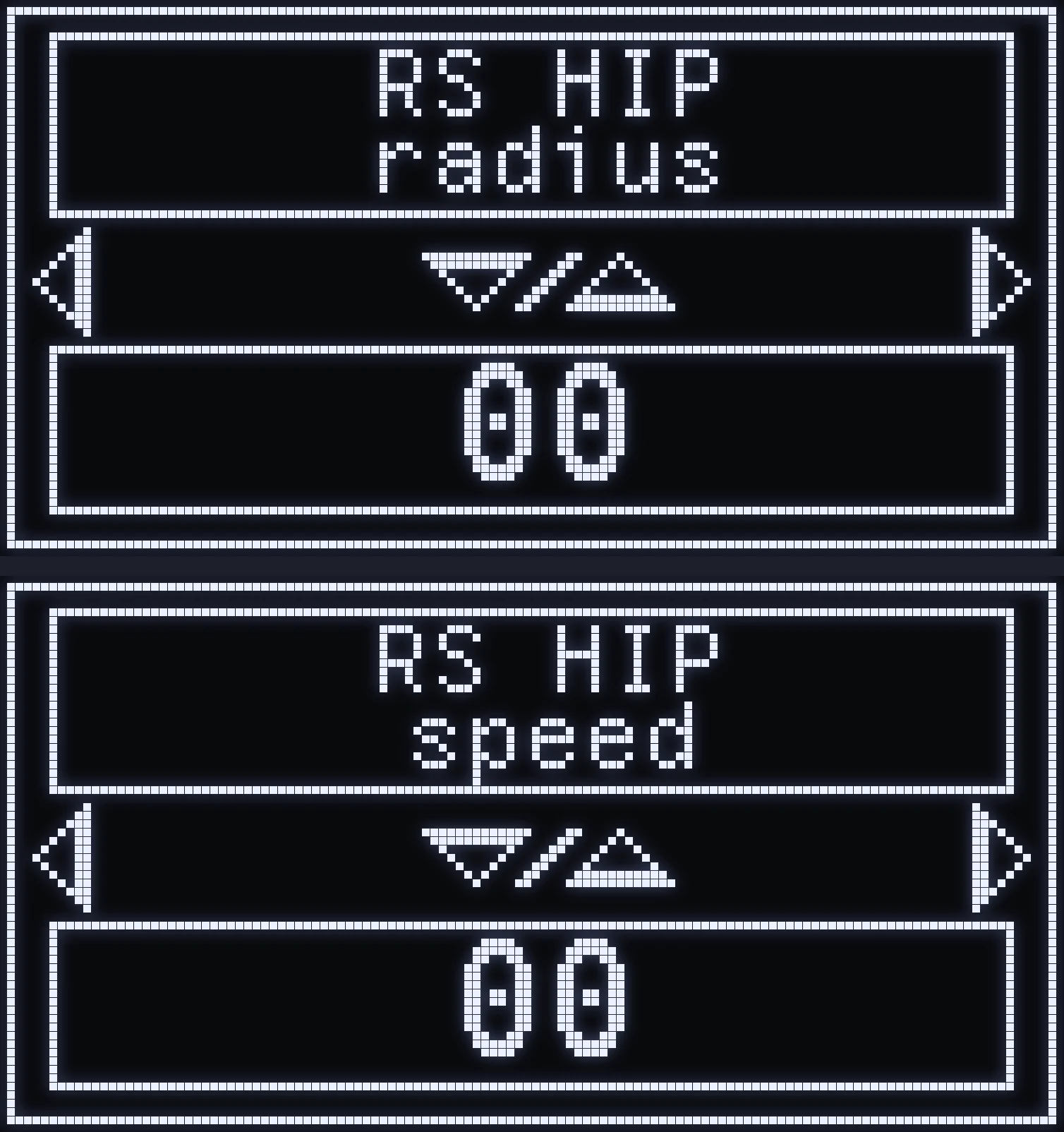
RS HIP
🎯 WHAT IS IT FOR?
Aim assist movement on the right joystick, when you're not aiming or shooting.
- RS HIP radius: size of the movement. - RS HIP speed: speed of the movement.
🎮 ON THE CRONUS
These are two screens in a row: first the radius, then the speed with RIGHT. The photo shows them one above the other.
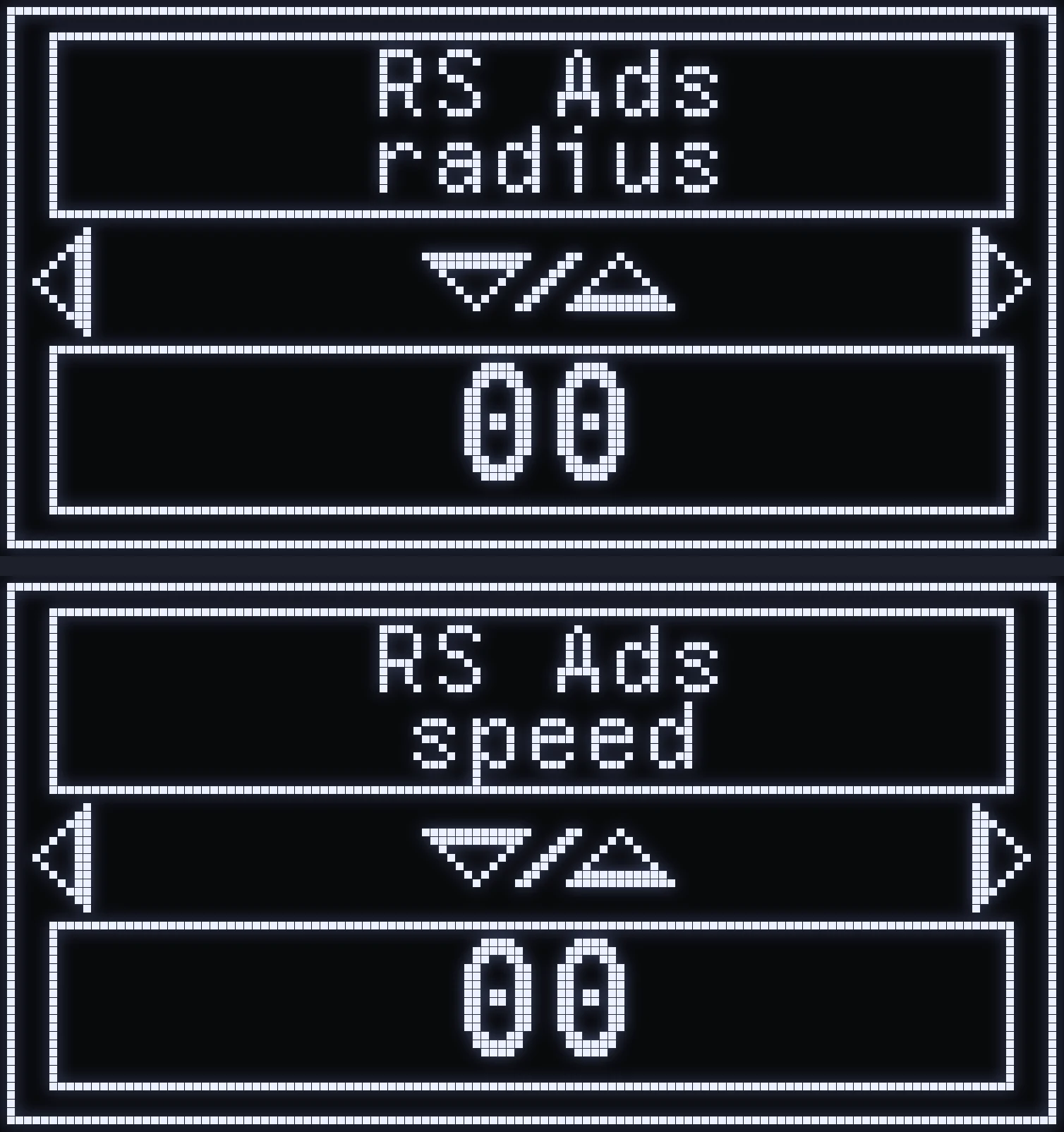
RS ADS
🎯 WHAT IS IT FOR?
Aim assist movement on the right joystick, when you're aiming without shooting.
- RS ADS radius: size of the movement. - RS ADS speed: speed of the movement.
🎮 ON THE CRONUS
These are two screens in a row: first the radius, then the speed with RIGHT. The photo shows them one above the other.
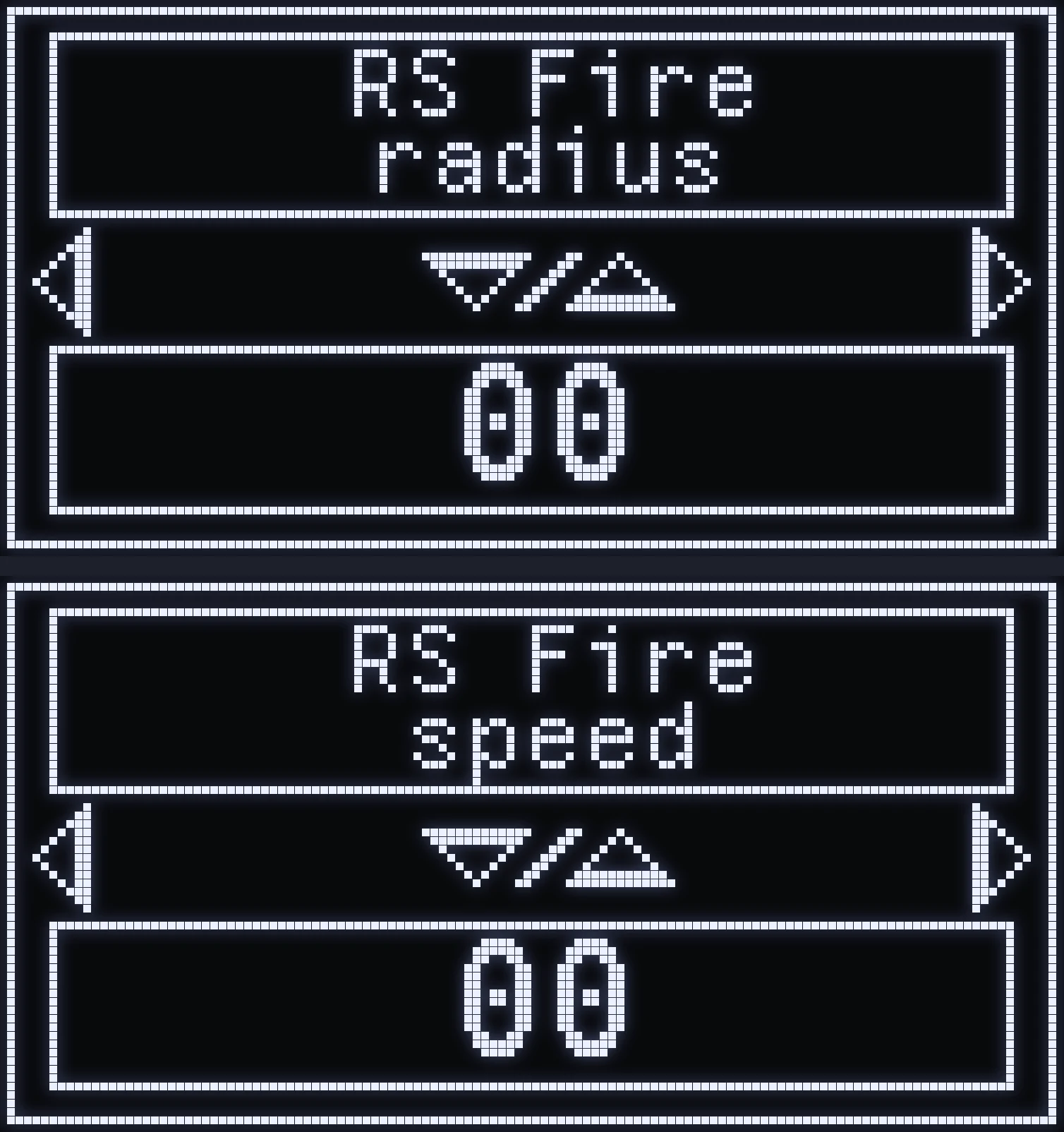
RS FIRE
🎯 WHAT IS IT FOR?
Aim assist movement on the right joystick, when you're shooting without aiming.
- RS FIRE radius: size of the movement. - RS FIRE speed: speed of the movement.
🎮 ON THE CRONUS
These are two screens in a row: first the radius, then the speed with RIGHT. The photo shows them one above the other.
RS ADS&FIRE
🎯 WHAT IS IT FOR?
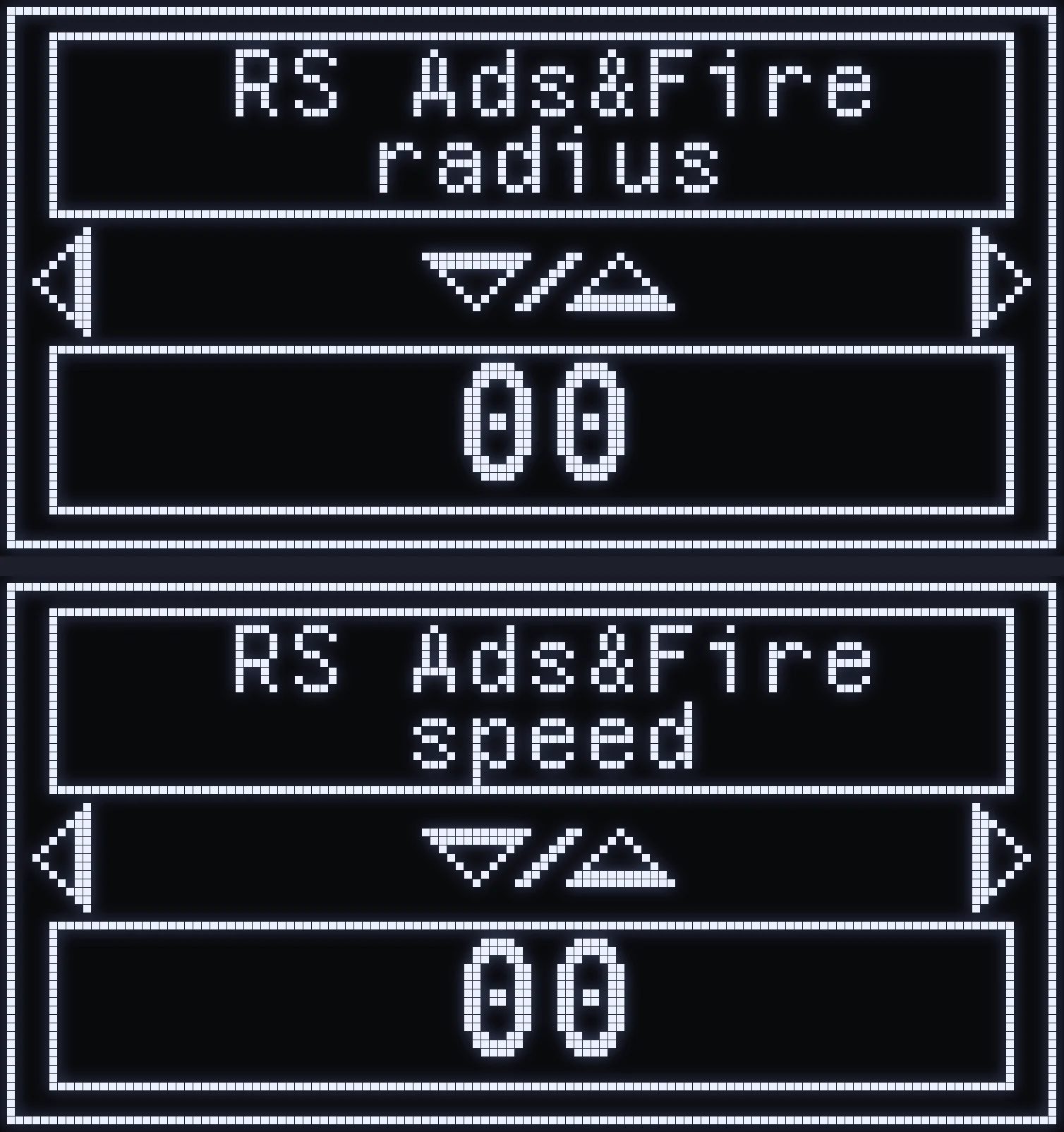
Aim assist movement on the right joystick, when you're aiming and shooting at the same time.
- RS ADS&FIRE radius: size of the movement. - RS ADS&FIRE speed: speed of the movement.
🎮 ON THE CRONUS
These are two screens in a row: first the radius, then the speed with RIGHT. The photo shows them one above the other.
AIM ASSIST — LEFT JOYSTICK LS
LS settings act on the left joystick.
⚠️ WARNING: LS aim assist only works when your left joystick is at rest, or close to it. As soon as you move, it cuts out.
LS SHAPE
🎯 WHAT IS IT FOR?
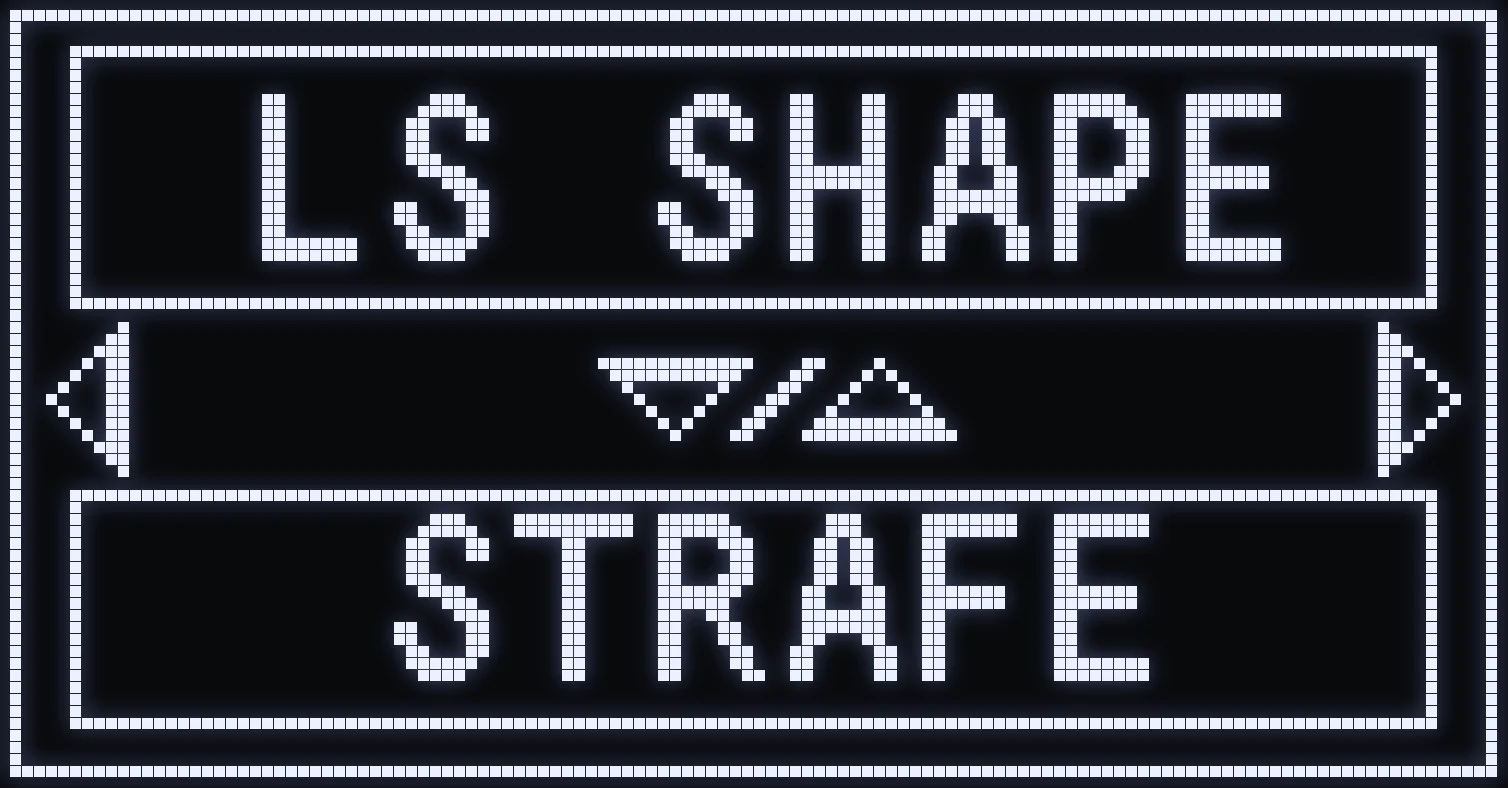
Shape of the aim assist movement on the left joystick.
⚙️ VALUES
- STRAFE: back and forth from left to right. - CIRCLE: circular movement. - CUSTOM: sideways figure-8 movement.
LS HIP
🎯 WHAT IS IT FOR?
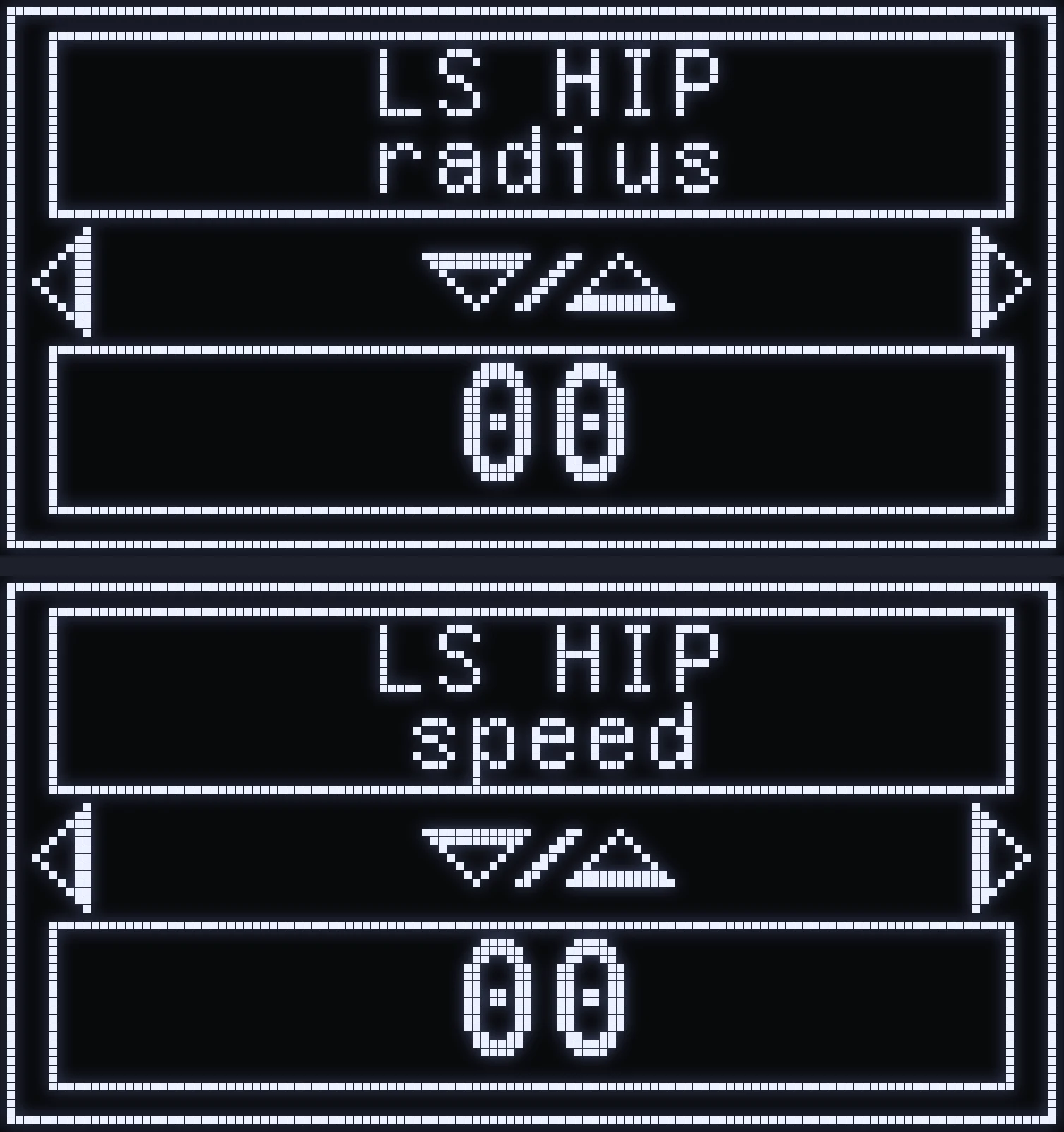
Aim assist movement on the left joystick, when you're not aiming or shooting.
- LS HIP radius: size of the movement. - LS HIP speed: speed of the movement.
🎮 ON THE CRONUS
These are two screens in a row: first the radius, then the speed with RIGHT. The photo shows them one above the other.
LS ADS
🎯 WHAT IS IT FOR?
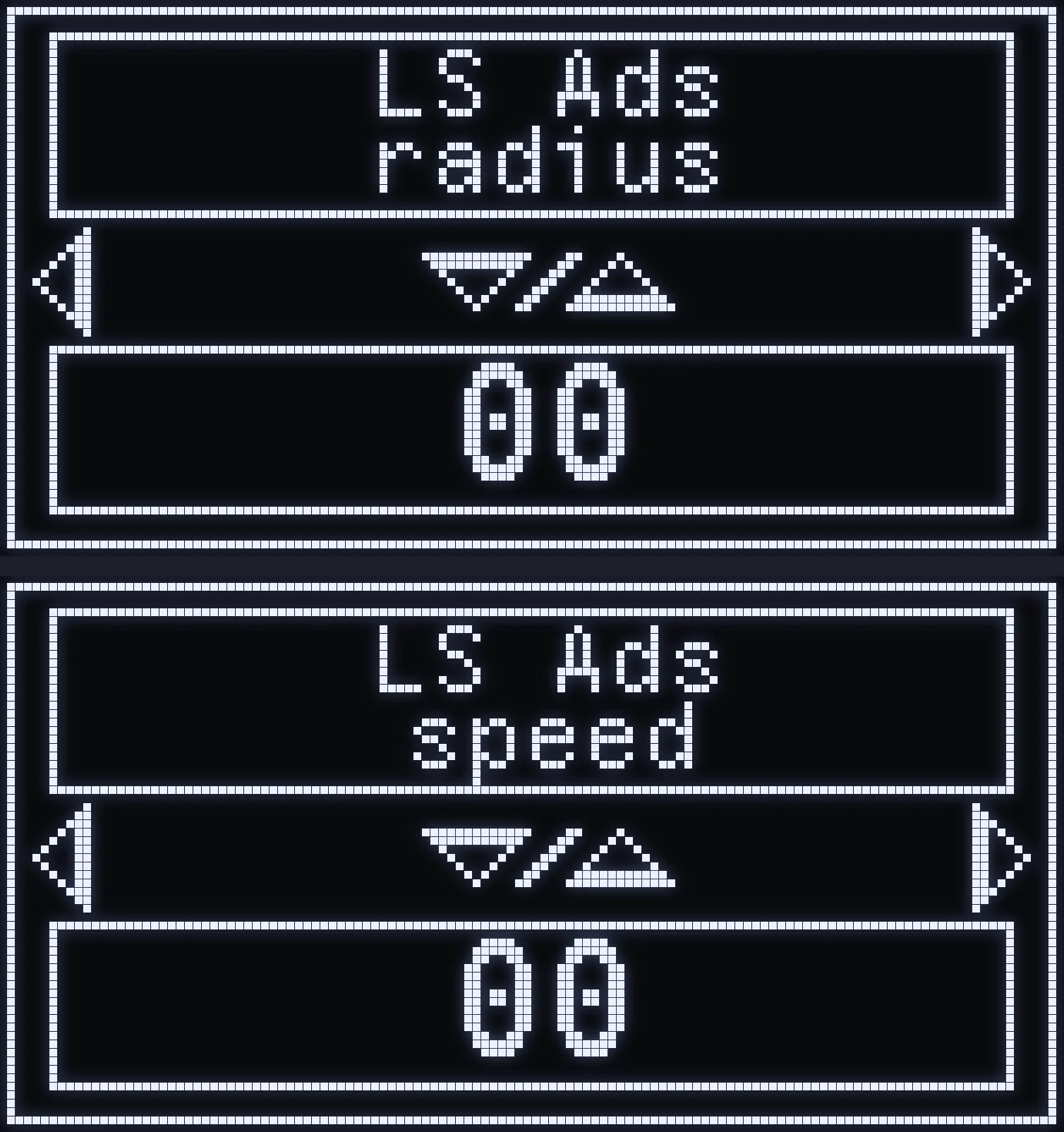
Aim assist movement on the left joystick, when you're aiming without shooting.
- LS ADS radius: size of the movement. - LS ADS speed: speed of the movement.
🎮 ON THE CRONUS
These are two screens in a row: first the radius, then the speed with RIGHT. The photo shows them one above the other.
LS FIRE
🎯 WHAT IS IT FOR?
Aim assist movement on the left joystick, when you're shooting without aiming.
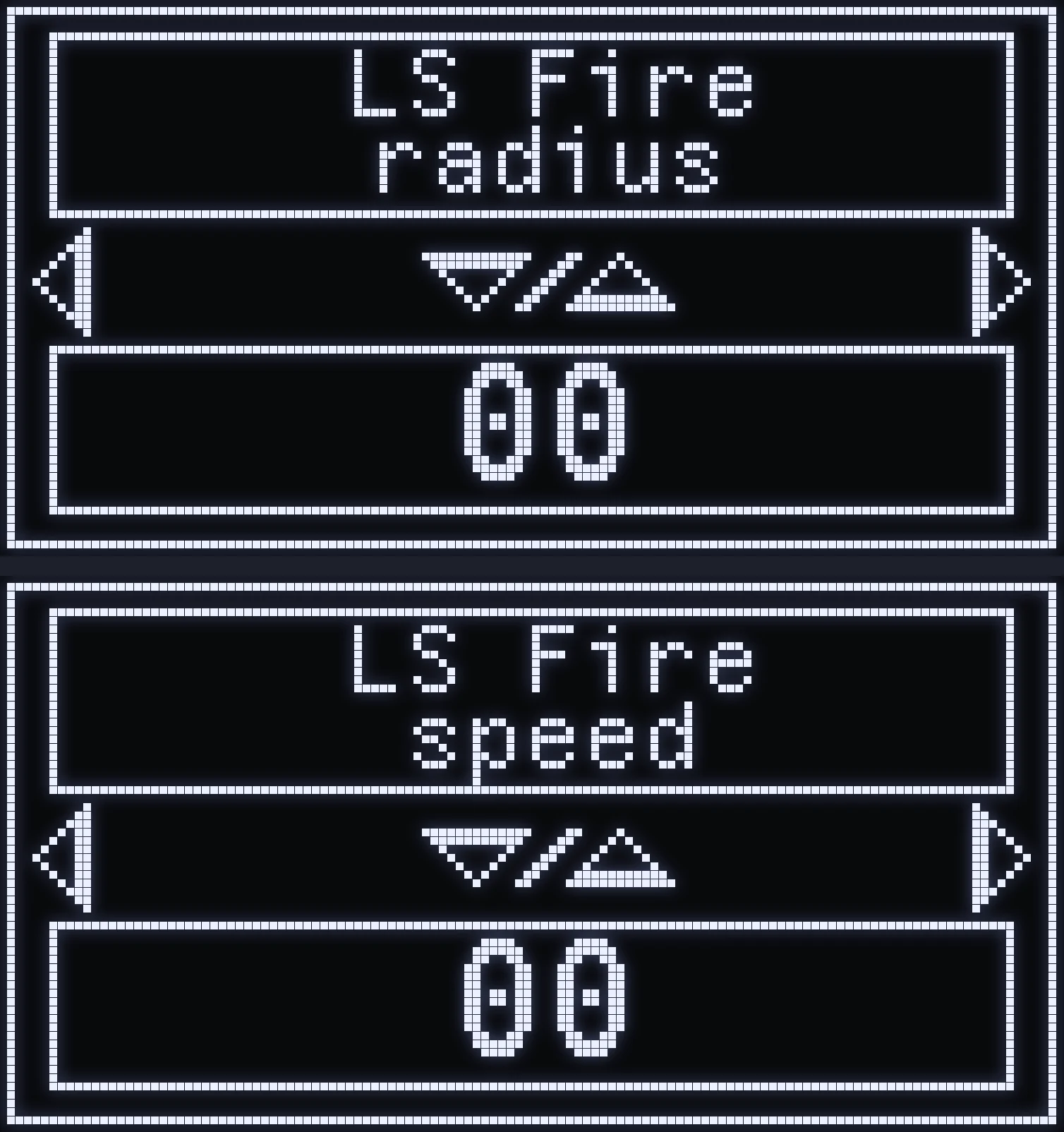
- LS FIRE radius: size of the movement. - LS FIRE speed: speed of the movement.
🎮 ON THE CRONUS
These are two screens in a row: first the radius, then the speed with RIGHT. The photo shows them one above the other.
LS ADS&FIRE
🎯 WHAT IS IT FOR?
Aim assist movement on the left joystick, when you're aiming and shooting at the same time.
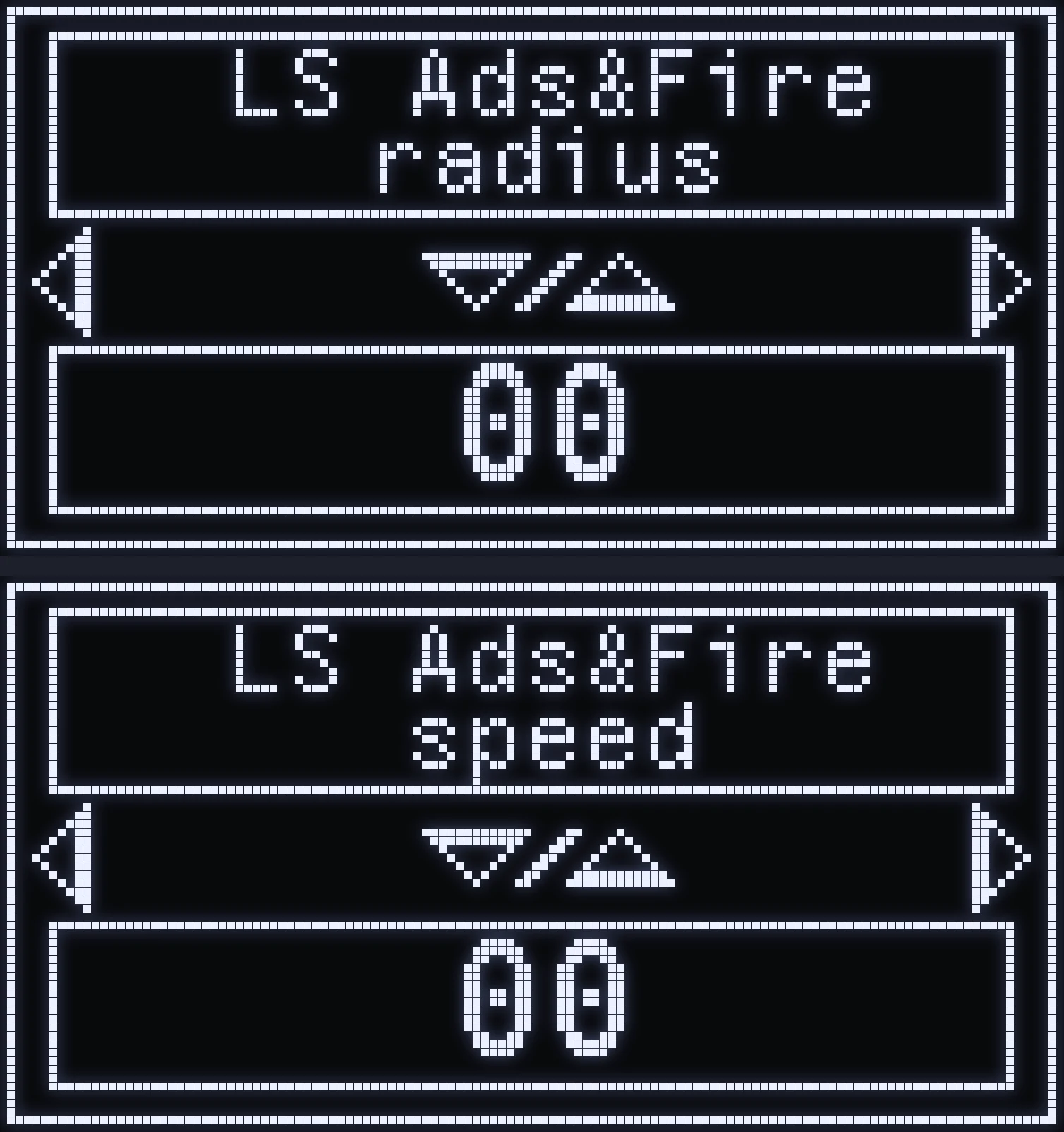
- LS ADS&FIRE radius: size of the movement. - LS ADS&FIRE speed: speed of the movement.
🎮 ON THE CRONUS
These are two screens in a row: first the radius, then the speed with RIGHT. The photo shows them one above the other.
SILENT AIM
🎯 WHAT IS IT FOR?
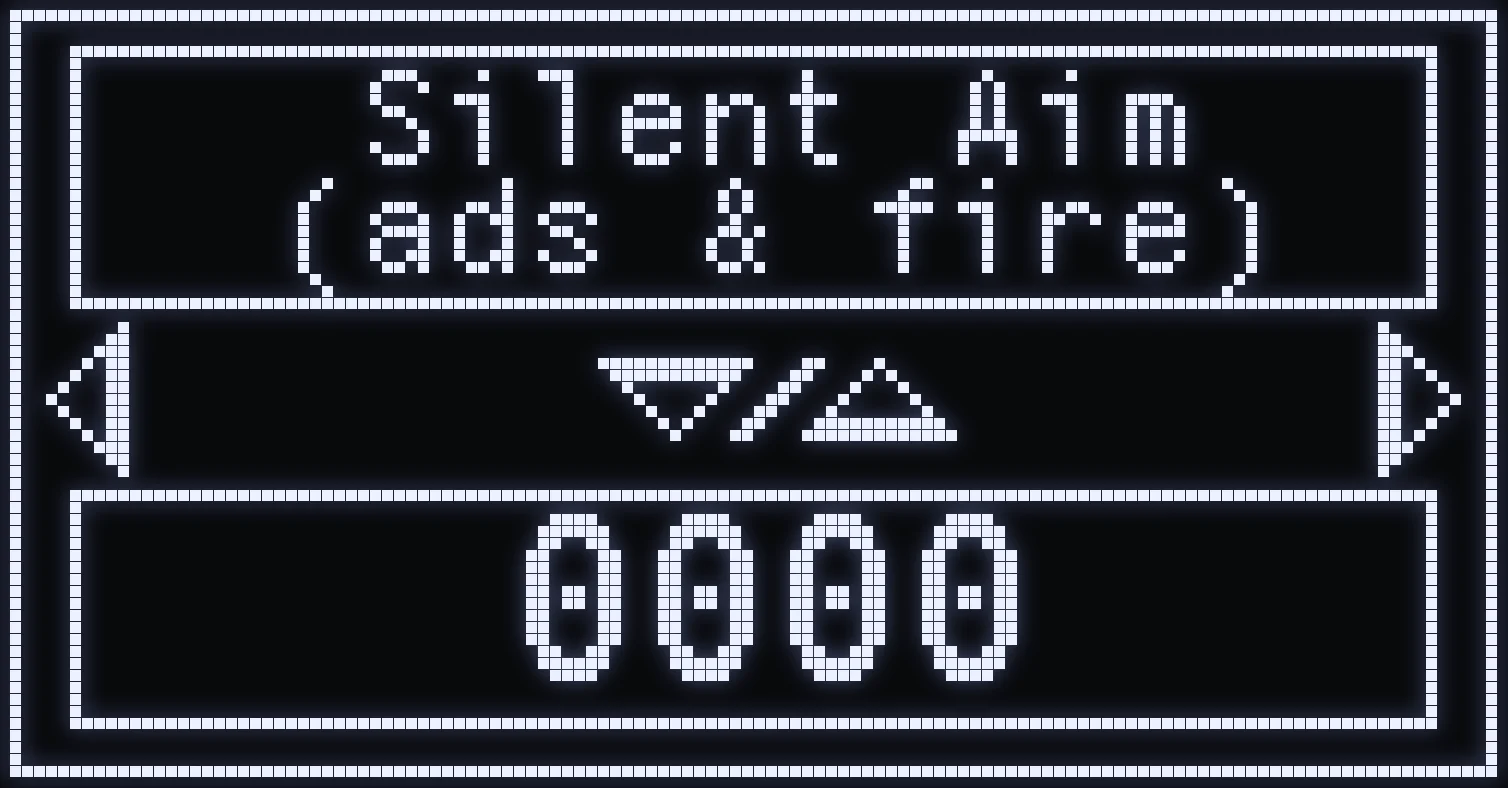
How strongly your crosshair is compensated while you're moving, when you shoot.
⚙️ VALUES
The higher the value, the stronger the compensation. All the way down, Silent Aim is off.
WHAT SOME MOVEMENTS LOOK LIKE
For beginners: what each setting changes, on video.
RADIUS
When you increase or decrease a Radius.
SPEED
When you increase or decrease a Speed.
SHAPE (OVAL V)
When you change the aim assist shape to Oval V.
When you change the SHAPE (FIG8)
When you change the aim assist shape to FIG8.
Frequently asked questions
What's the difference between RADIUS and SPEED?
RADIUS sets the size of the movement, SPEED sets its speed. For a circular movement, RADIUS is the size of the circle and SPEED is how fast it's traced.
Why isn't my aim assist doing anything?
Out of the box, no RADIUS is set. Set the RADIUS for the situation you want: as long as it's all the way down, aim assist won't move, whatever the SPEED.
What do HIP, ADS, FIRE and ADS&FIRE mean?
HIP = not aiming or shooting, ADS = aiming without shooting, FIRE = shooting without aiming, ADS&FIRE = aiming and shooting at the same time. Each situation has its own settings.
Why does LS aim assist stop when I move?
LS aim assist only works when your left joystick is at rest, or close to it. As soon as you move, it cuts out.