Profiles
The script handles two independent profiles: PRIMARY and SECONDARY.
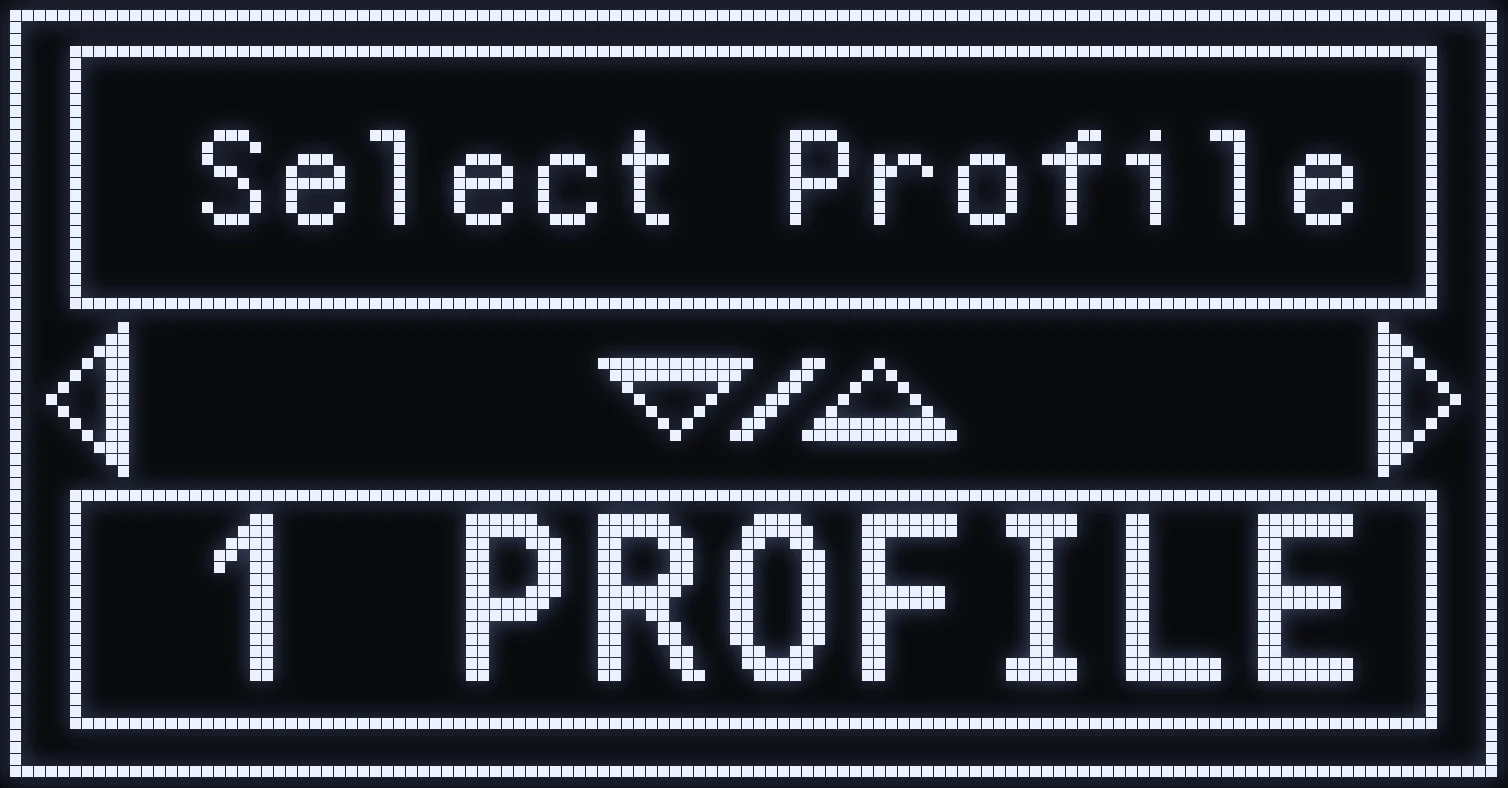
(#ff5a6a:❗ IMPORTANT: to switch from one profile to the other, first turn on “2 profiles” mode in SETTING.)
SWAP BUTTON
Default: TRIANGLE / Y.
- SHORT press: switches between PRIMARY and SECONDARY.
🎮 SWAP + AIM
Hold SWAP and press AIM: switches the display / profile.
Frequently asked questions
How do I use two weapon profiles with JELLY?
In SETTING, set SELECT PROFILE to 2 PROFILE. You then get a PRIMARY profile and a SECONDARY profile, each with its own weapon.
How do I switch from PRIMARY to SECONDARY?
Short-press your SWAP button, TRIANGLE / Y by default.
What is SWAP + AIM for?
Hold SWAP then press AIM to resync the profile with the weapon in your hands.