Layout
LAYOUT — BUTTON CONFIGURATION
🎮 WHAT IS THIS MENU FOR?
The LAYOUT menu lets you adapt JELLY to your controller setup, even if you don't use the game's default buttons.
You can customize the controls for aiming, firing, jumping, crouching, reloading and lots of other actions.
The goal is to let the script correctly recognize your inputs and use the related features, however you play.
⚙️ HOW DO YOU OPEN THE MENU?
- Open the main menu with L2 + OPTIONS on PlayStation or LT + MENU on Xbox. - Use UP / DOWN to select LAYOUT. - Press CROSS / A to enter.
On PlayStation, you can choose between BASIC and CUSTOM.
On Xbox, the script goes straight to the button configuration without showing this choice.
💡 TIP: If you use a custom button layout, make sure you enter it correctly in LAYOUT before setting up the script's other features.
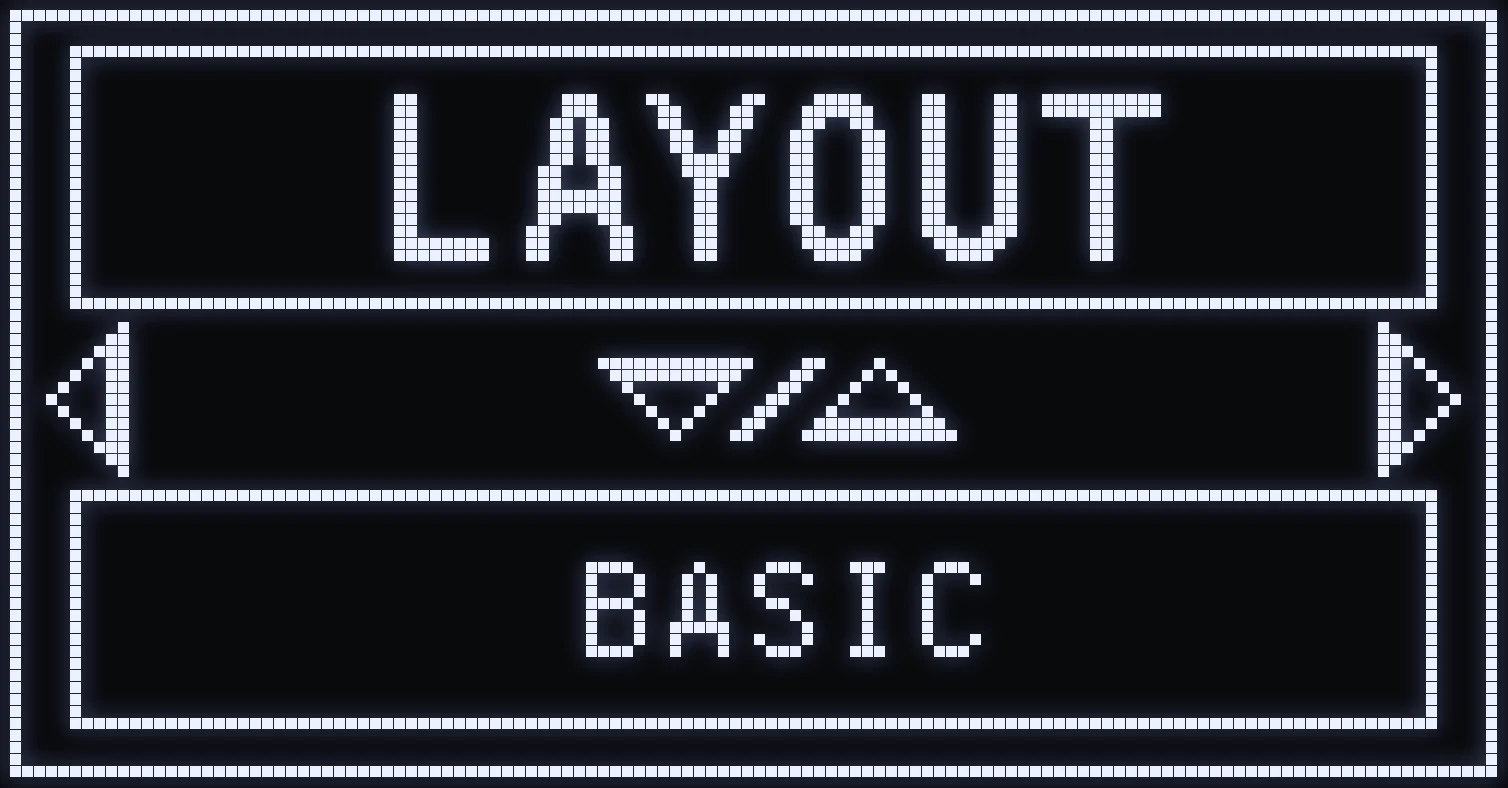
BASIC / CUSTOM
🎯 WHICH MODE SHOULD YOU PICK?
JELLY offers two configuration methods to fit the way you play.
BASIC MODE — USE THE GAME'S BUTTONS
BASIC mode is recommended if you've already customized your controls directly in the game settings.
In this mode, you need to tell the script which buttons match the ones you actually use in game.
That way, the script adapts how it recognizes your actions without rearranging all of your controls.
⚠️ IMPORTANT ON PS5: L2 and R2 must stay assigned to aiming and firing in the game settings, so adaptive triggers and automatic weapon detection keep working. The buttons you set for ADS and FIRE in the script are the ones that get swapped with L2 and R2.
CUSTOM MODE — DIRECT CUSTOMIZATION
CUSTOM mode lets you customize your controls directly from JELLY, while keeping the default button layout in the game.
You choose the buttons you want to use, and the script remaps them automatically.
💡 EXAMPLE
You want to aim with L1 and fire with R1 instead of using L2 and R2.
With CUSTOM, you can set:
- ADS → L1 - FIRE → R1
The script then converts these inputs so the game reads them as the standard aim and fire actions.
So you don't need to change those buttons directly in the game settings.
🎮 HOW DO YOU CHOOSE?
- UP / DOWN: switch between BASIC and CUSTOM. - CROSS: confirm the mode and go to the button configuration. - CIRCLE: go back to the main menu.
⚠️ WARNING: In CUSTOM mode, the buttons are actually remapped by the script. This can also affect the controls used in some of the game's menus.
✅ TIP: Use BASIC if your in-game controls are only slightly customized, or CUSTOM if your buttons are heavily customized between the L2/R2 triggers and the other buttons.
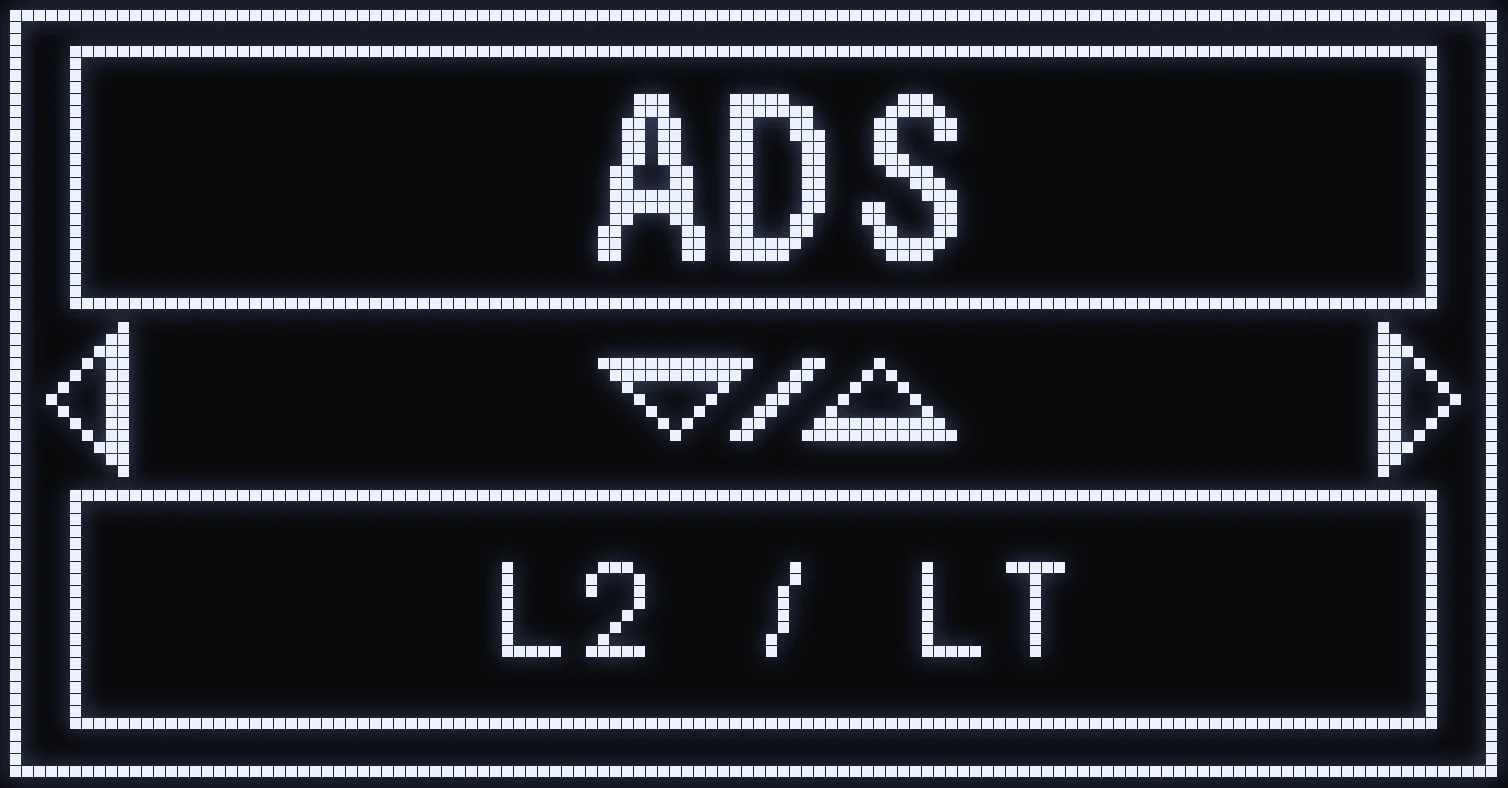
BUTTON CONFIGURATION
🎯 HOW DOES THIS SCREEN WORK?
Once you've picked your mode, you land on the ADS screen.
ADS means aim button. It's the first configurable action in the LAYOUT menu.
This screen lets you tell JELLY which button you use to aim.
🎮 HOW DO YOU NAVIGATE?
- LEFT / RIGHT: move from one action to the next. - UP / DOWN: change the button assigned to the action shown. - CIRCLE / B: go back to the previous screen.
⚙️ THE 14 AVAILABLE ACTIONS
- ADS — Aim down sights. - FIRE — Fire your weapon. - RELOAD — Reload. - JUMP — Jump. - CROUCH — Crouch. - PING — Ping a location. - MELEE — Do a melee attack. - SPRINT — Run / sprint. - SWAP — Switch weapons. - MORTAL — Use lethal equipment. - SERIES — Use the scorestreak button. - TACTIC — Use tactical equipment. - 3e PLAYER — Third-person control. - EMOTE — Use an emote.
💡 CONFIGURATION EXAMPLE
You want to play with the following controls:
- ADS → L1 - FIRE → R1 - JUMP → R3 - CROUCH → CIRCLE / B
Just go through the screens with LEFT / RIGHT, then pick the button you want with UP / DOWN.
In BASIC mode, make sure the buttons you enter match your in-game setup, keeping the PS5 trigger rules in mind.
In CUSTOM mode, leave the default controls in the game: JELLY remaps them based on your choices.
⚠️ IMPORTANT: In CUSTOM mode, some remapped buttons can also change how you navigate the game's menus. Remember to check your controls after making a change.
Frequently asked questions
BASIC or CUSTOM, which one should I pick?
BASIC if you customized your buttons directly in the game: you tell the script your actual buttons. CUSTOM if you keep the default buttons in the game and want JELLY to remap them.
I play on Xbox and I don't see BASIC / CUSTOM, is that normal?
Yes: on Xbox, LAYOUT goes straight to the button configuration.
Why keep L2 and R2 for aiming and firing on PS5?
In BASIC on PS5, L2 and R2 must stay as aim and fire in the game to keep adaptive triggers and auto-detection working. The buttons you set for ADS and FIRE in the script are the ones that get swapped with L2 and R2.
My mods aren't pressing the right button, what should I check?
Check LAYOUT: mods use the buttons you entered there, like jump, crouch, sprint or weapon switch. They need to match your in-game buttons.