Aim Assist
Having trouble with aim assist?
If your crosshair shakes or drifts, click here to find your case on video and the setting to change.
🎯 BEFORE YOU START
Out of the box, aim assist does nothing: until you set a radius, nothing moves. A radius left at the minimum turns aim assist off in that situation, whatever the speed.
Each situation has two screens in a row: first the radius, then RIGHT to move on to the speed.
QUICK ON / OFF IN GAME
Hold SQUARE / X and quickly double-tap a D-pad arrow:
- UP: anti-recoil ON / OFF. - DOWN: aim assist ON / OFF. - RIGHT: Shot Mod ON / OFF.
The Cronus screen shows the status and a vibration confirms it. When the Cronus restarts, everything goes back to ON.
💡 TIP: handy for comparing with and without aim assist in game, without opening the menu.
AIM ASSIST — RIGHT STICK RS
The RS settings act on the right stick.
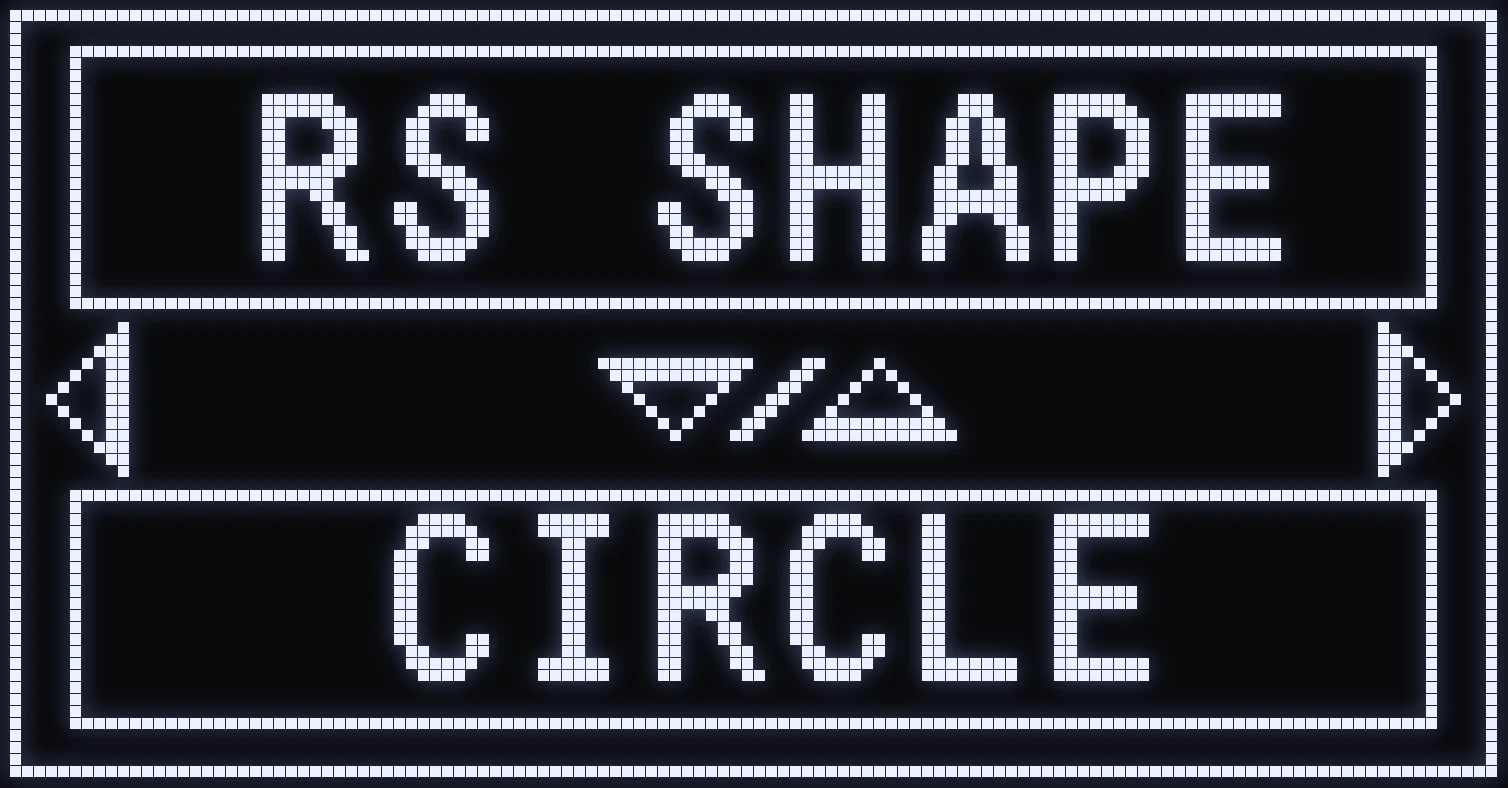
RS SHAPE
🎯 WHAT IS IT FOR?
The shape of the aim assist movement on the right stick.
⚙️ VALUES
- CIRCLE: circular movement. - FIG8: sideways figure-8 movement. - BOX: square movement.
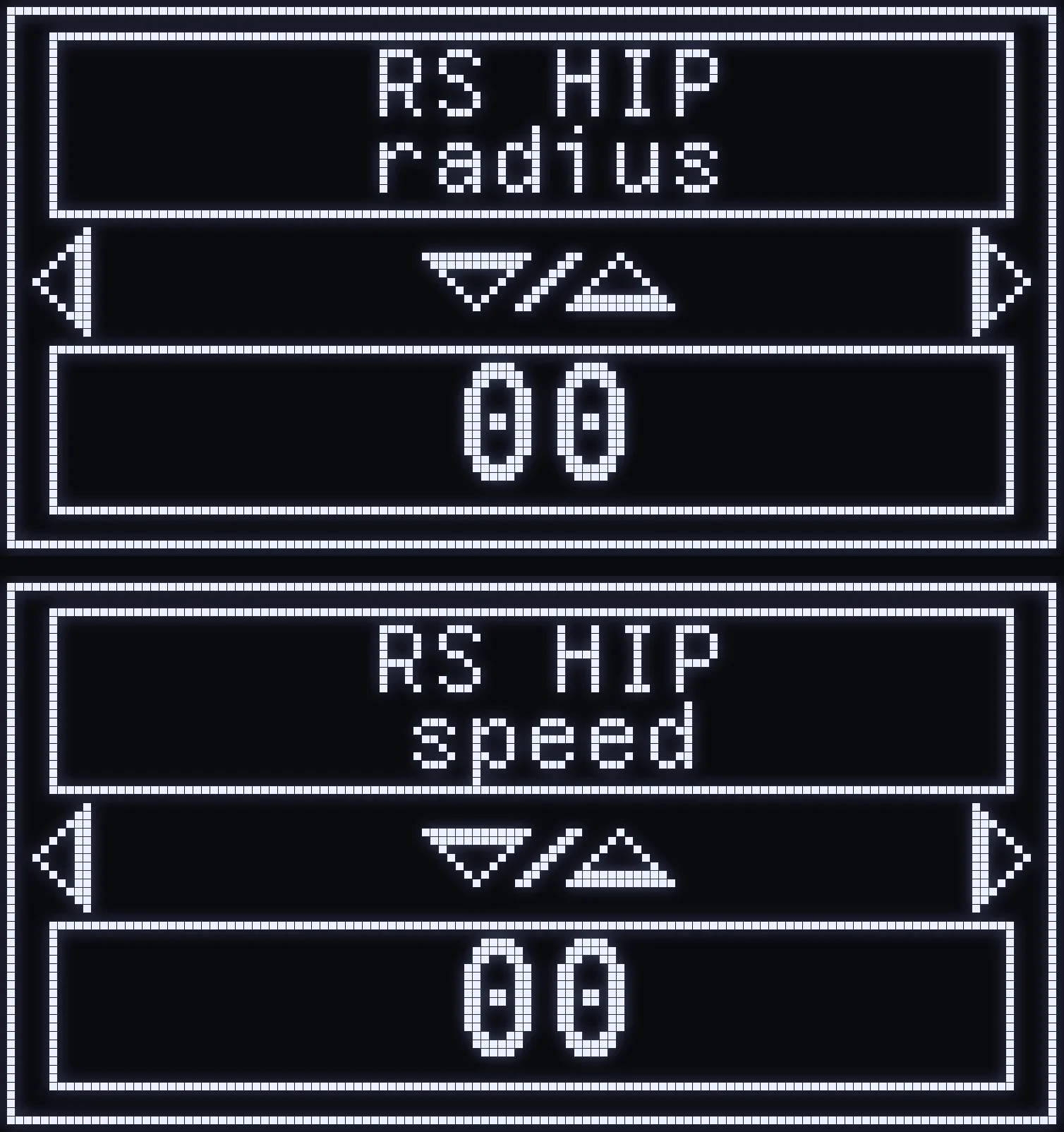
RS HIP
🎯 WHAT IS IT FOR?
Aim assist movement on the right stick, when you're not aiming and not firing.
- RS HIP radius: size of the movement. - RS HIP speed: speed of the movement.
⚙️ SETTING
First screen: the radius. RIGHT: the speed. The higher the value, the bigger or faster the movement.
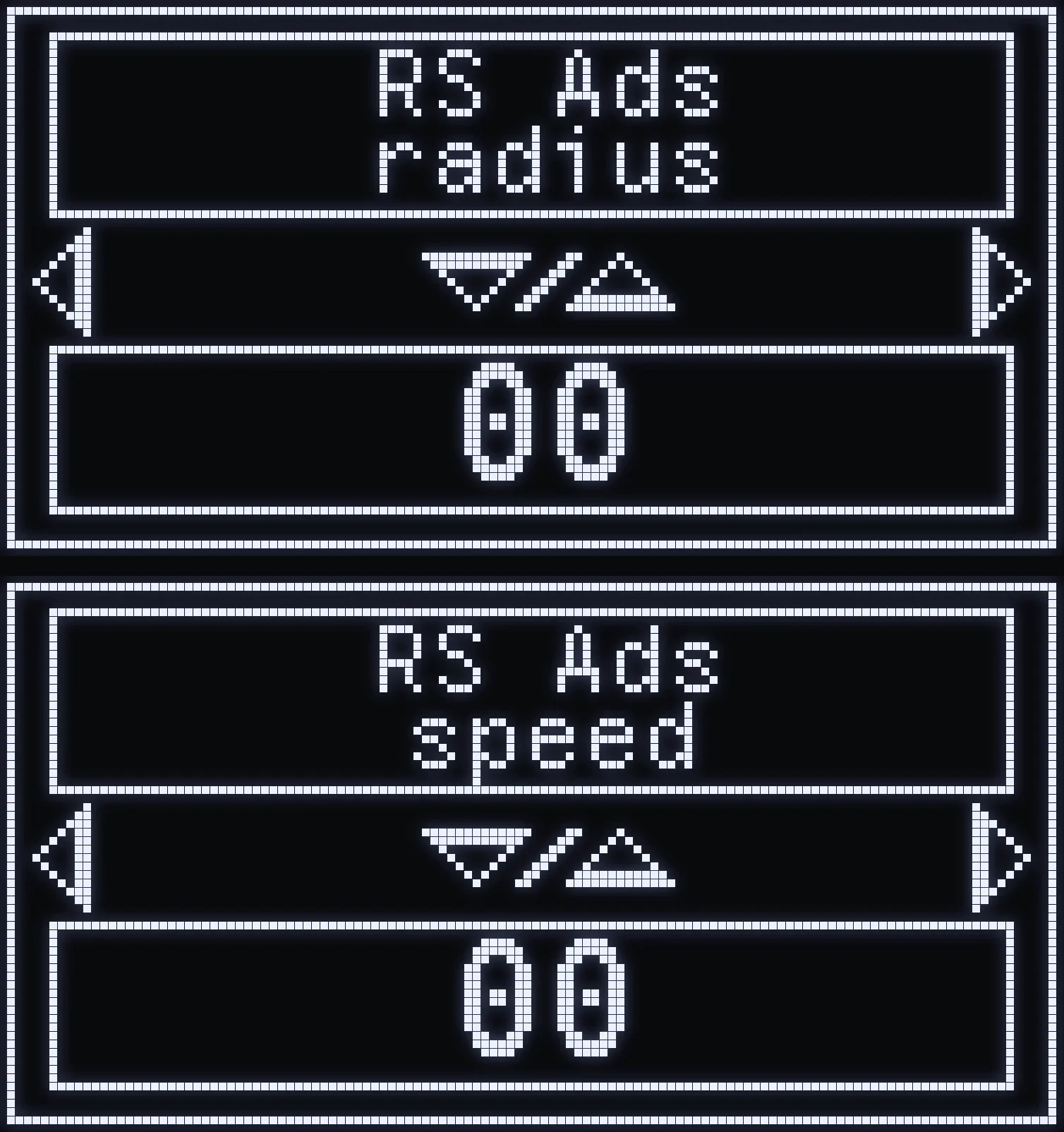
RS ADS
🎯 WHAT IS IT FOR?
Aim assist movement on the right stick, when you're aiming without firing.
- RS ADS radius: size of the movement. - RS ADS speed: speed of the movement.
⚙️ SETTING
First screen: the radius. RIGHT: the speed. The higher the value, the bigger or faster the movement.
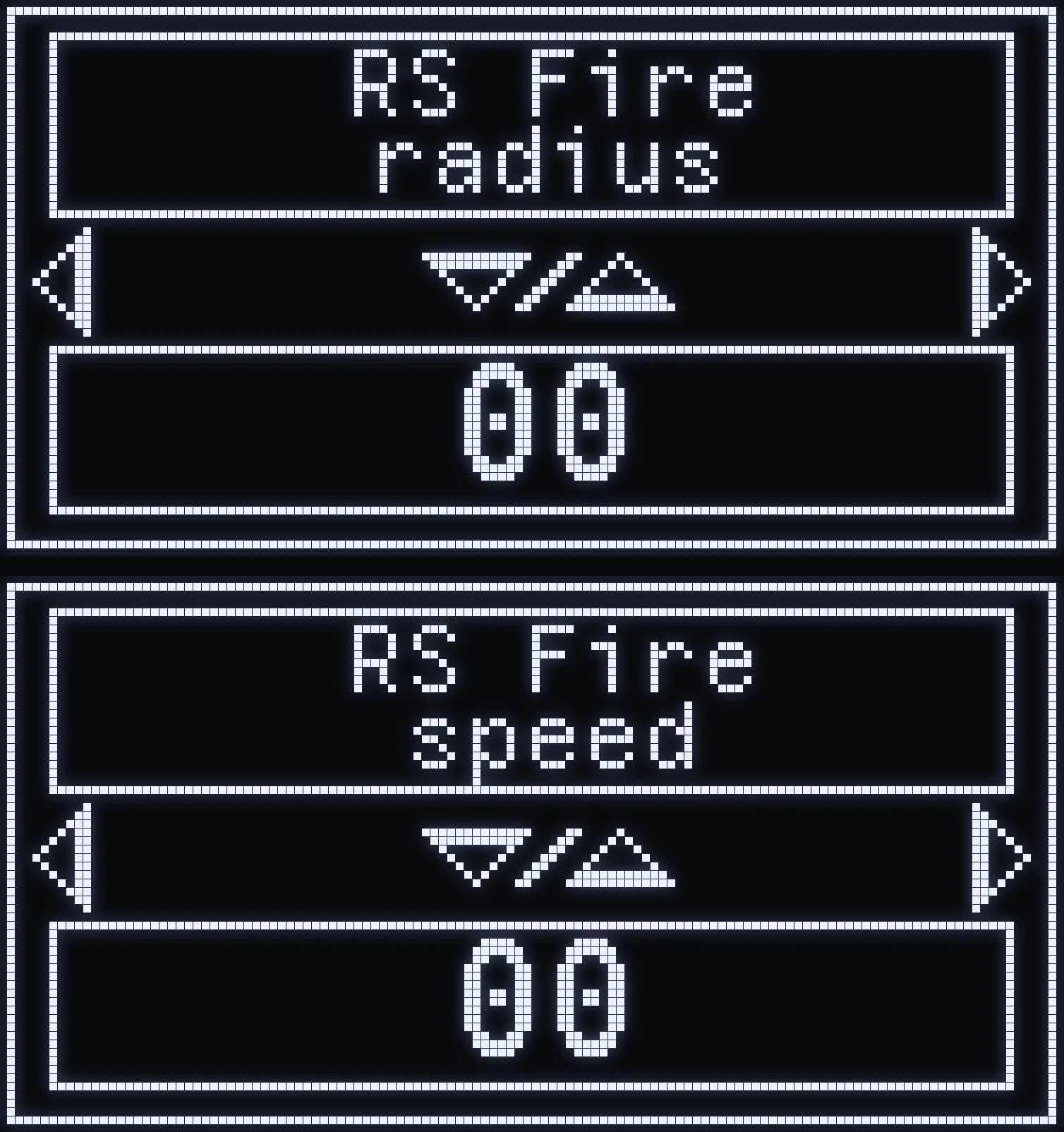
RS FIRE
🎯 WHAT IS IT FOR?
Aim assist movement on the right stick, when you're firing without aiming.
- RS FIRE radius: size of the movement. - RS FIRE speed: speed of the movement.
⚙️ SETTING
First screen: the radius. RIGHT: the speed. The higher the value, the bigger or faster the movement.
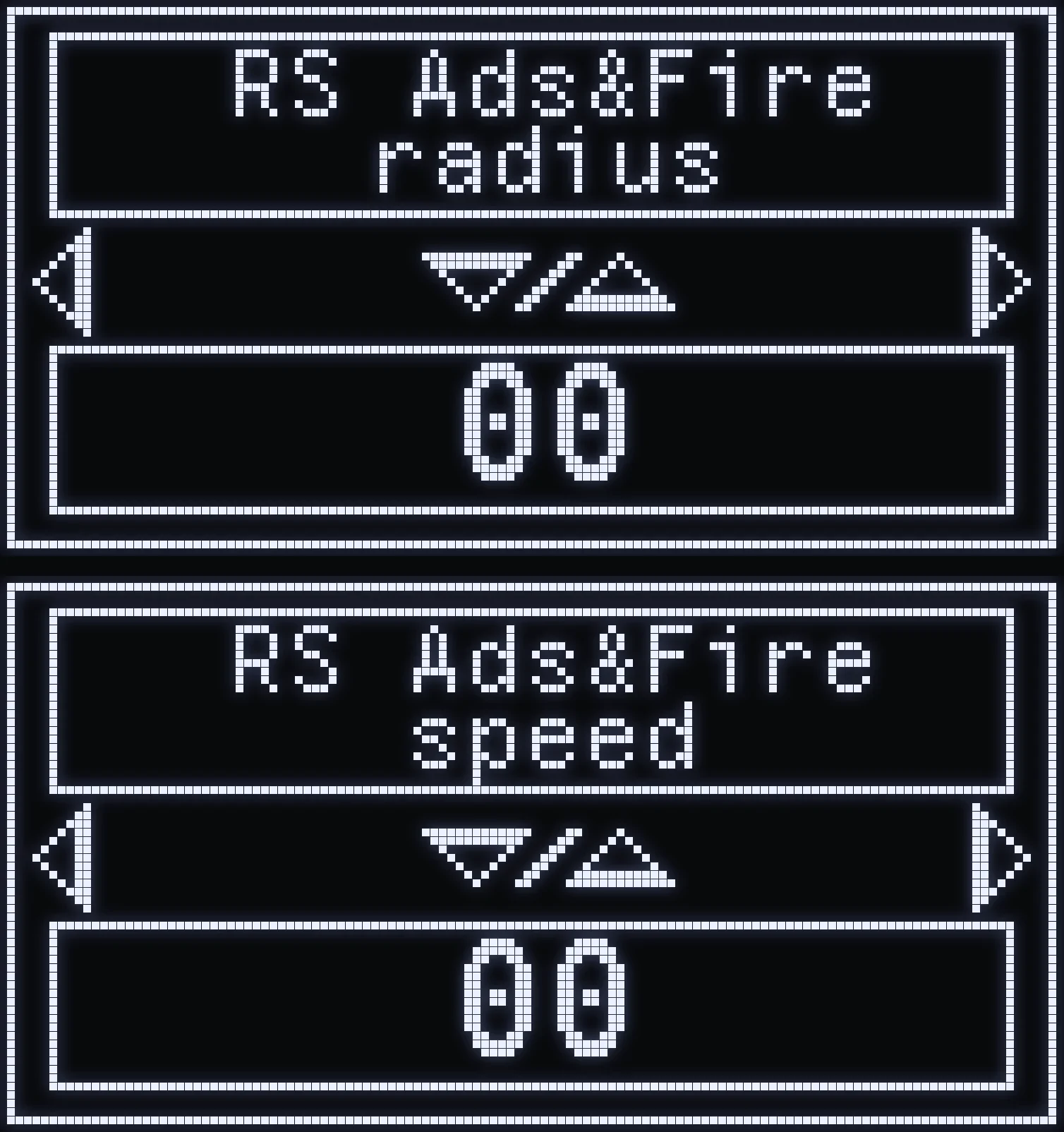
RS ADS&FIRE
🎯 WHAT IS IT FOR?
Aim assist movement on the right stick, when you're aiming and firing at the same time.
- RS ADS&FIRE radius: size of the movement. - RS ADS&FIRE speed: speed of the movement.
⚙️ SETTING
First screen: the radius. RIGHT: the speed. The higher the value, the bigger or faster the movement.
AIM ASSIST — LEFT STICK LS
The LS settings act on the left stick.
⚠️ WARNING: LS aim assist only works when your left stick is still or almost still. It cuts out as soon as you move.
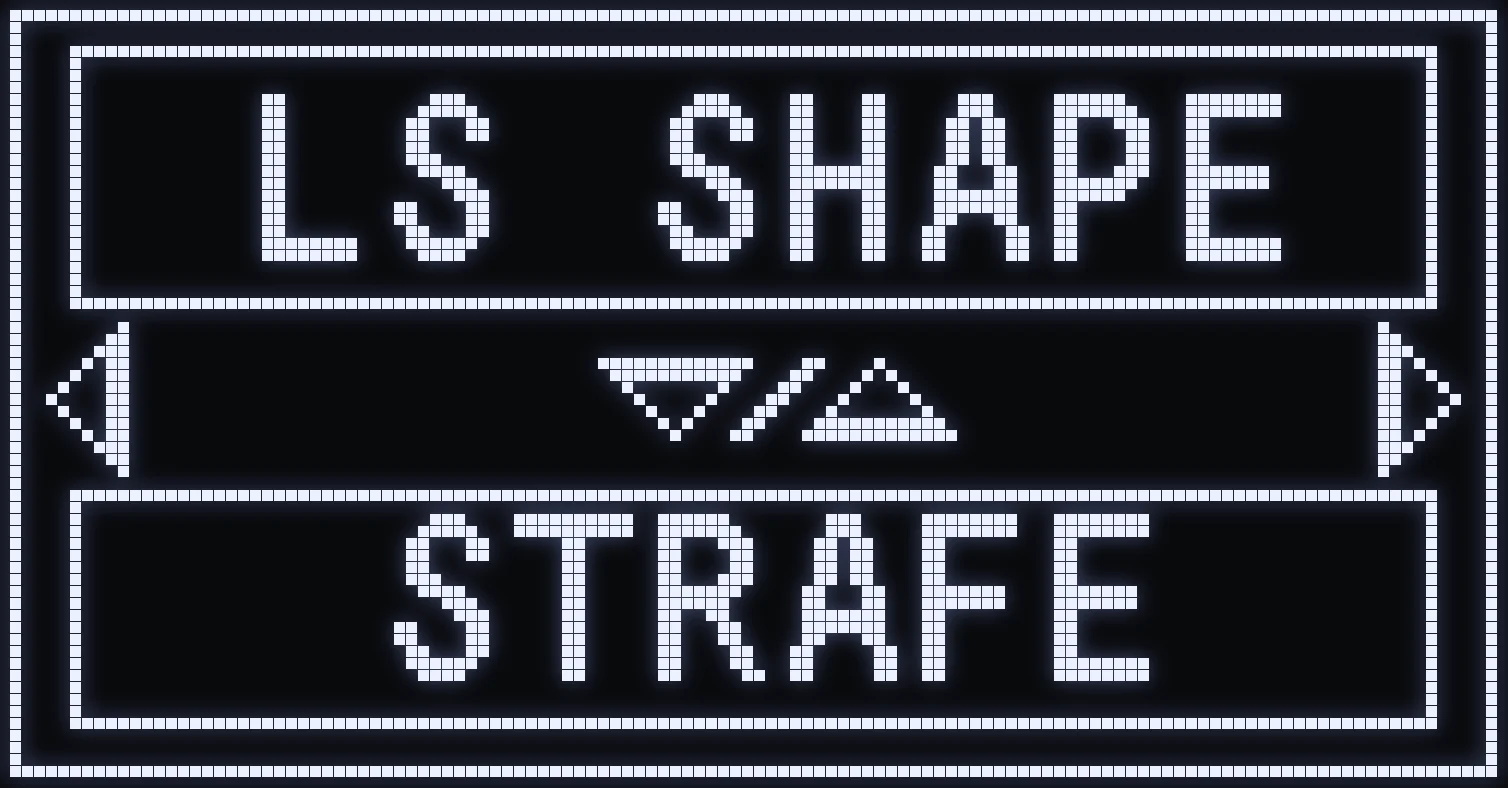
LS SHAPE
🎯 WHAT IS IT FOR?
The shape of the aim assist movement on the left stick.
⚙️ VALUES
- STRAFE: left-to-right movement. - CIRCLE: circular movement. - CUSTOM: sideways figure-8 movement.
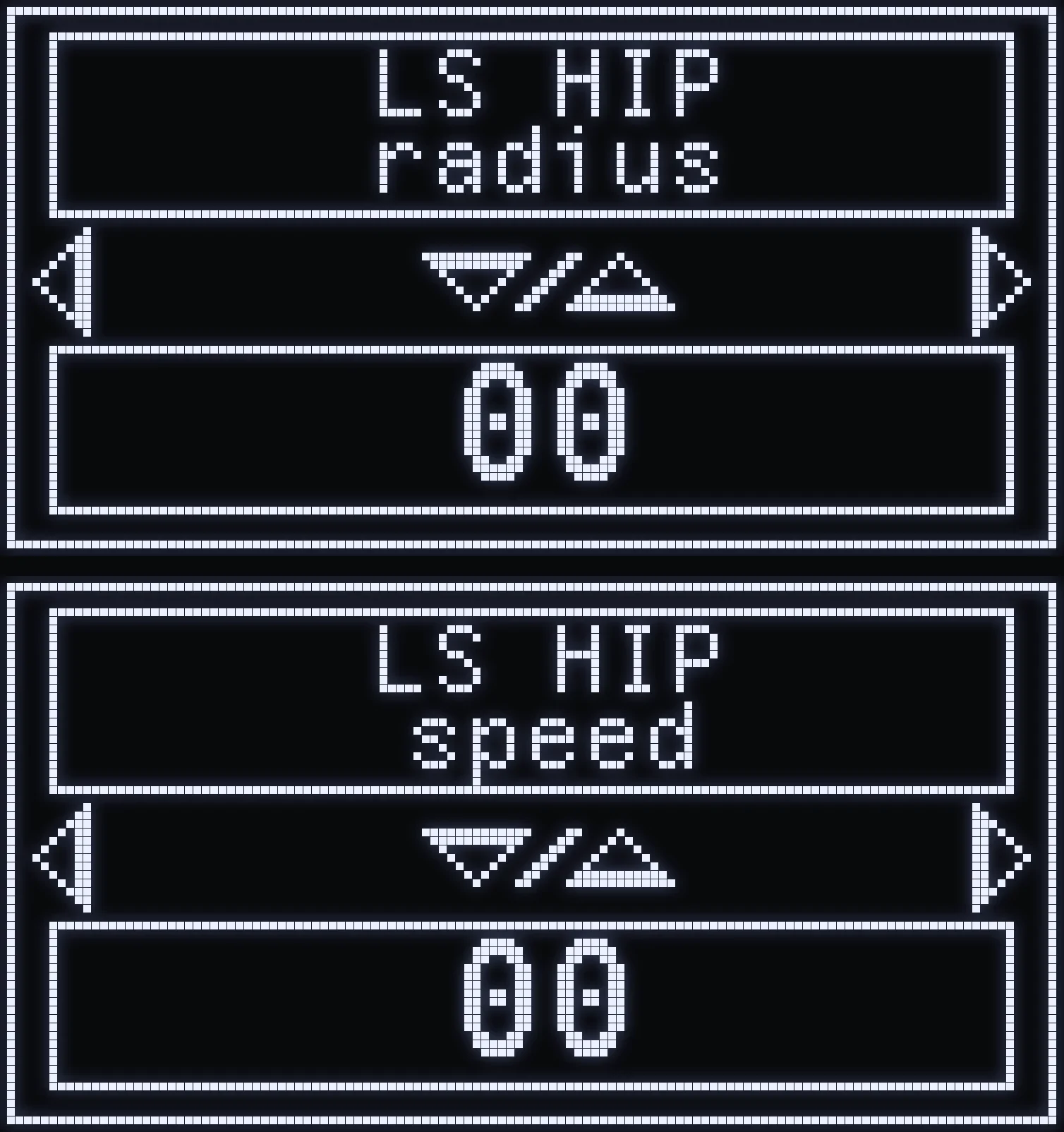
LS HIP
🎯 WHAT IS IT FOR?
Aim assist movement on the left stick, when you're not aiming and not firing.
- LS HIP radius: size of the movement. - LS HIP speed: speed of the movement.
⚙️ SETTING
First screen: the radius. RIGHT: the speed. The higher the value, the bigger or faster the movement.
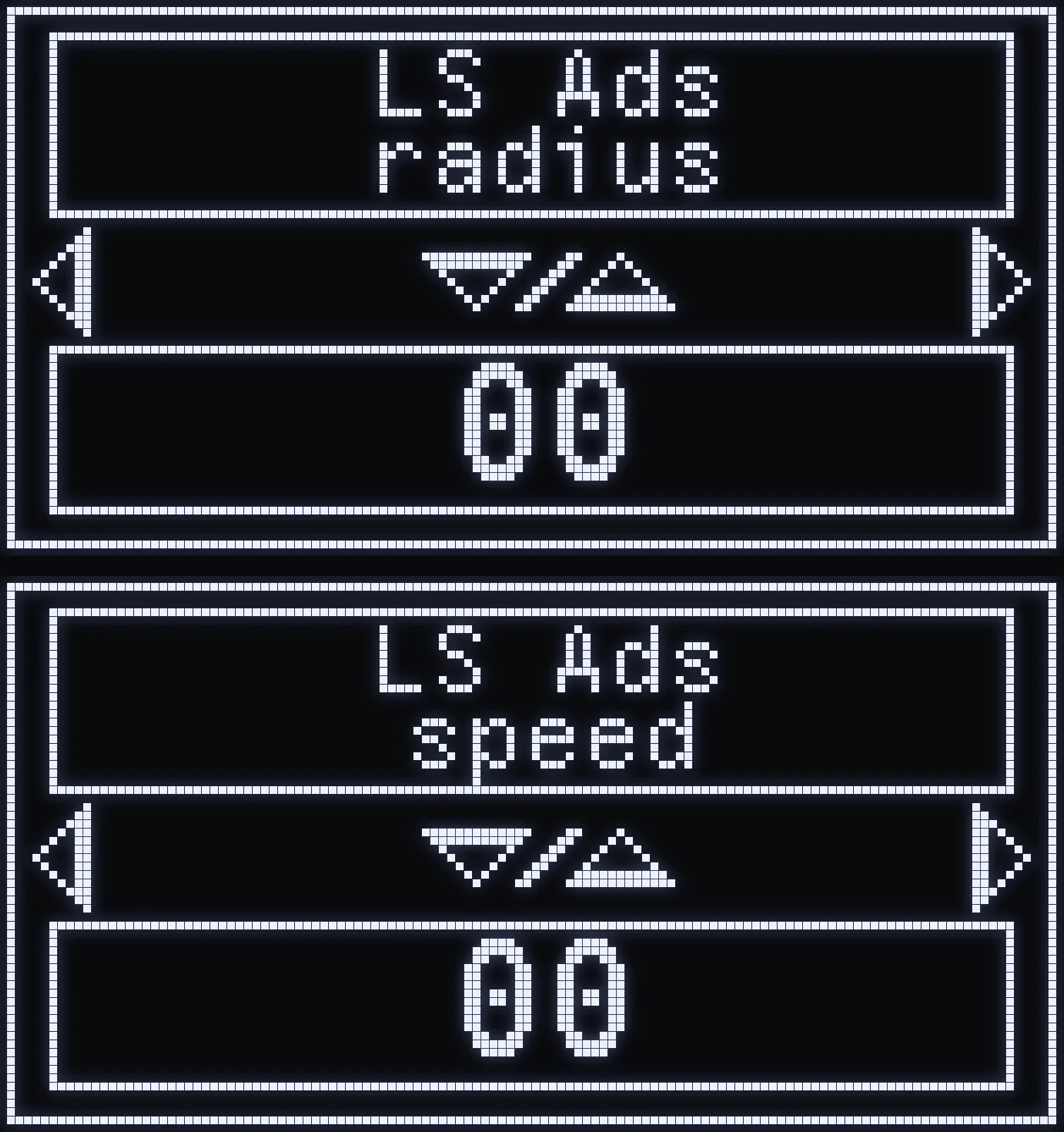
LS ADS
🎯 WHAT IS IT FOR?
Aim assist movement on the left stick, when you're aiming without firing.
- LS ADS radius: size of the movement. - LS ADS speed: speed of the movement.
⚙️ SETTING
First screen: the radius. RIGHT: the speed. The higher the value, the bigger or faster the movement.
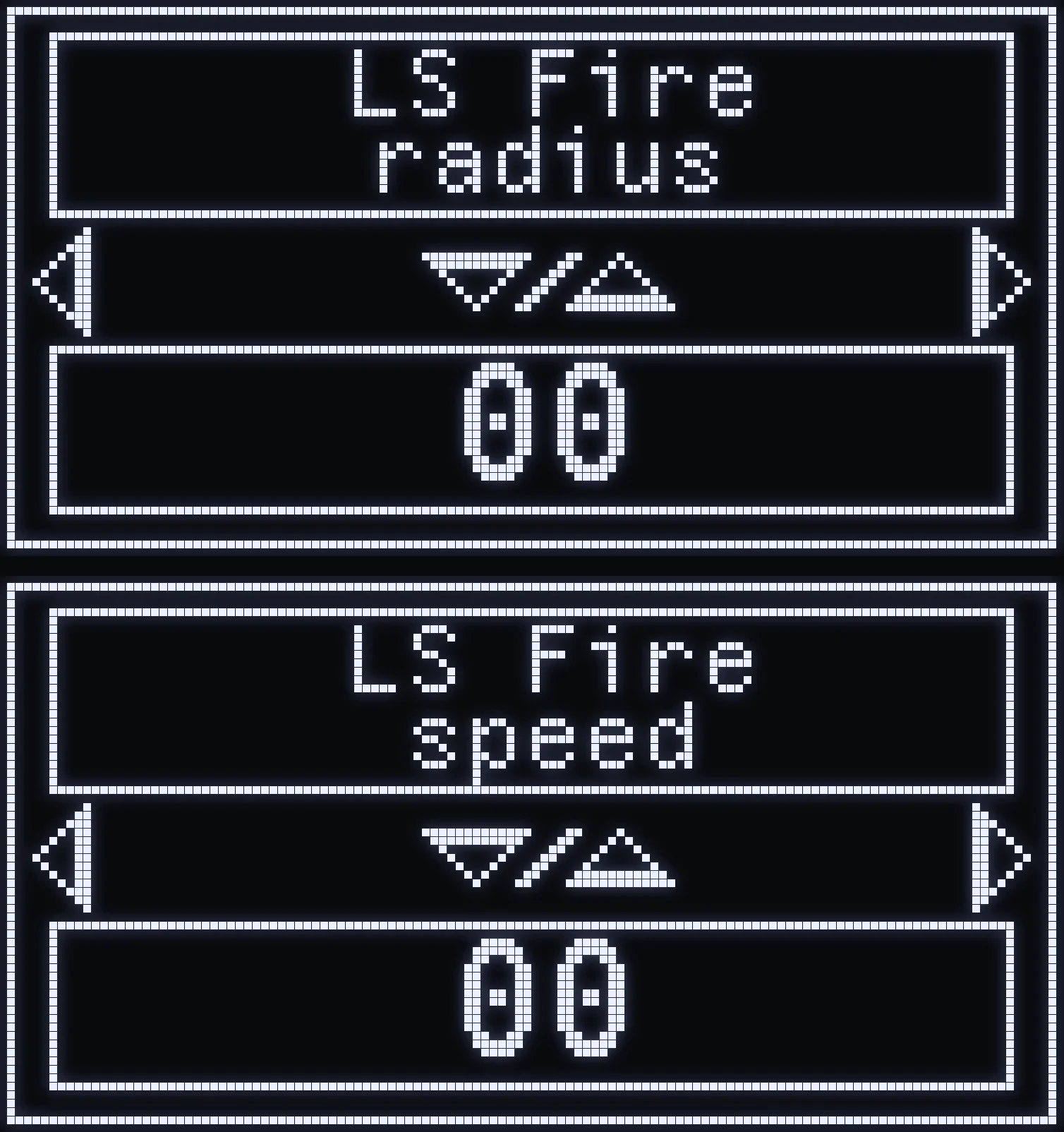
LS FIRE
🎯 WHAT IS IT FOR?
Aim assist movement on the left stick, when you're firing without aiming.
- LS FIRE radius: size of the movement. - LS FIRE speed: speed of the movement.
⚙️ SETTING
First screen: the radius. RIGHT: the speed. The higher the value, the bigger or faster the movement.
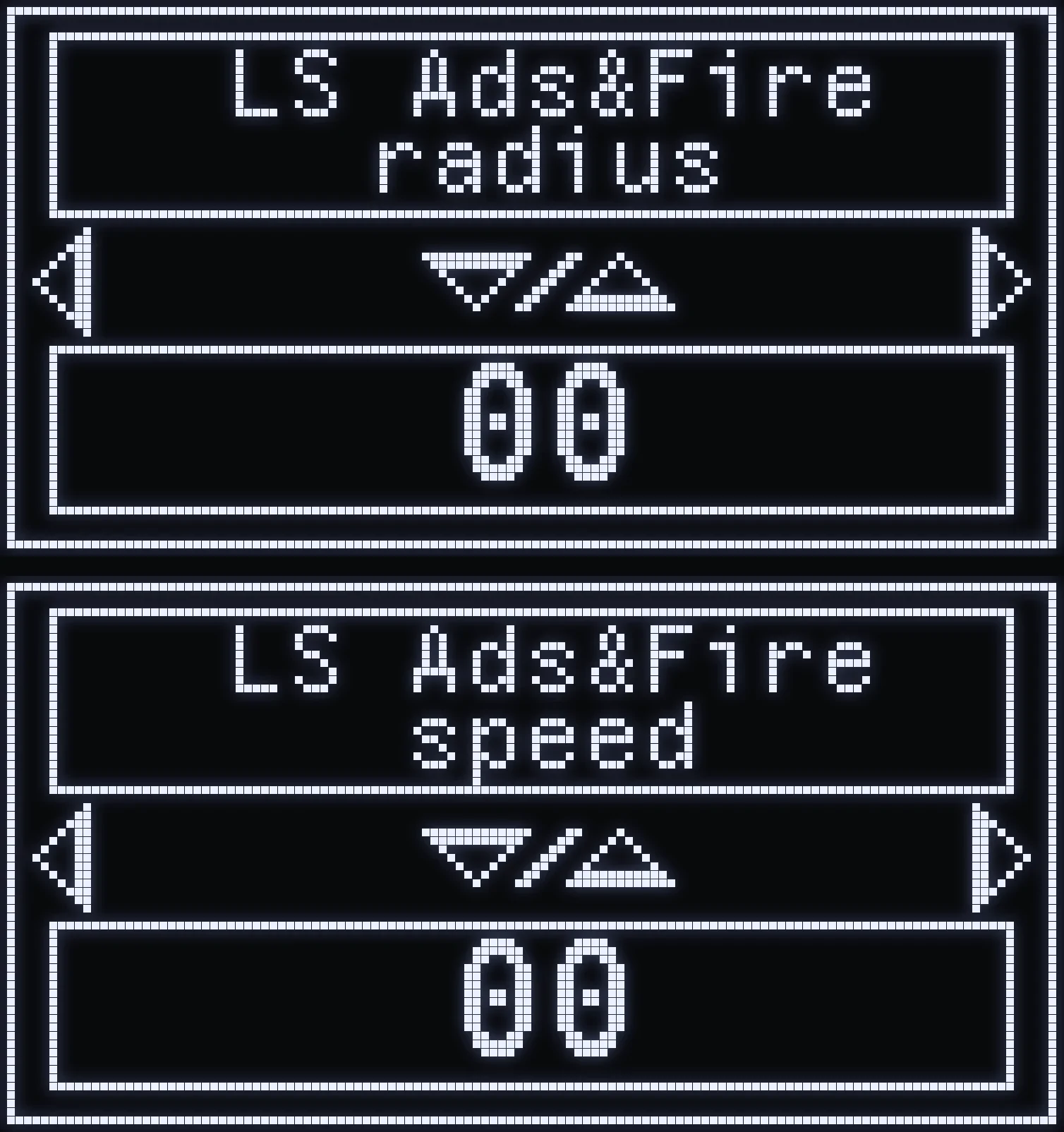
LS ADS&FIRE
🎯 WHAT IS IT FOR?
Aim assist movement on the left stick, when you're aiming and firing at the same time.
- LS ADS&FIRE radius: size of the movement. - LS ADS&FIRE speed: speed of the movement.
⚙️ SETTING
First screen: the radius. RIGHT: the speed. The higher the value, the bigger or faster the movement.
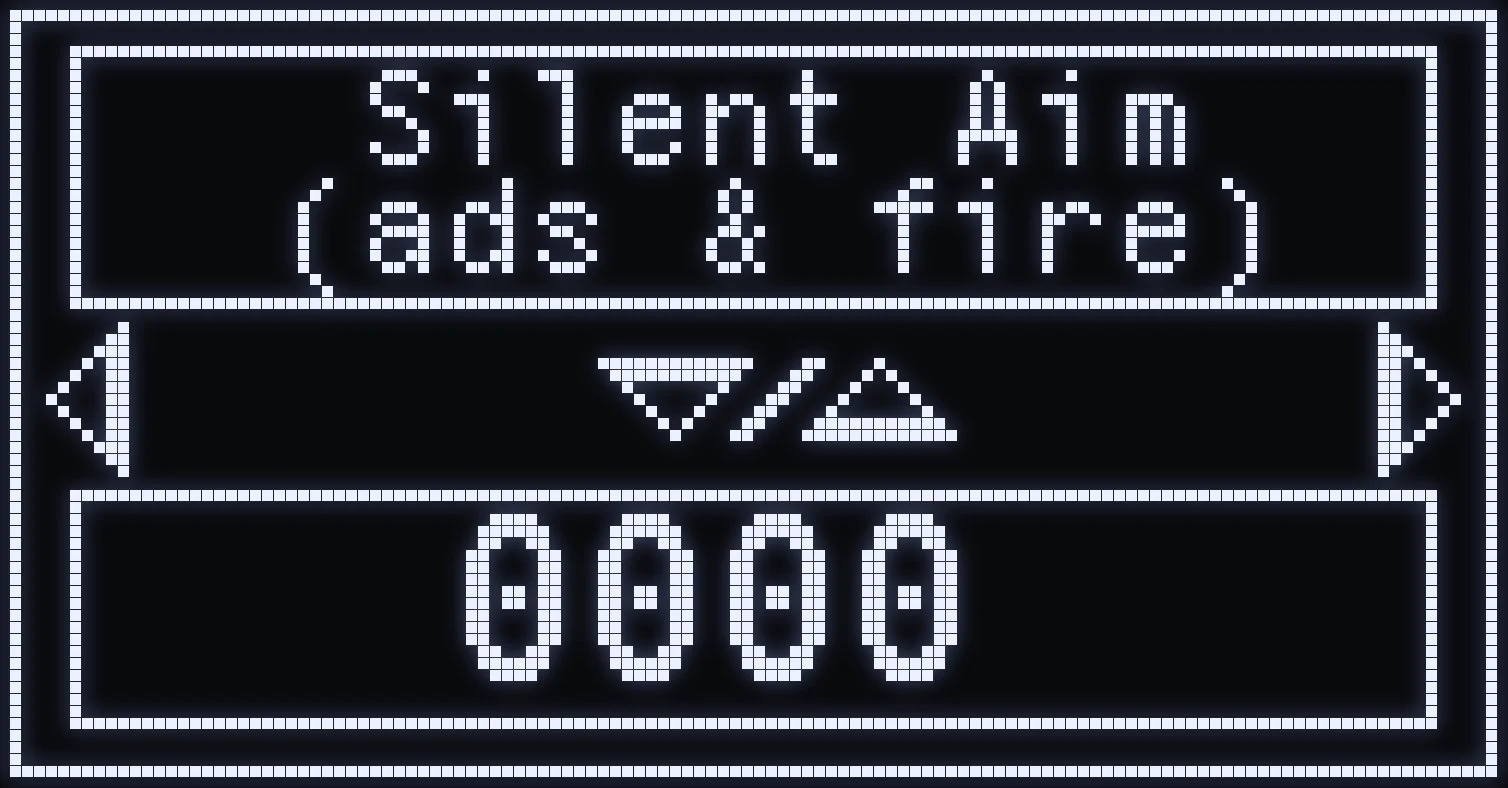
SILENT AIM
🎯 WHAT IS IT FOR?
How strongly your crosshair is corrected while you move, when you fire.
⚙️ SETTING
The higher the value, the stronger the correction.
(#35d09a:💡 TIP: if your crosshair shakes or drifts, the Aim Assist help page shows each case on video along with the setting to lower.)
WHAT SOME MOVEMENTS LOOK LIKE
For beginners: what each setting changes, on video.
RADIUS
When you raise or lower a Radius.
SPEED
When you raise or lower a Speed.
SHAPE (OVAL V)
When you change the aim assist shape to Oval V.
When you change the SHAPE (FIG8)
When you change the aim assist shape to FIG8.
Frequently asked questions
Why does aim assist do nothing?
Out of the box, no radius is set: nothing moves until you set one. A radius left at the minimum turns aim assist off in that situation, even if the speed is set.
What's the difference between RADIUS and SPEED?
The radius sets the size of the aim assist movement, the speed sets how fast it is. On the Cronus, each situation shows the radius first, then RIGHT moves on to the speed.
Why doesn't LS aim assist work when I move?
Left stick aim assist only works when that stick is still or almost still: it cuts out as soon as you move.
What do HIP, ADS, FIRE and ADS&FIRE mean?
They're the in-game situations: HIP not aiming or firing, ADS aiming without firing, FIRE firing without aiming, ADS&FIRE aiming and firing at the same time. Each situation has its own settings.