Settings / Setting
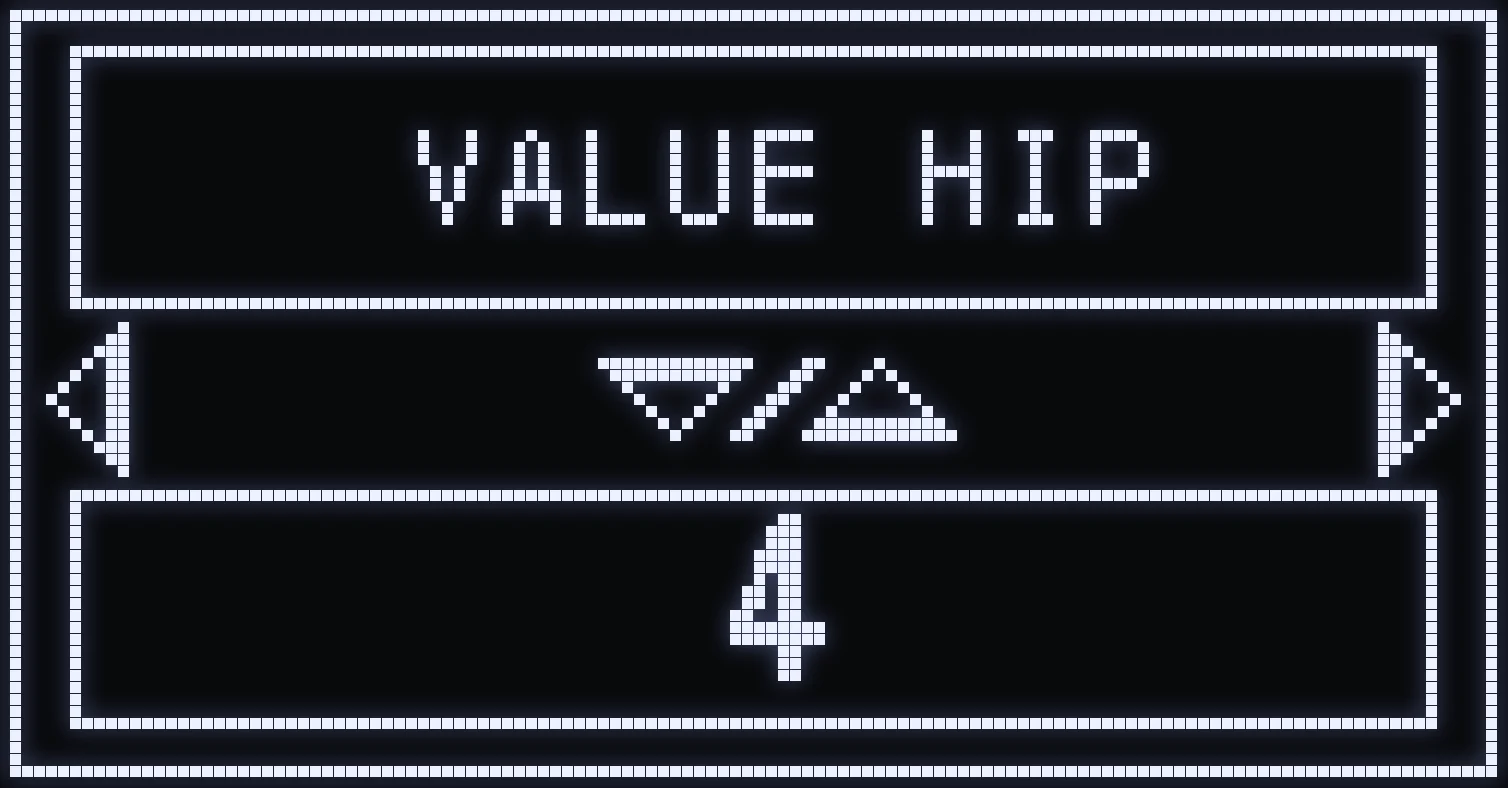
VALUE HIP
🎯 WHAT IS IT FOR?
Tells the script your in-game “look” sensitivity, when not aiming.
⚙️ VALUES
From 1 to 8.
📝 EXAMPLE: if your in-game sensitivity is set to 5, put 5 in VALUE HIP.
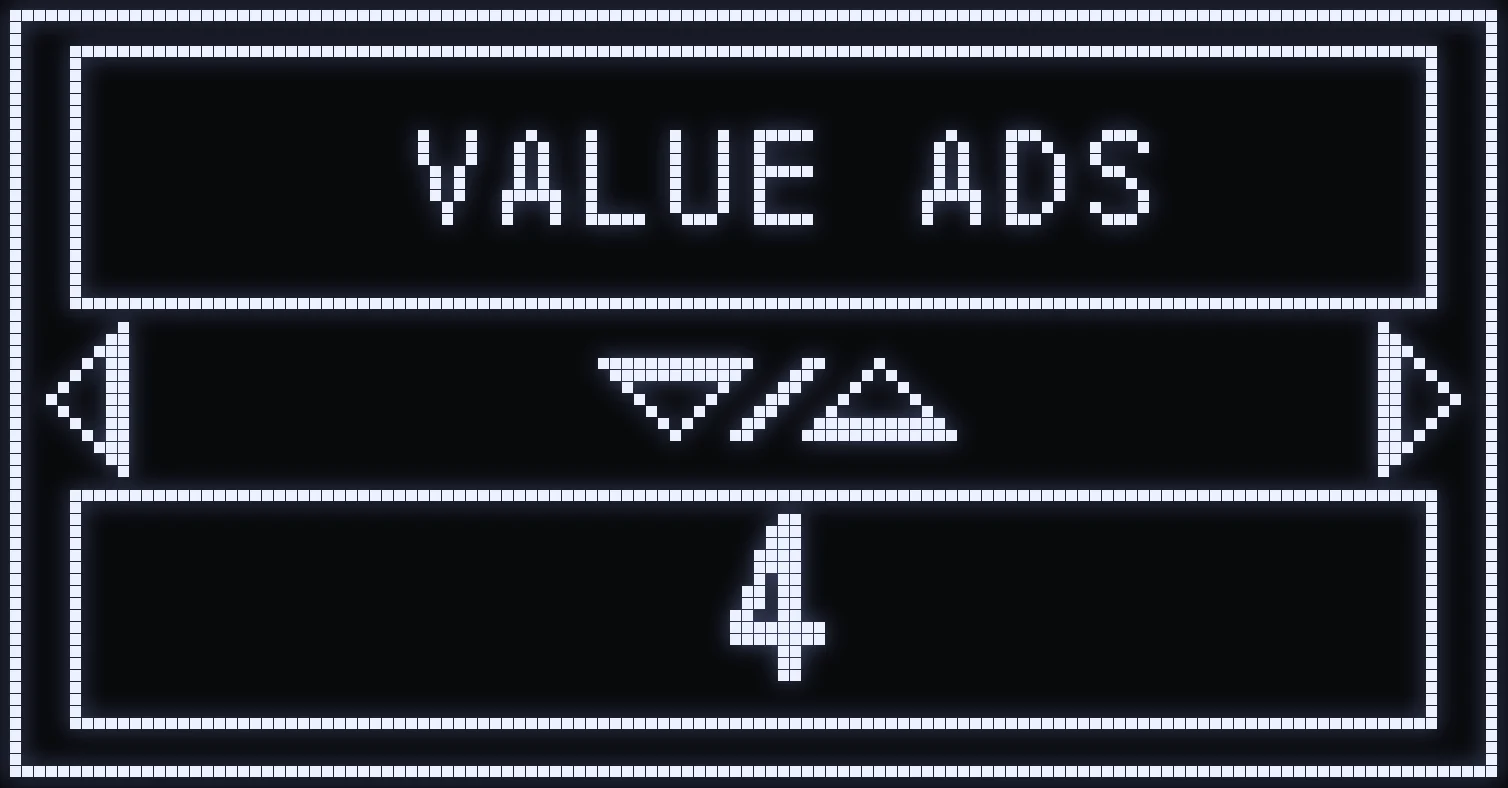
VALUE ADS
🎯 WHAT IS IT FOR?
Tells the script your in-game “look” sensitivity when aiming down sights.
⚙️ VALUES
From 1 to 8.
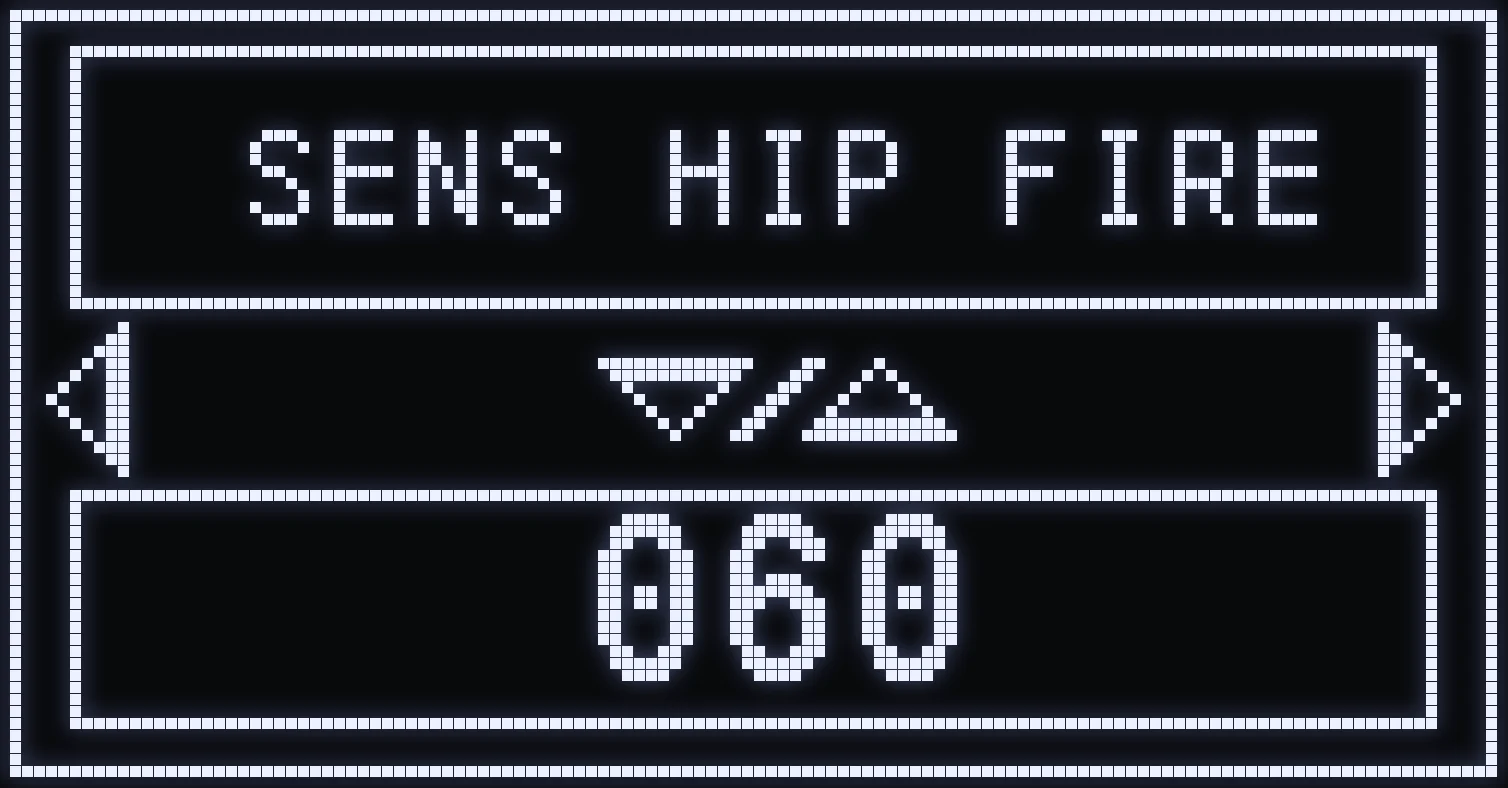
SENS HIP FIRE
🎯 WHAT IS IT FOR?
Lowers your sensitivity when you fire without aiming.
⚙️ HOW DO I SET IT?
CROSS / A opens the LOWZONE % setting, shared by SENS HIP FIRE and SENS ADS&FIRE.
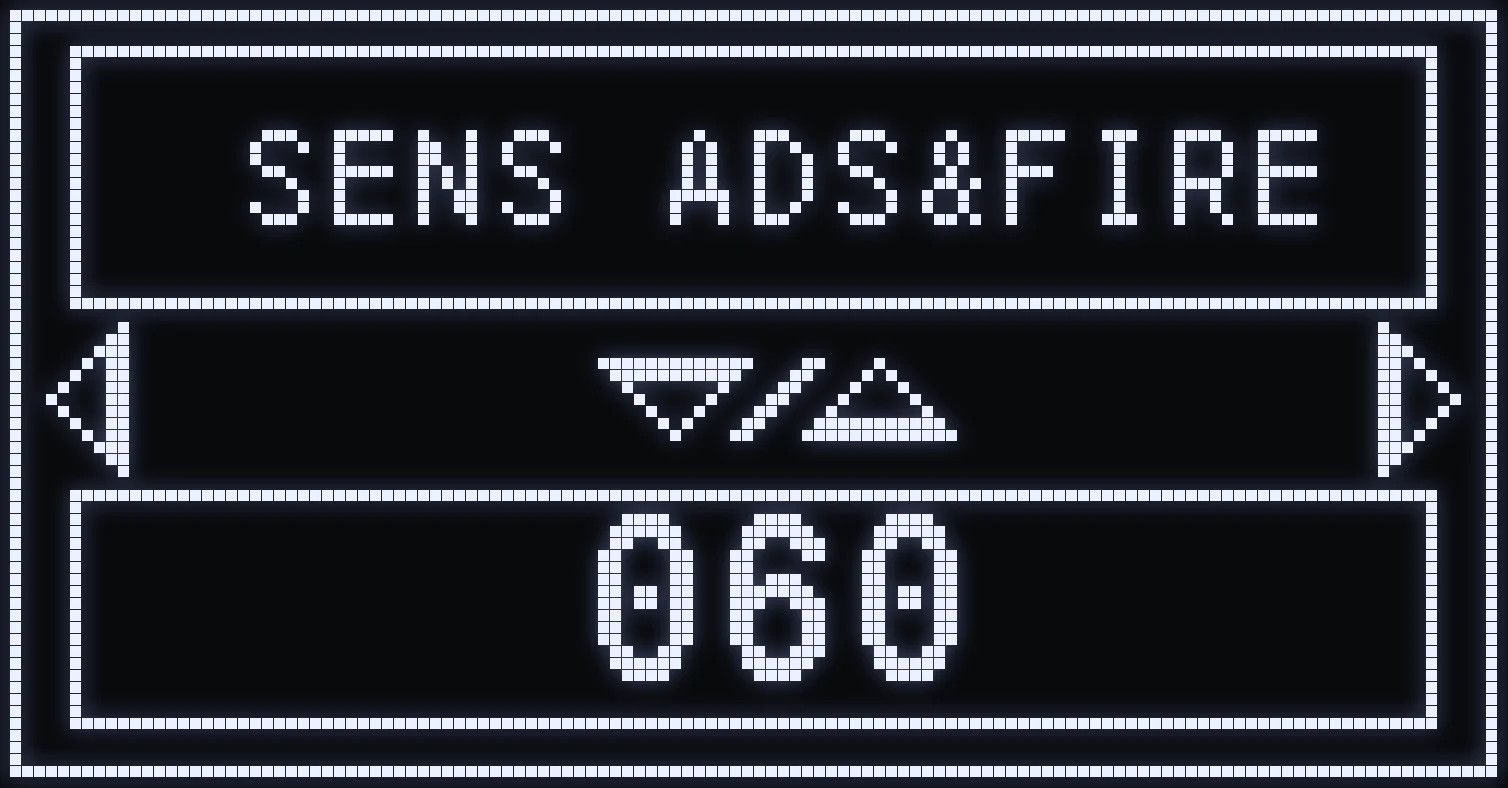
SENS ADS&FIRE
🎯 WHAT IS IT FOR?
Lowers your sensitivity when you fire while aiming.
⚙️ HOW DO I SET IT?
CROSS / A opens the LOWZONE % setting, shared by SENS HIP FIRE and SENS ADS&FIRE.
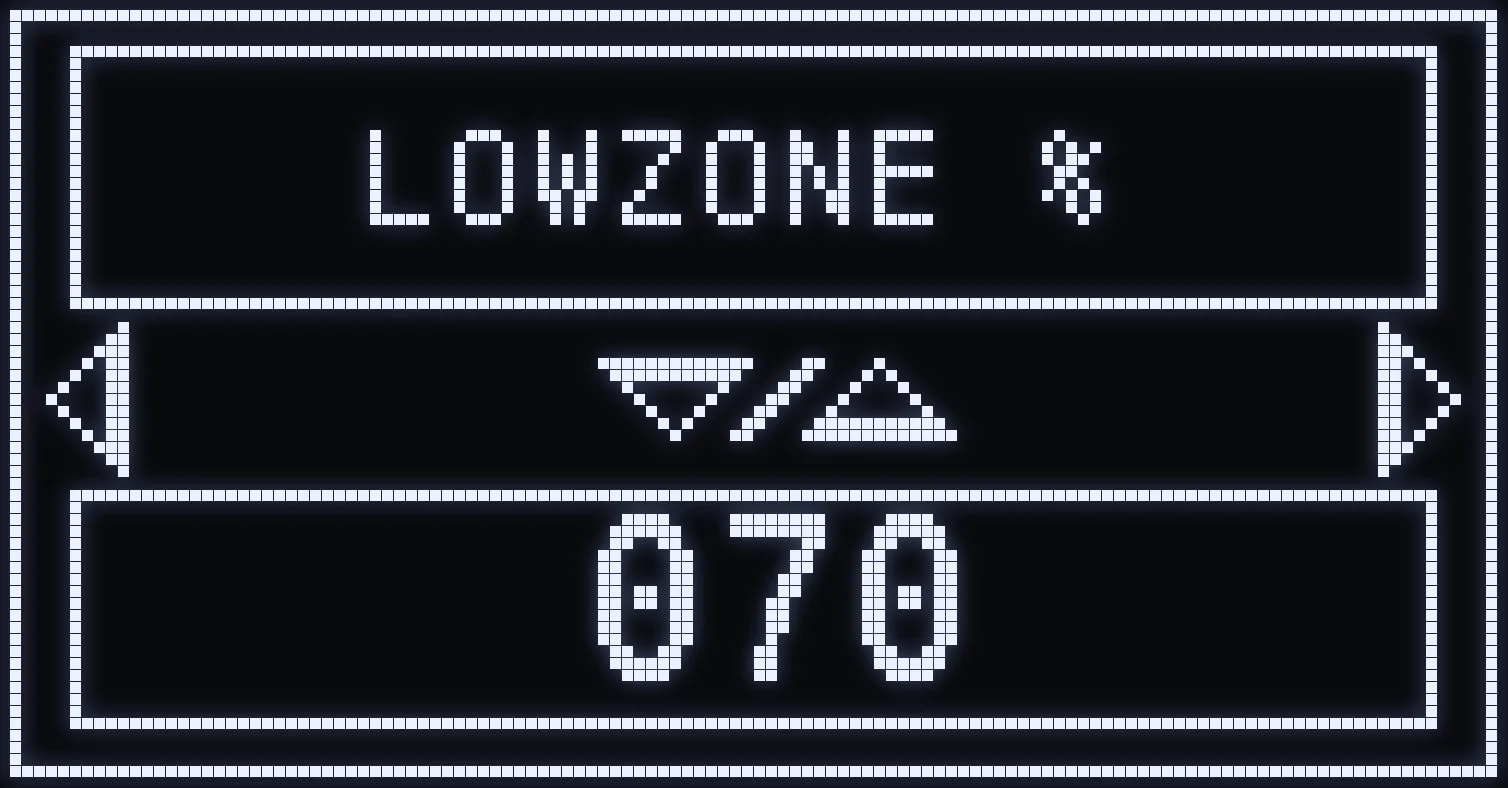
LOWZONE %
🎯 WHAT IS IT FOR?
Reduces your sensitivity at the center of the aim stick, every time you fire, whether you're aiming or not.
It's one and the same setting: you open it with CROSS / A from SENS HIP FIRE or from SENS ADS&FIRE.
💡 TIP: at the maximum, LOWZONE % has no effect. Lower it bit by bit if your crosshair is too twitchy at the center.
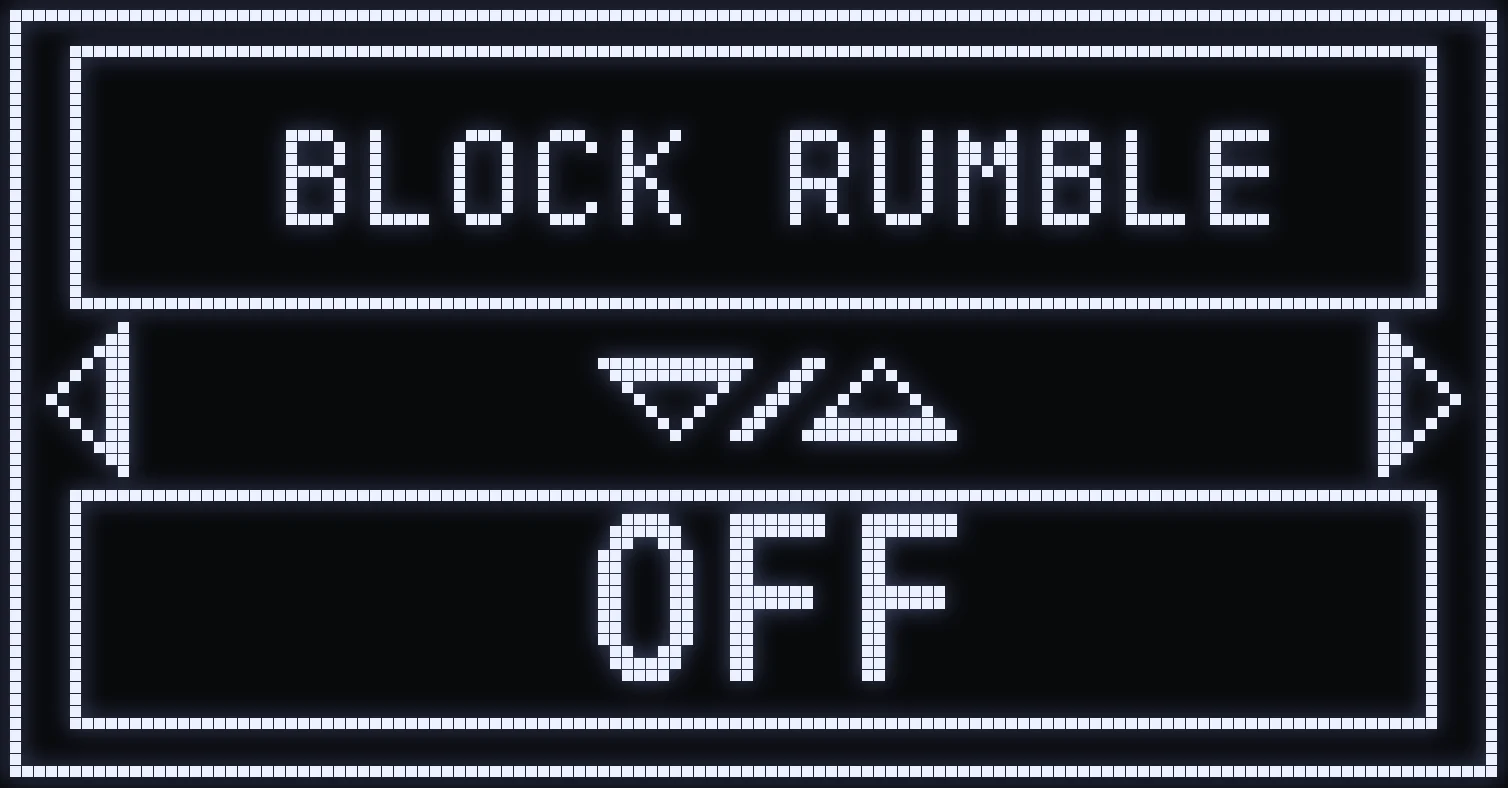
BLOCK RUMBLE
🎯 WHAT IS IT FOR?
Turns off vibration on the controller.
⚙️ VALUES
ON / OFF.
(#ffb547:⚠️ WARNING: for weapon auto-detection on Xbox, vibration must stay on in the game options: see the Auto-detection page.)
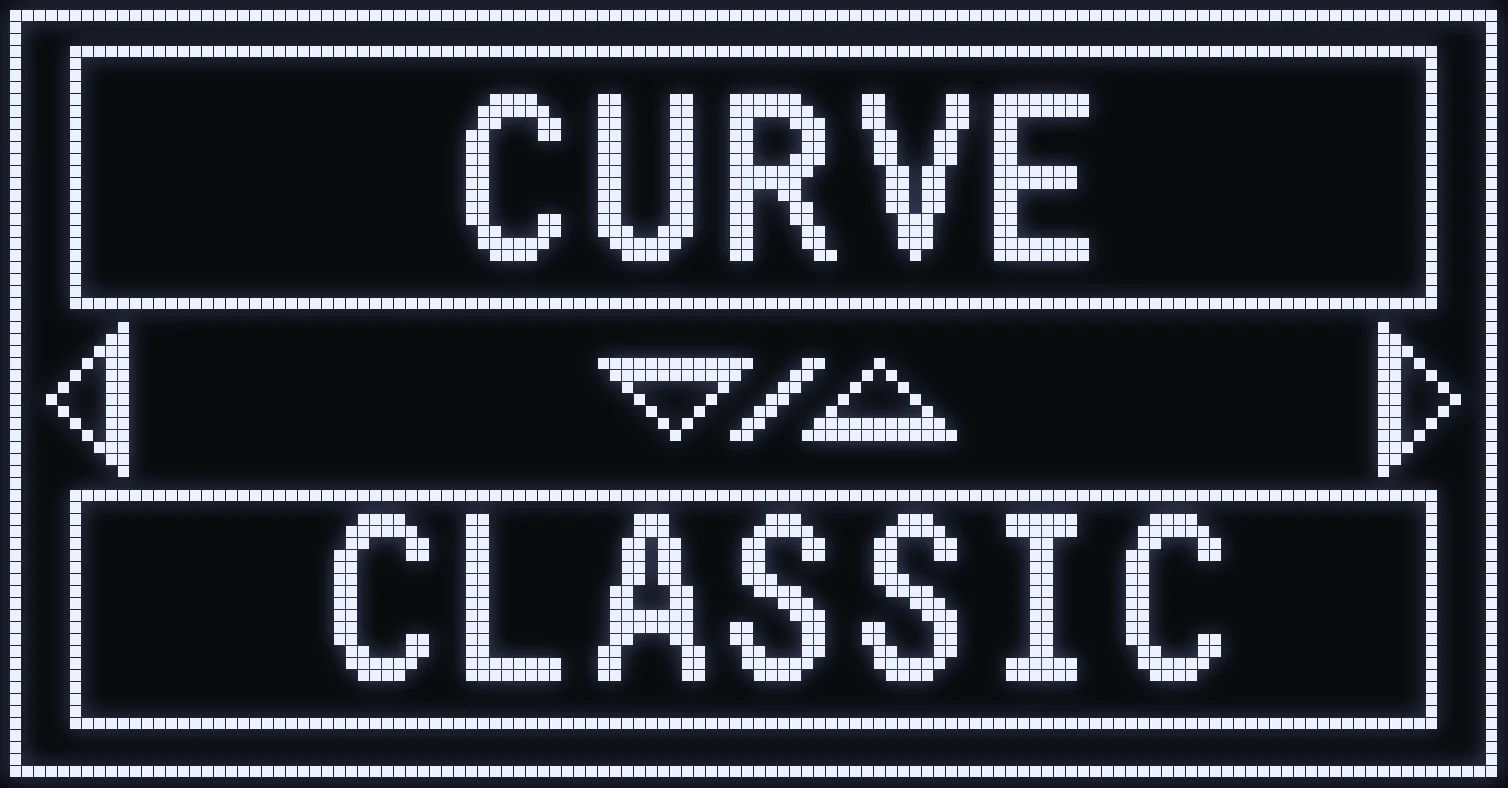
CURVE
🎯 WHAT IS IT FOR?
Tells the script which response curve you picked in game.
⚙️ VALUES
CLASSIC / LINEAR.
(#35d09a:💡 TIP: the recommended settings for each curve are on the Basic settings page.)
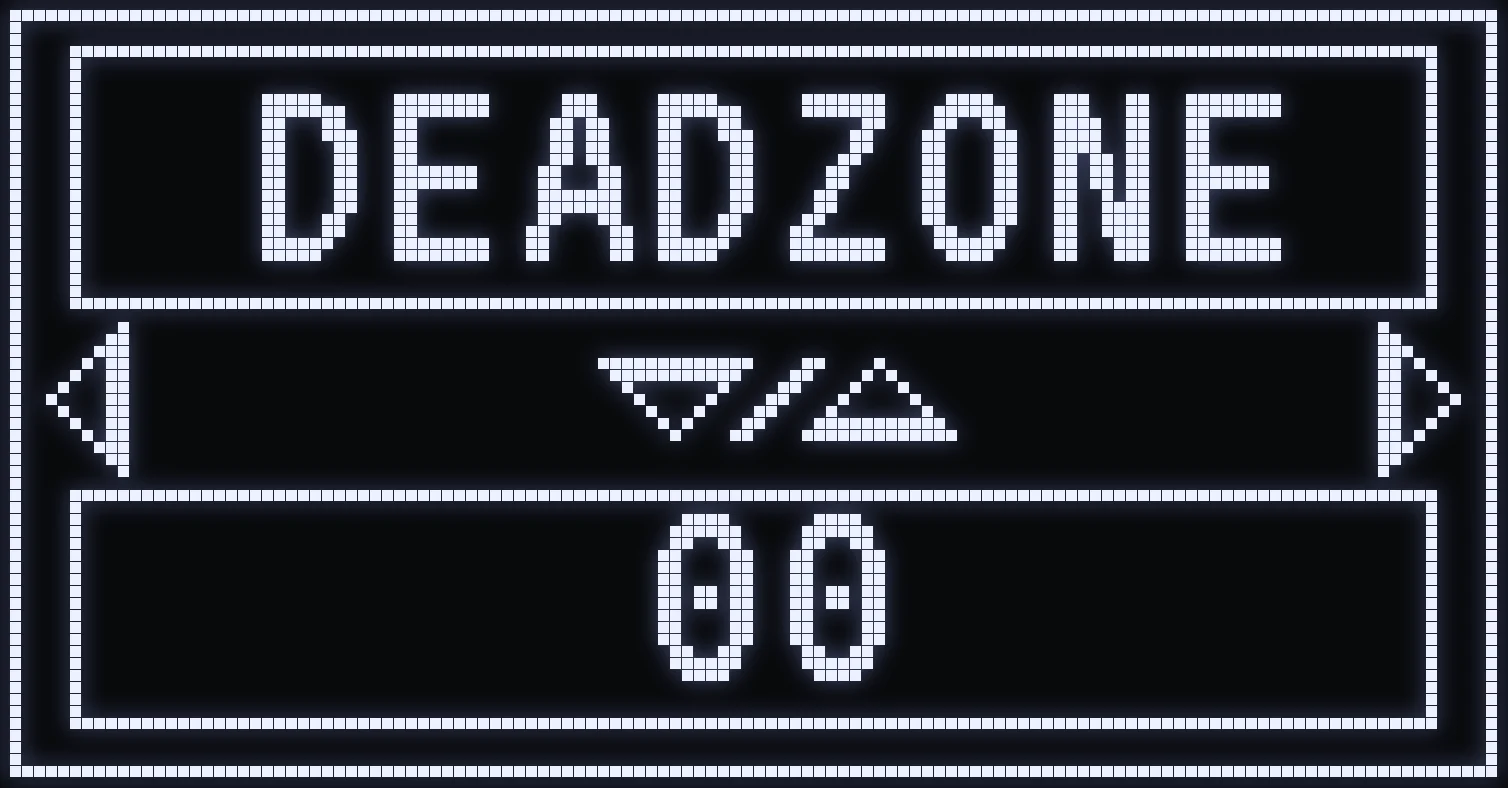
DEADZONE
🎯 WHAT IS IT FOR?
Artificial stick deadzone.
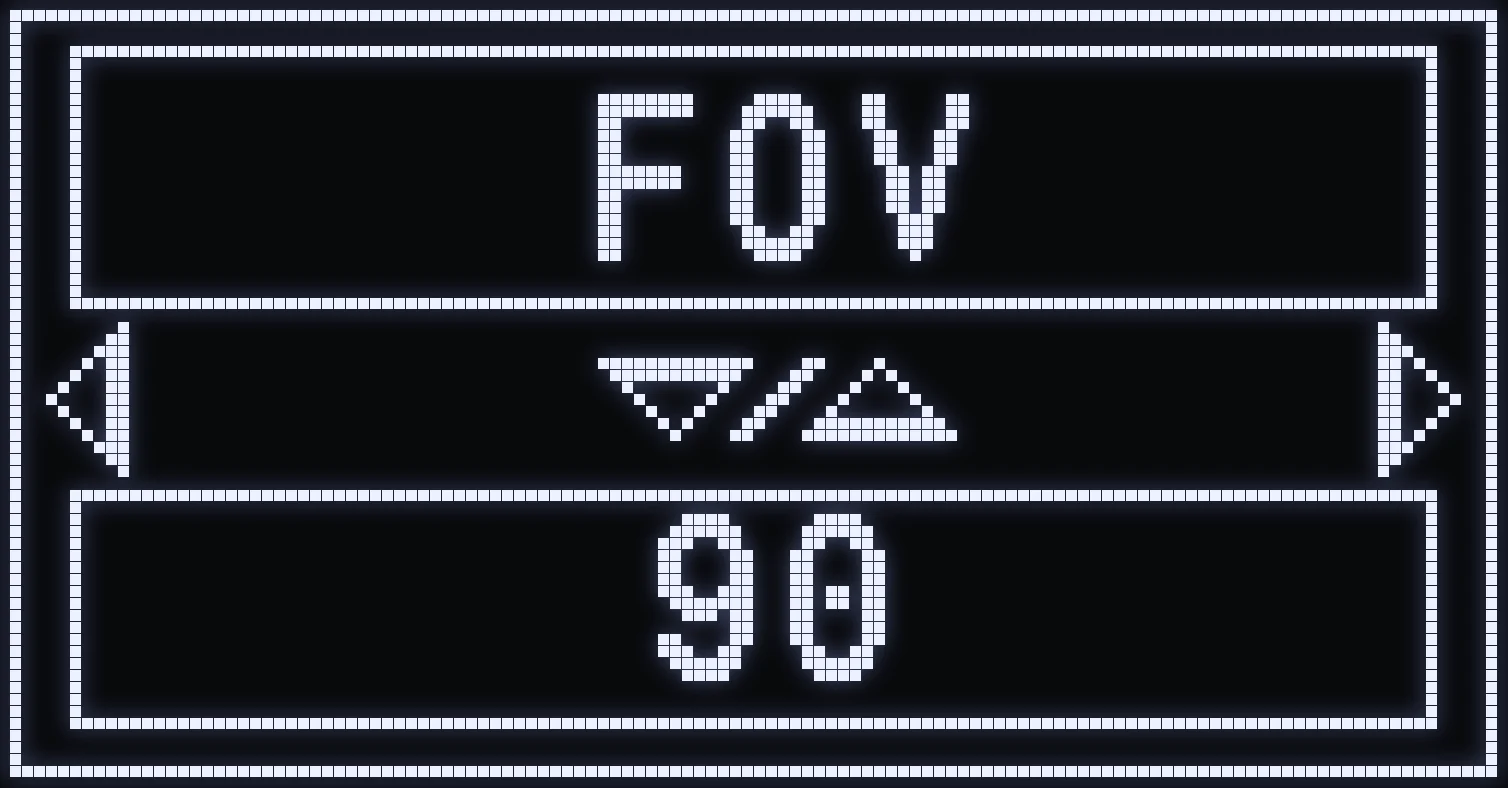
FOV
🎯 WHAT IS IT FOR?
The game's field of view.
⚙️ VALUES
From 90 to 110.
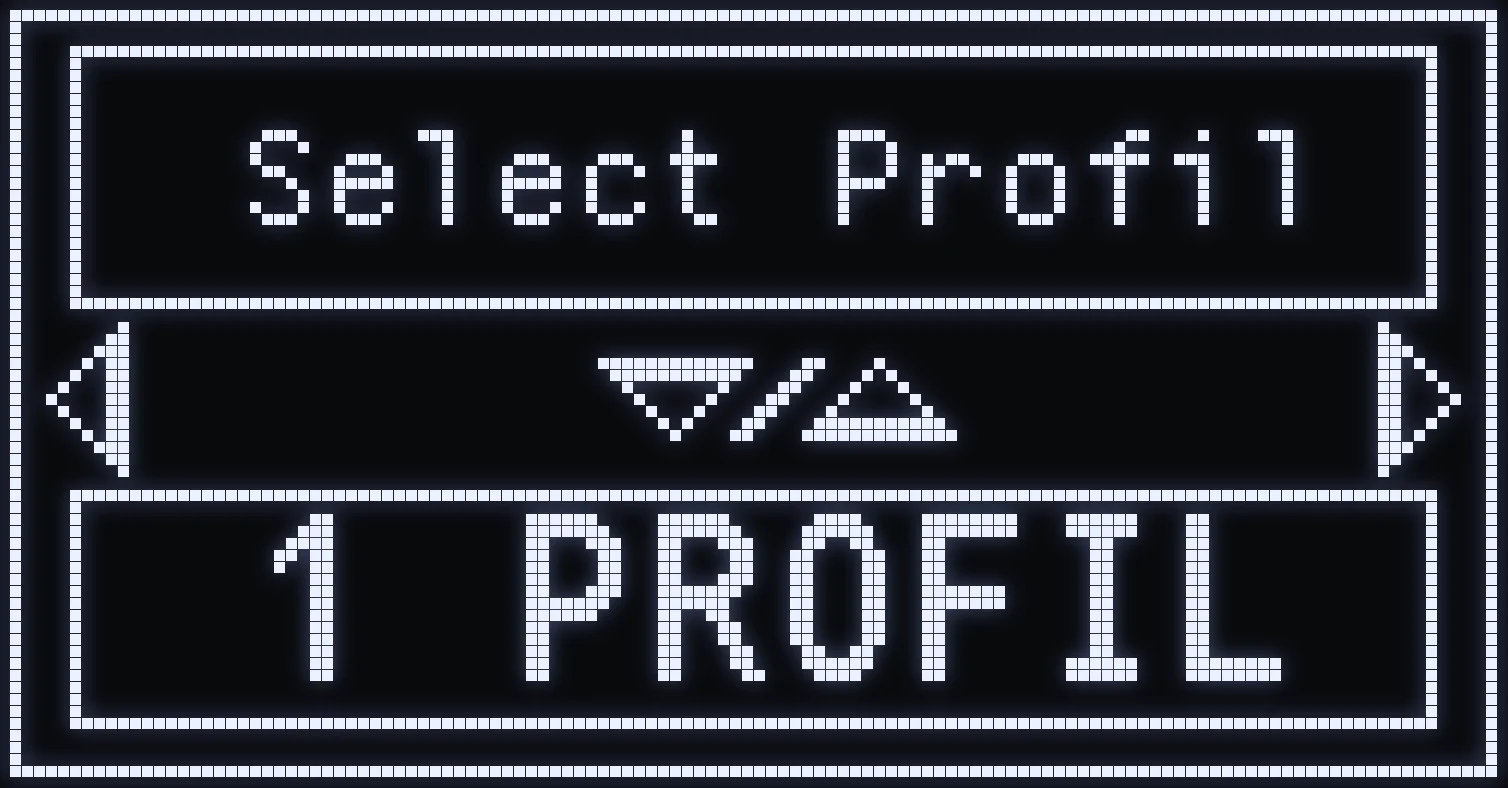
SELECT PROFIL
🎯 WHAT IS IT FOR?
Turns on two-profile mode.
(#35d09a:💡 TIP: how the two profiles work is explained on the Profiles page.)
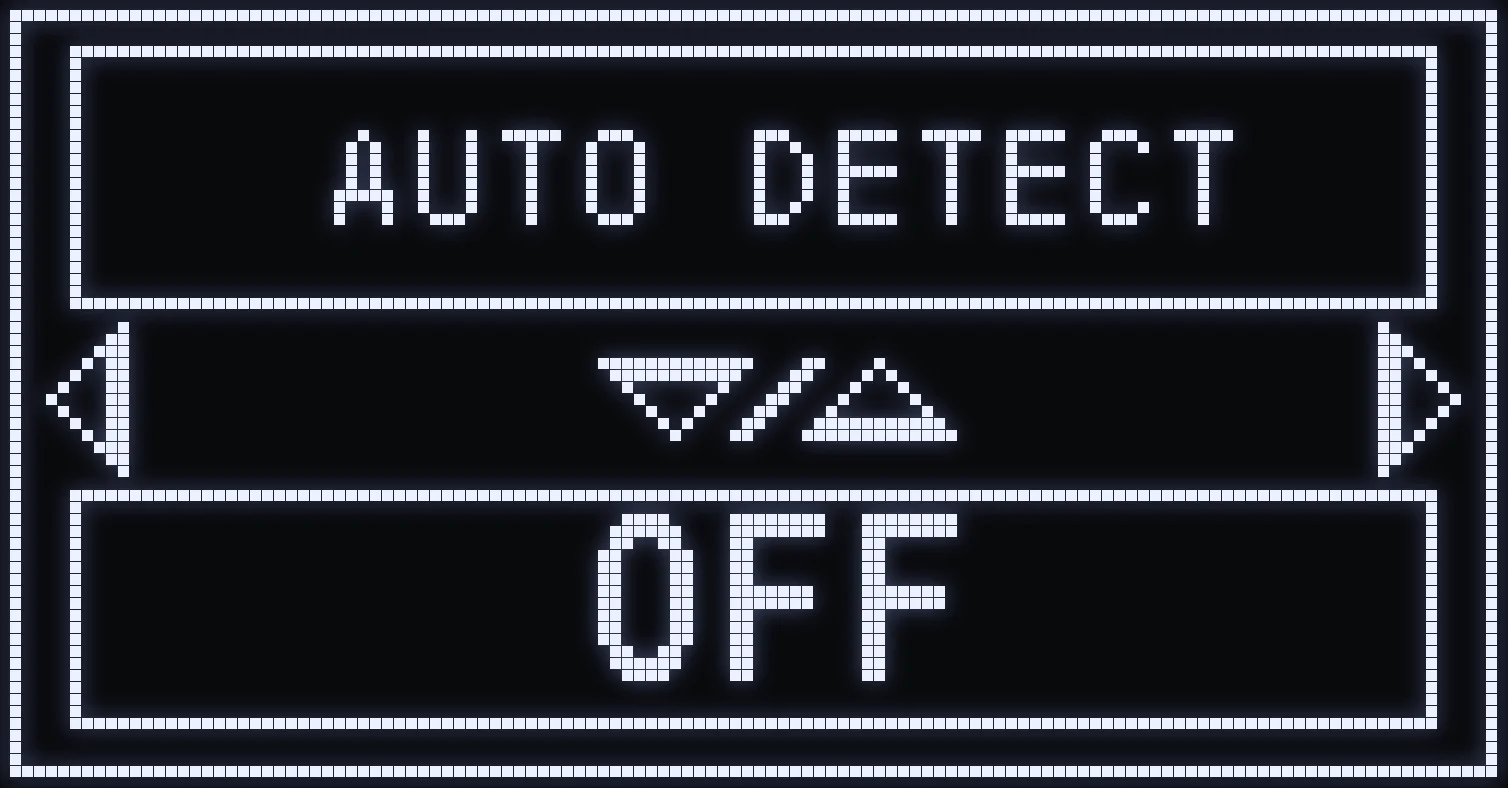
AUTO DETECT
🎯 WHAT IS IT FOR?
Turns on weapon auto-detection: PS5, PC with a PS5 controller, and Xbox console.
⚙️ VALUES
ON / OFF.
(#35d09a:💡 TIP: how detection works is explained on the Auto-detection page.)
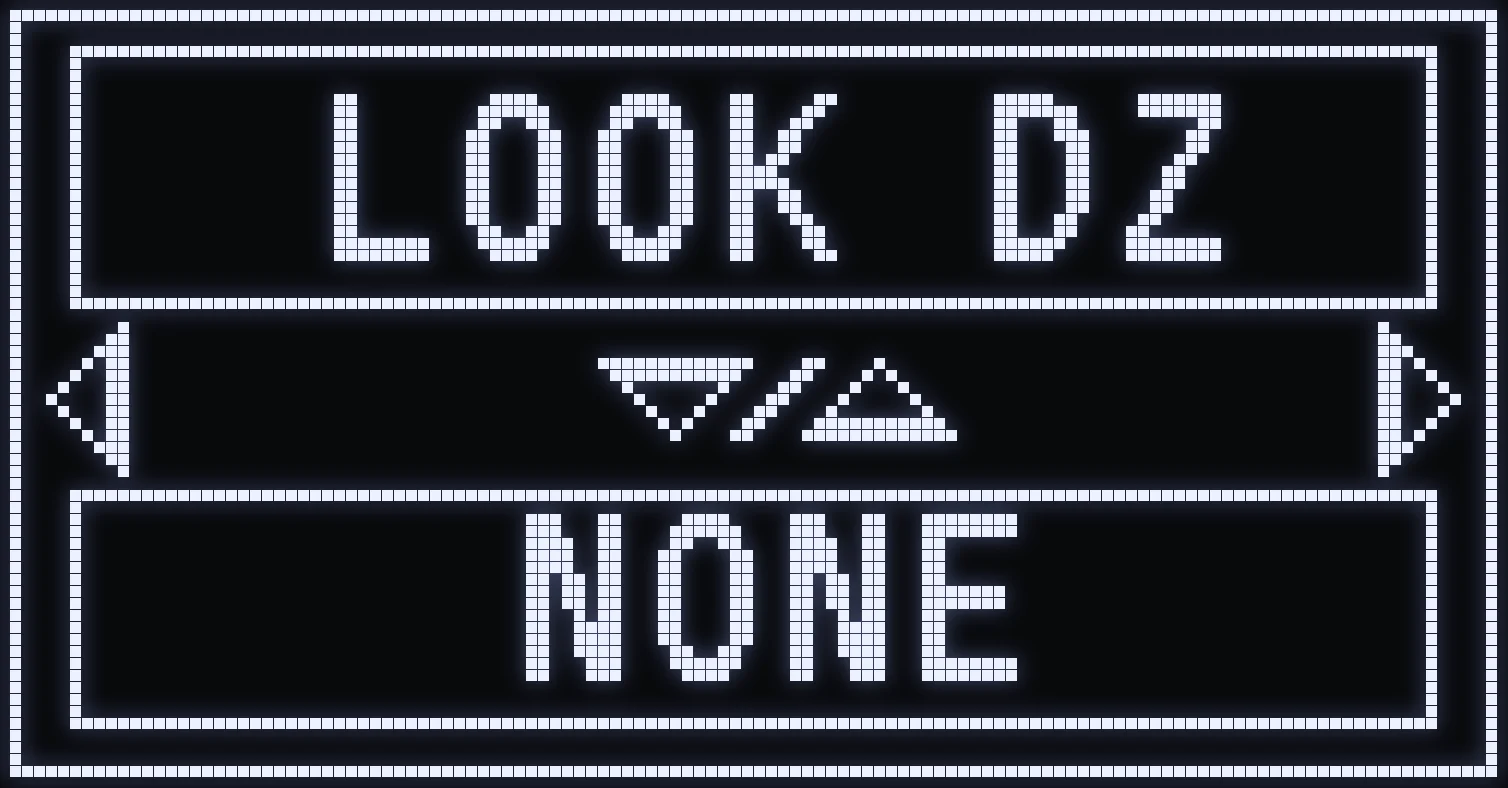
LOOK DZ
🎯 WHAT IS IT FOR?
Tells the script the Look Deadzone you picked in the game options.
⚙️ VALUES
NONE / SMALL / LARGE.
💡 TIP: enter exactly the same choice as in the Apex options.
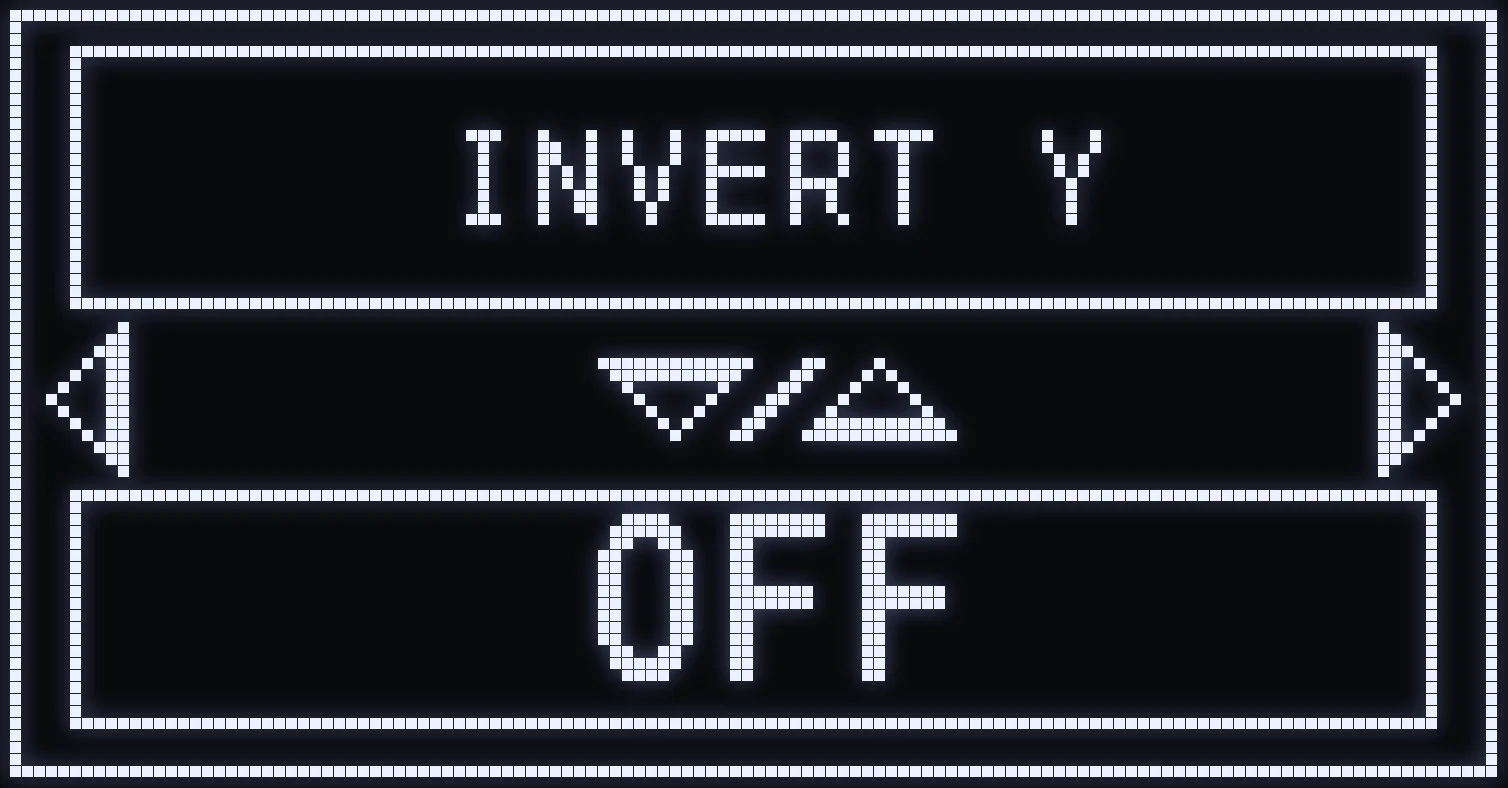
INVERT Y
🎯 WHAT IS IT FOR?
Set it to ON if you've turned on “Invert Look” in the game options.
⚙️ VALUES
ON / OFF.
Frequently asked questions
What should I put in VALUE HIP and VALUE ADS?
Enter exactly the “look” sensitivities you set in Apex: VALUE HIP for the sensitivity when not aiming, VALUE ADS for the sensitivity when aiming.
What is LOWZONE % for?
It lowers your sensitivity at the center of the aim stick on every shot, whether you're aiming or not. Open it with CROSS / A from SENS HIP FIRE or SENS ADS&FIRE: at the maximum, it has no effect.
My aim is too fast when I fire, what should I adjust?
Use SENS HIP FIRE if you fire without aiming, and SENS ADS&FIRE if you fire while aiming: they lower your sensitivity only while firing. VALUE HIP and VALUE ADS must stay identical to your in-game settings.
What should I put in LOOK DZ?
Enter exactly the Look Deadzone you picked in the Apex options: NONE, SMALL or LARGE.