General anti-recoil
This menu has 3 screens: switch between them with LEFT / RIGHT.
QUICK ON / OFF IN GAME
Hold SQUARE / X and quickly double-tap a D-pad arrow:
- UP: anti-recoil ON / OFF. - DOWN: aim assist ON / OFF. - RIGHT: Shot Mod ON / OFF.
The Cronus screen shows the status and a vibration confirms it. When the Cronus restarts, everything goes back to ON.
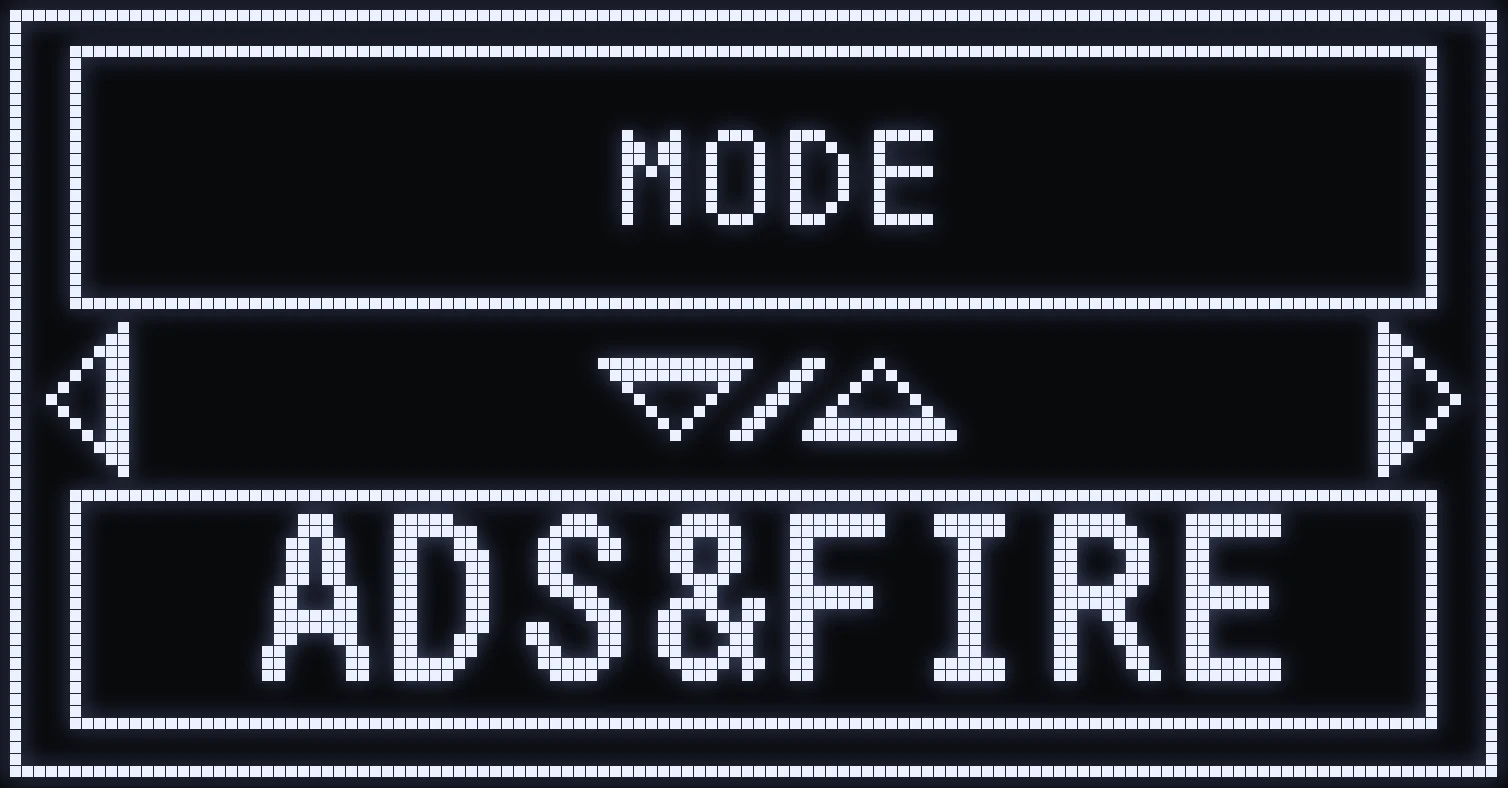
MODE
🎯 WHAT IS IT FOR?
Chooses when anti-recoil kicks in, with UP / DOWN:
- ADS & FIRE: only when you aim AND fire. - ALWAYS: on every shot.
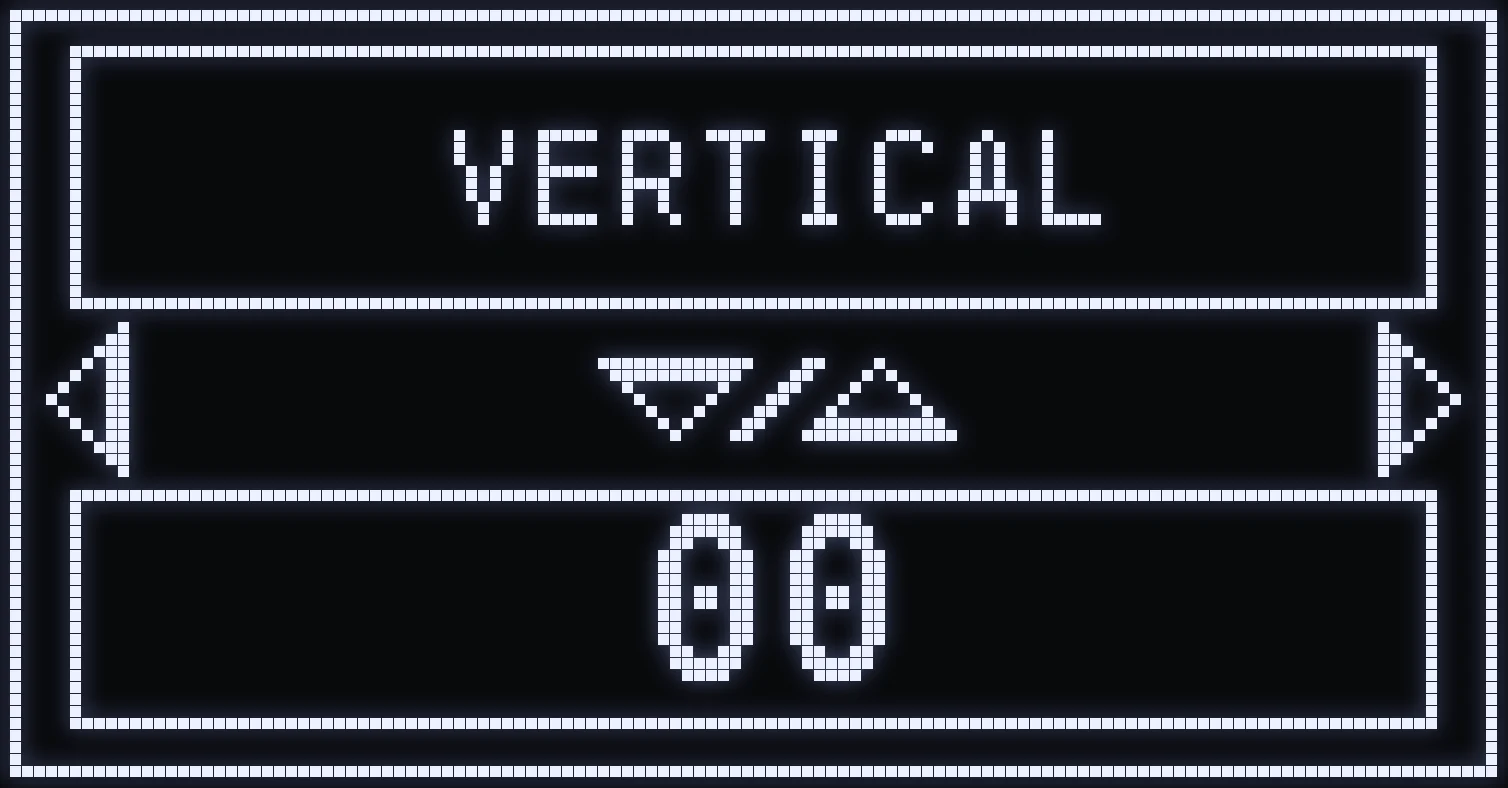
VERTICAL
🎯 WHAT IS IT FOR?
UP / DOWN sets the general vertical compensation for all weapons at once.
(#ffb547:⚠️ WARNING: this setting affects every weapon. To tune a single weapon, use per-weapon anti-recoil.)
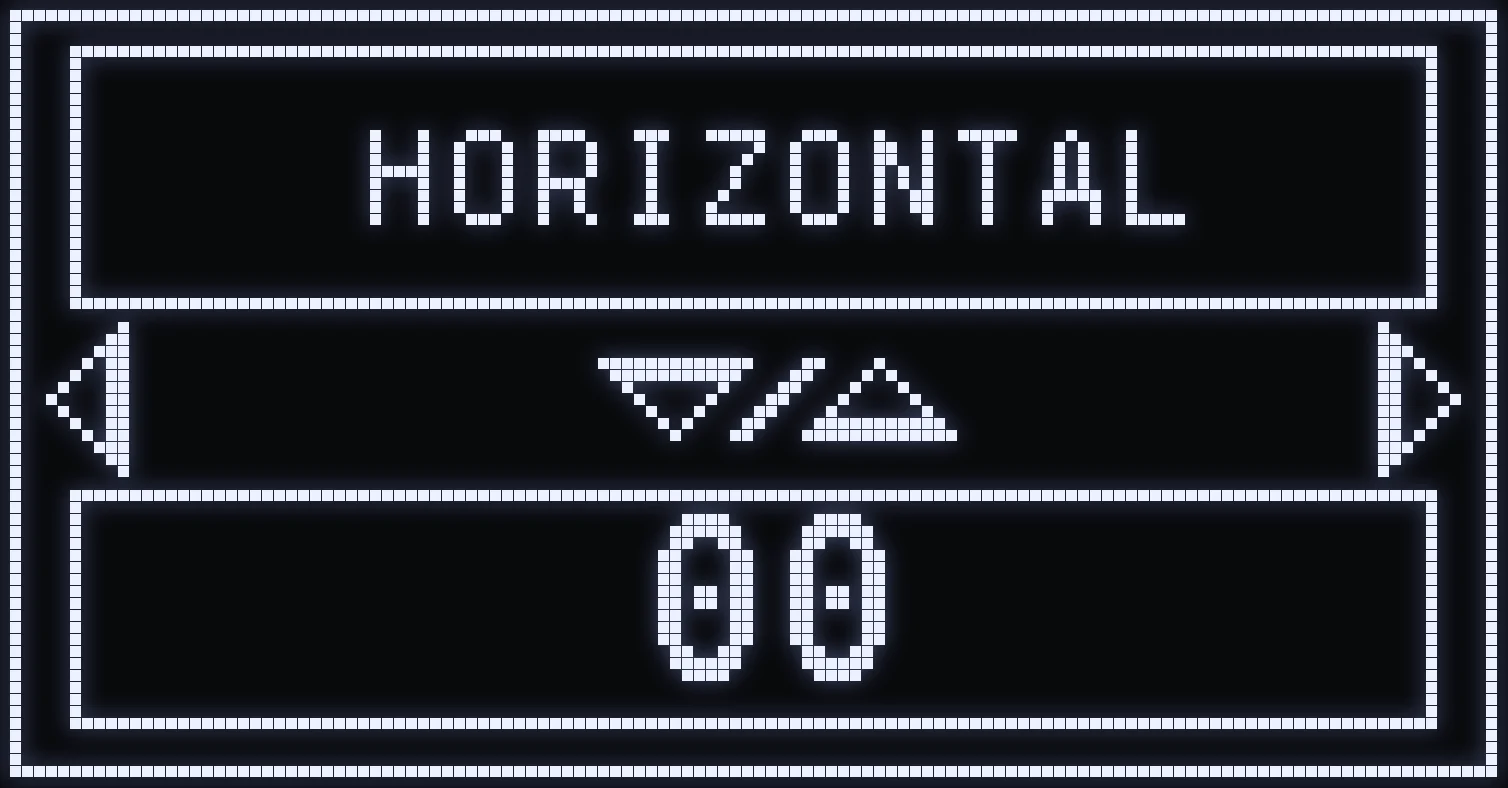
HORIZONTAL
🎯 WHAT IS IT FOR?
UP / DOWN sets the general horizontal compensation for all weapons at once.
(#ffb547:⚠️ WARNING: this setting affects every weapon. To tune a single weapon, use per-weapon anti-recoil.)
Frequently asked questions
What's the difference between general and per-weapon anti-recoil?
General anti-recoil sets the compensation for all weapons at once. Per-weapon anti-recoil only changes the weapon and sight you're holding: that's the one to use to fix a single weapon.
Why doesn't anti-recoil work when I fire without aiming?
Your MODE is probably set to ADS & FIRE: anti-recoil then only kicks in when you aim and fire at the same time. Switch it to ALWAYS so it works on every shot.
How do I turn anti-recoil off mid-match?
Hold SQUARE / X and quickly double-tap UP: anti-recoil switches OFF or ON without opening the menu. It goes back to ON when the Cronus restarts.