Main menu
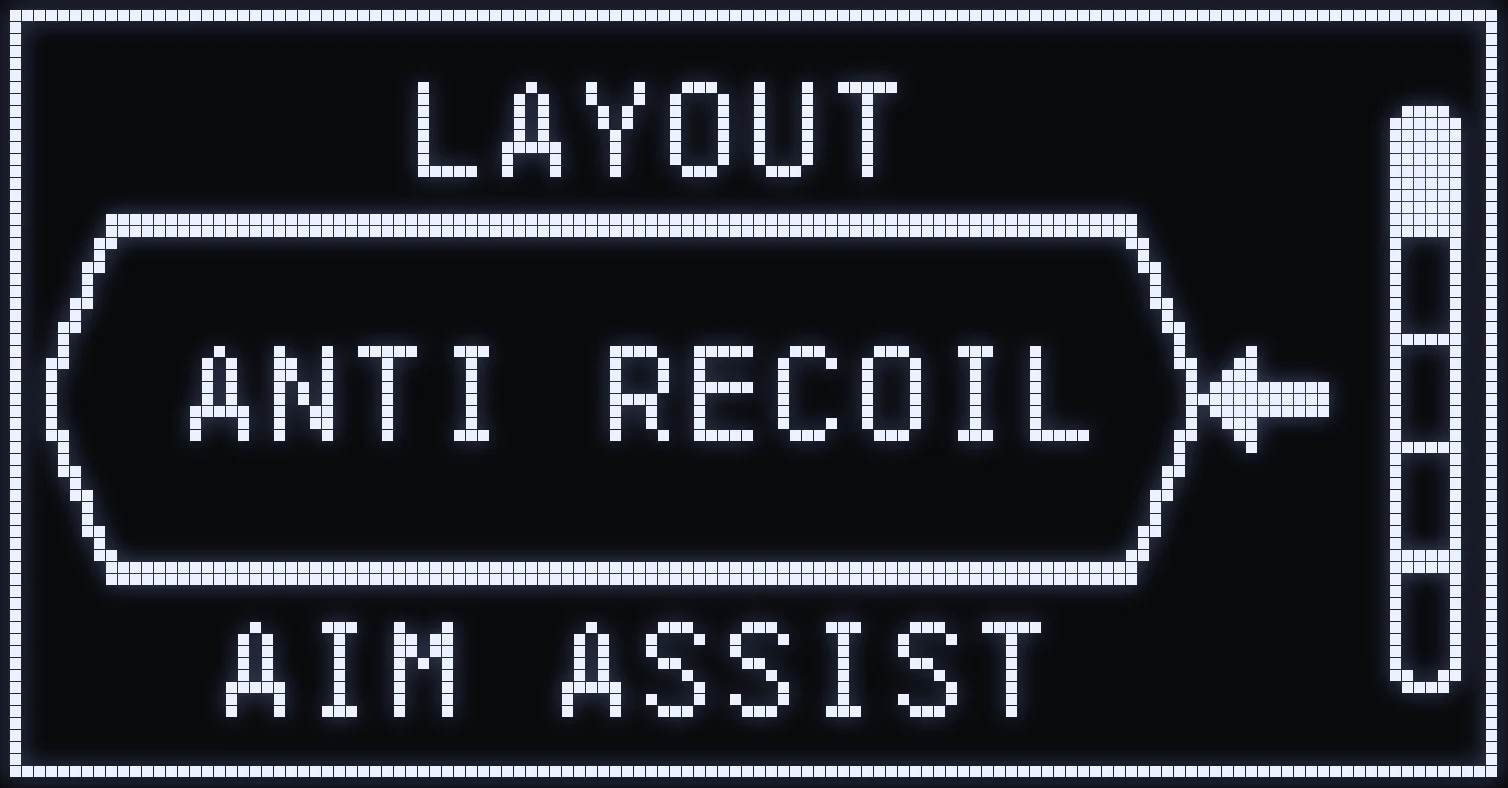
MAIN MENU
Hold L2 and press OPTIONS (Xbox: LT + MENU). A vibration confirms it's open.
🎮 THE 5 ENTRIES
- ANTI RECOIL (anti-recoil) - AIM ASSIST - MOD+ (mods) - SETTING (settings) - LAYOUT (button layout)
⚙️ NAVIGATION
- UP / DOWN: move through the list. - CROSS: enter the selected entry. - CIRCLE: exit the menu and SAVE.
❗ IMPORTANT: in every submenu, CIRCLE / B takes you back. Settings are saved when you exit the main menu.
Frequently asked questions
How do I open the SPHINX script menu?
Hold L2 and press OPTIONS (Xbox: LT + MENU). A vibration confirms it's open.
How do I save my settings?
Exit the main menu with CIRCLE / B: that's when your settings are saved.
What's in the main menu?
Five entries: ANTI RECOIL, AIM ASSIST, MOD+, SETTING and LAYOUT. Navigate with UP / DOWN and enter with CROSS / A.