Home screen
The home screen shows the active profile and its weapon.
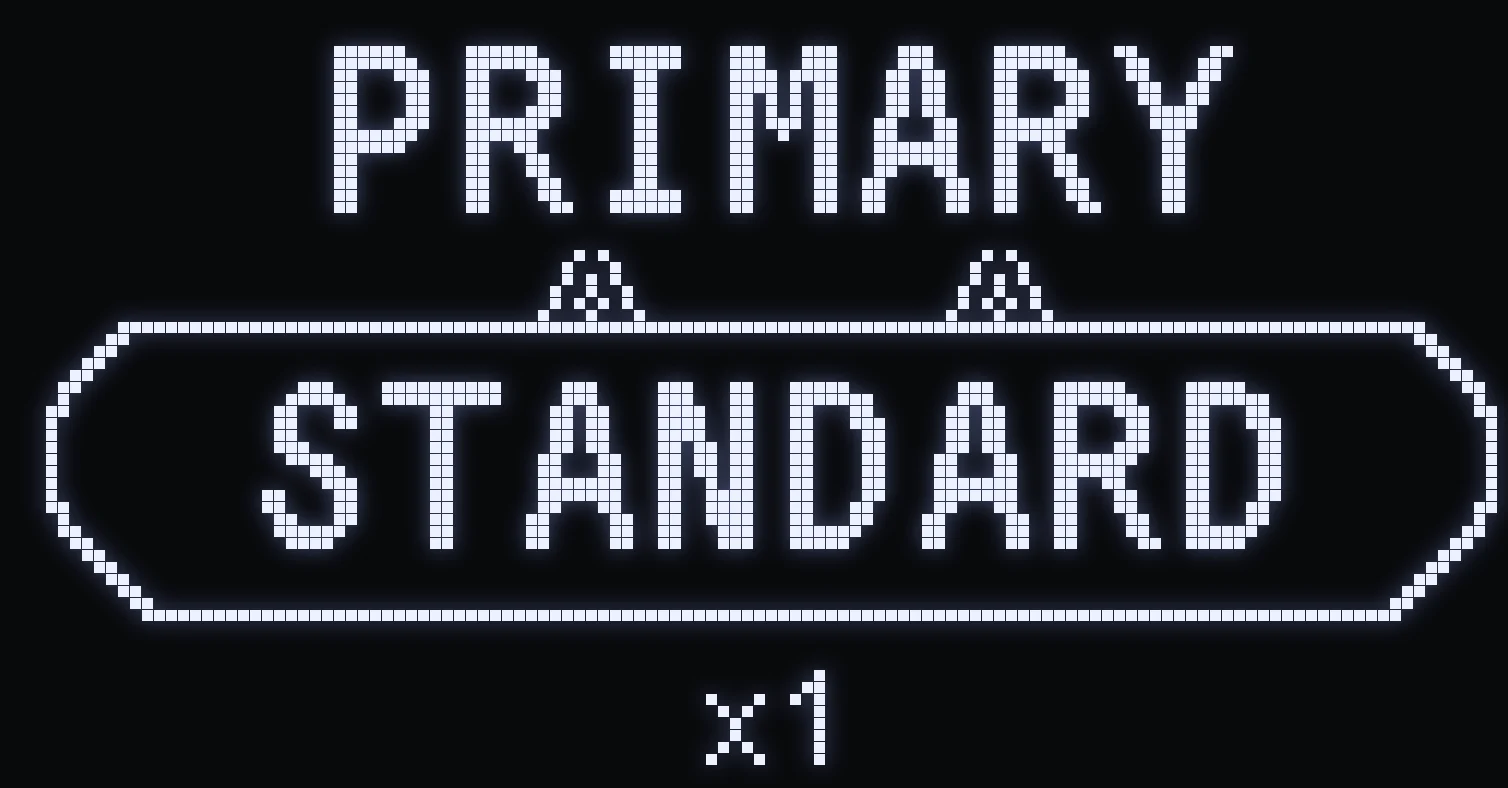
HOME SCREEN
🎯 WHAT IT SHOWS
- The name of the weapon currently selected for this profile. - The current sight (x1, x2, x3 or x4), at the bottom center.
🎮 THE TWO PROFILES
- PRIMARY: title “PRIMARY”, BLUE LED 🔵. - SECONDARY: title “SECONDARY”, RED LED 🔴.
The controller LED takes the color of the displayed profile: blue in PRIMARY, red in SECONDARY. The color stays solid.
Frequently asked questions
What does the SPHINX home screen show?
The active profile, PRIMARY or SECONDARY, and the name of the weapon selected for that profile.
Why does my controller LED change color?
It shows the active profile: blue in PRIMARY, red in SECONDARY.
How do I know which sight is active?
It's shown at the bottom center of the home screen: x1, x2, x3 or x4. You change it in game by holding L2 / LT and pressing an arrow.