Mod+
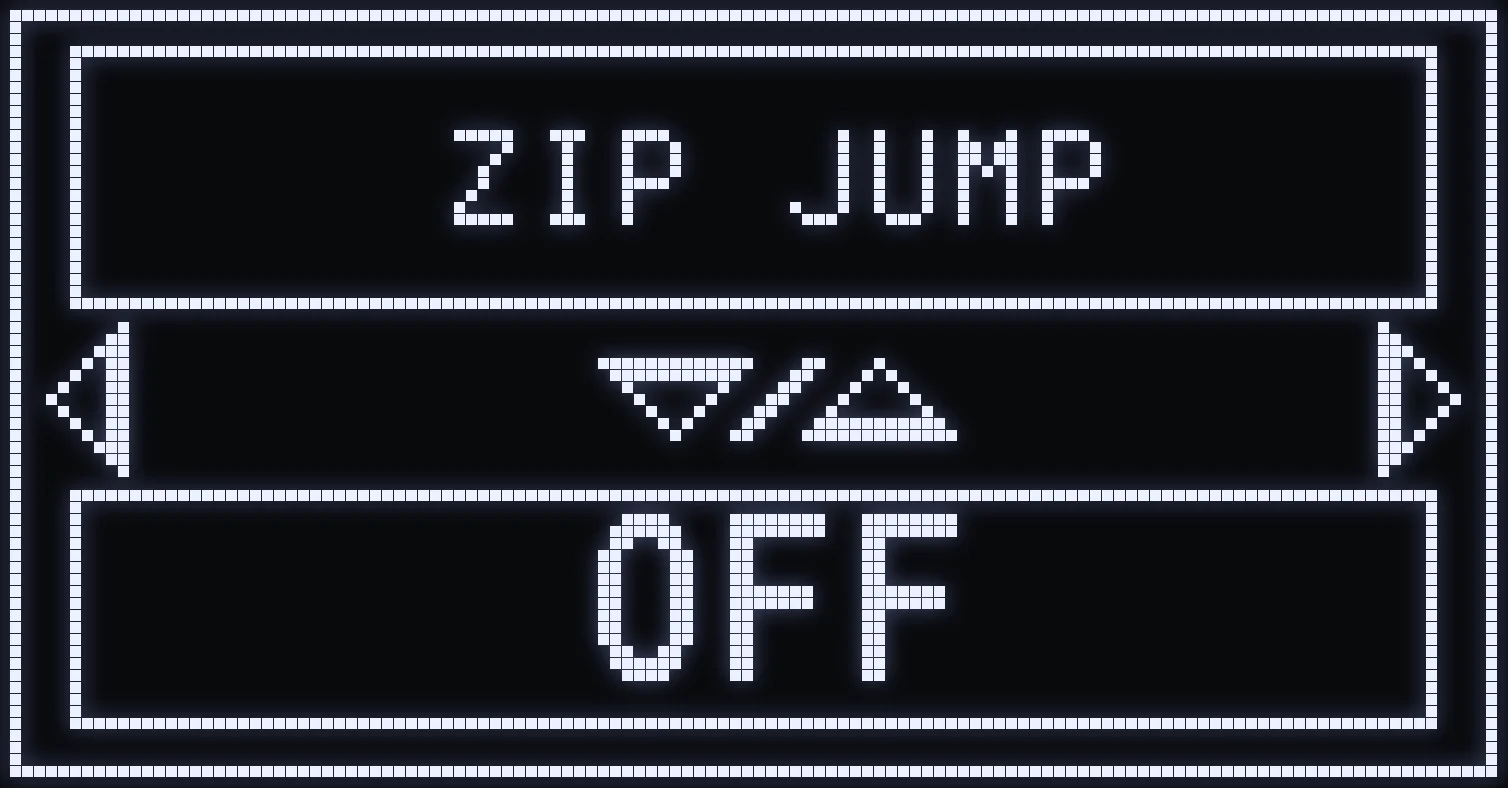
ZIP JUMP
🎯 WHAT IS IT FOR?
Launches you into the air off a zipline, to reposition fast or catch an enemy off guard.
⚙️ SETTINGS
UP / DOWN: choose the mode.
- OFF: disabled. - 2 TOUCH: the jump uses two buttons. - 1 TOUCH: a single button of your choice does it all.
CROSS / A: in 1 TOUCH, first pick your BUTTON with UP / DOWN (L3 by default), then CROSS / A for the TIME setting. In 2 TOUCH, CROSS / A opens TIME directly.
TIME sets when the jump happens: the higher the value, the later the jump.
🎮 IN GAME
- 2 TOUCH: on a zipline, press RELOAD (SQUARE / X by default), then quickly JUMP. - 1 TOUCH: on a zipline, just press the button you picked.
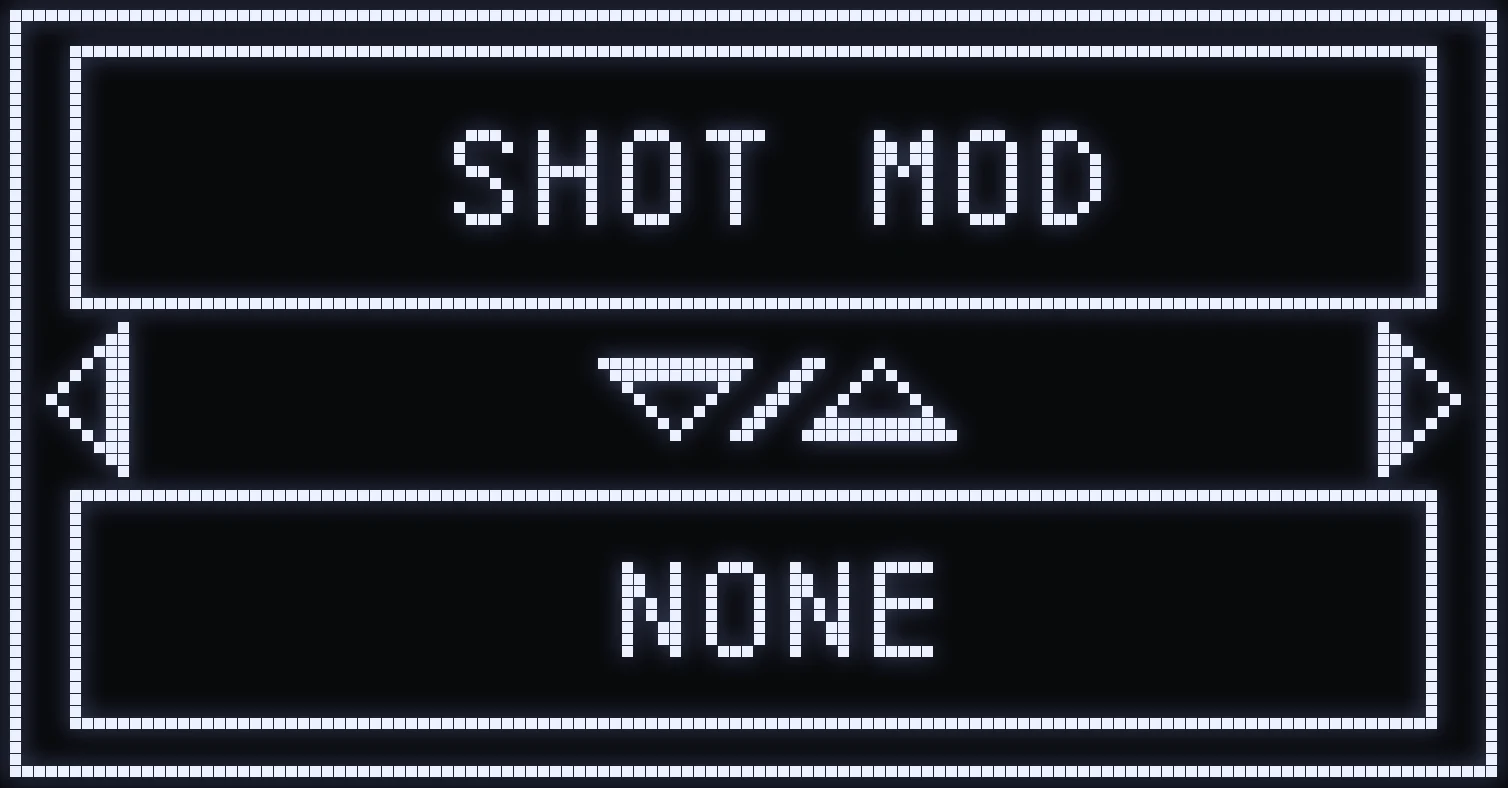
SHOT MOD
🎯 WHAT IS IT FOR?
Performs an automatic action while you fire, to make you harder to hit in a fight.
🎮 THE TYPES
- CROUCH SPAM: crouches over and over. - JUMP: jumps once. - AUTO CROUCH: crouches once.
⚙️ SETTINGS
- UP / DOWN: choose the type (NONE / CROUCH SPAM / JUMP / AUTO CROUCH). - CROSS / A: open the submenu.
⚙️ SUBMENU
- ACTIVATION with UP / DOWN: FIRE = when you fire without aiming, ADS&FIRE = when you aim and fire. - RIGHT: TIME, the delay before the action triggers. The higher the value, the later the action.
⚡ QUICK ON / OFF IN GAME
Hold SQUARE / X and quickly double-tap RIGHT: Shot Mod switches OFF or ON without opening the menu. It goes back to ON when the Cronus restarts.
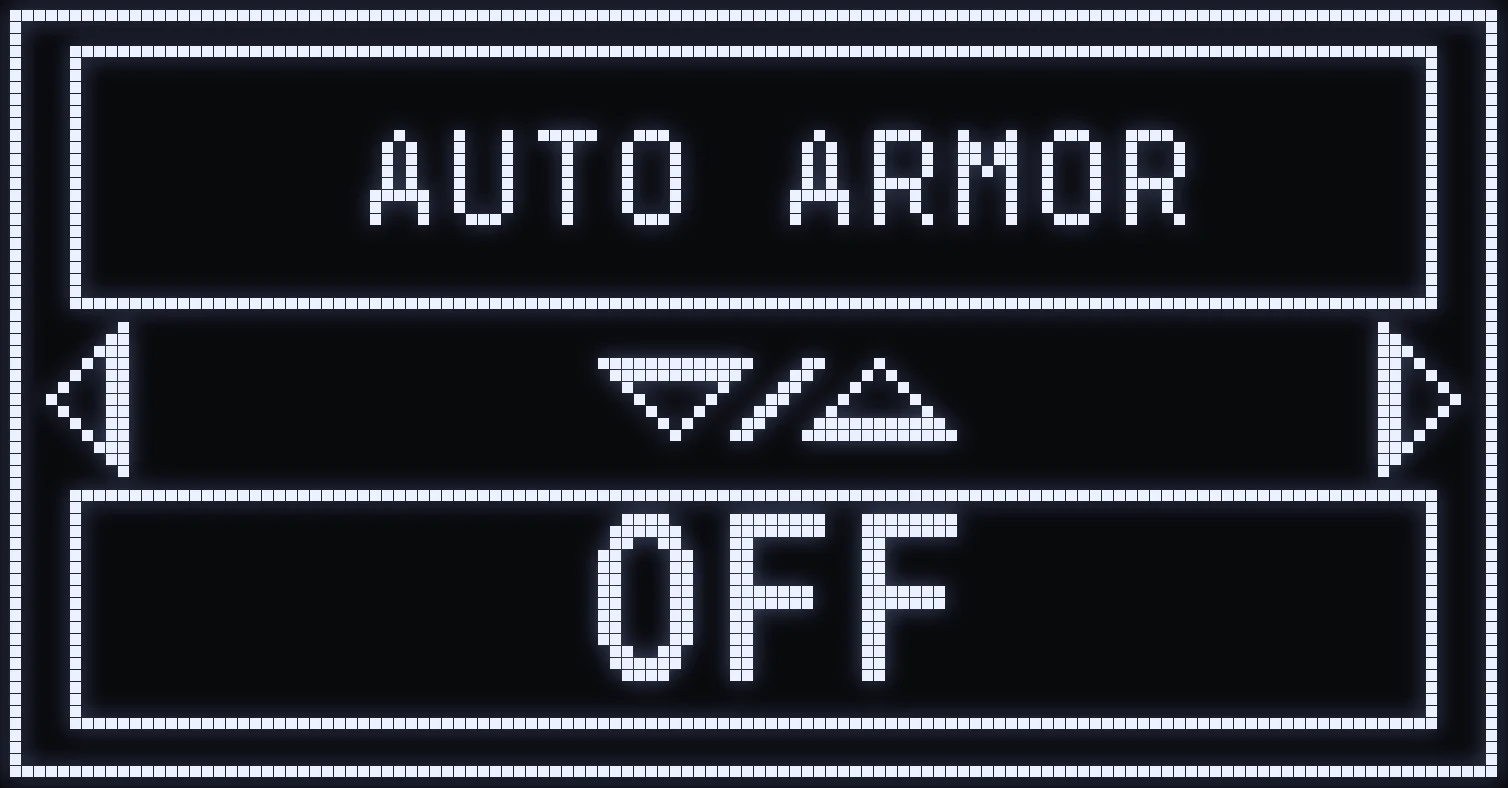
AUTO ARMOR
🎯 WHAT IS IT FOR?
Does the armor swap automatically at the right moment, faster than by hand.
⚙️ SETTINGS
- UP / DOWN: ON / OFF. - CROSS / A: TIME setting (UP / DOWN).
🎮 IN GAME
On a Death Box, hold RELOAD (SQUARE / X by default) for a moment, then press JUMP (CROSS / A by default).
💡 TIP: a TIME that's too short misses the armor swap, too long slows you down. Adjust to what feels right.
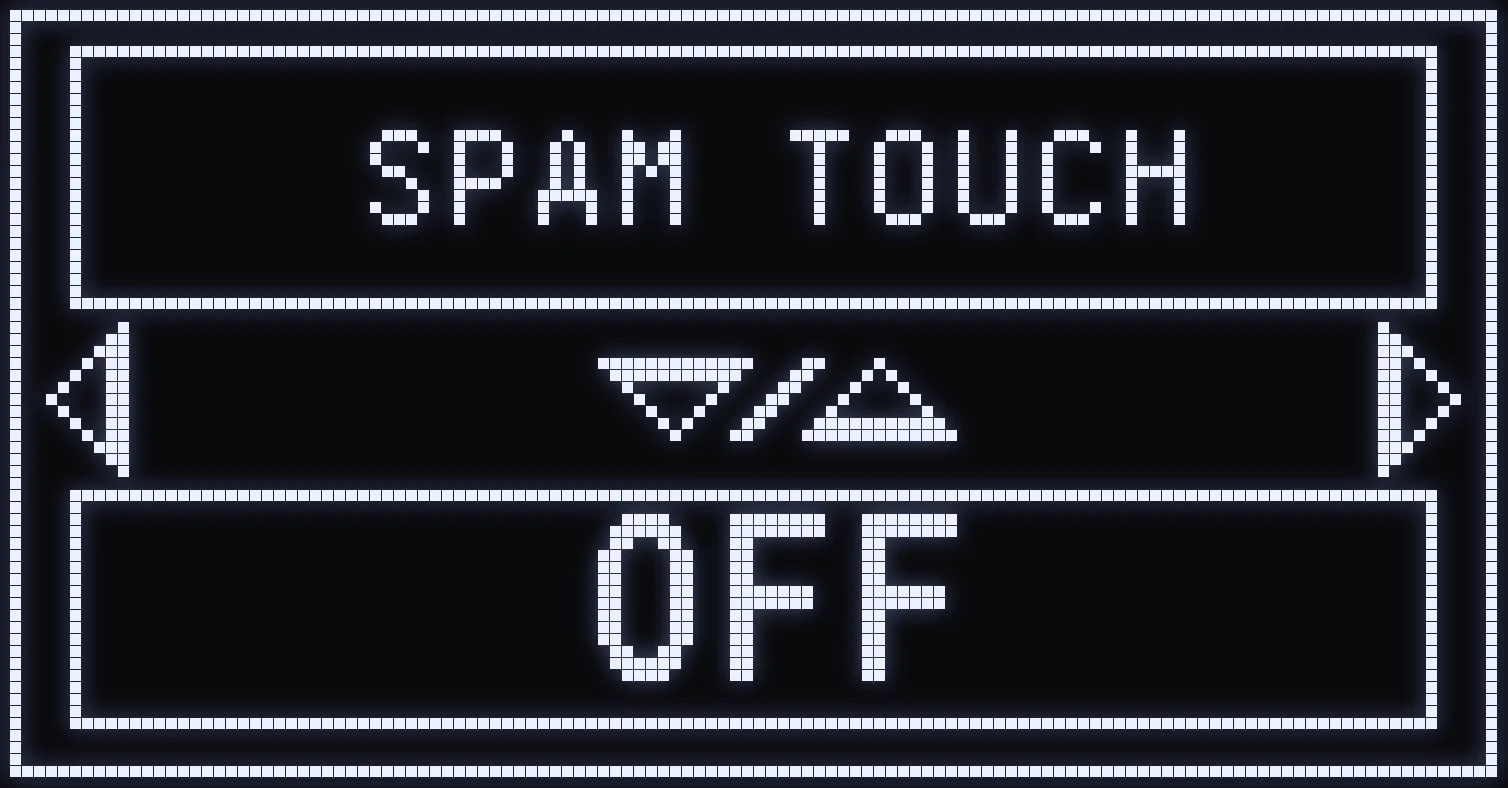
SPAM TOUCH
🎯 WHAT IS IT FOR?
Presses a button for you, very fast and on repeat (repeat macro).
⚙️ SETTINGS
- UP / DOWN: ON / OFF. - CROSS / A: TIME setting. The lower the value, the faster the repeat.
🎮 IN GAME
Hold the button chosen in QUICK TOGGLE (CIRCLE / B by default): it repeats as long as you keep it held down.
⚠️ WARNING: SPAM TOUCH doesn't work while you're aiming.
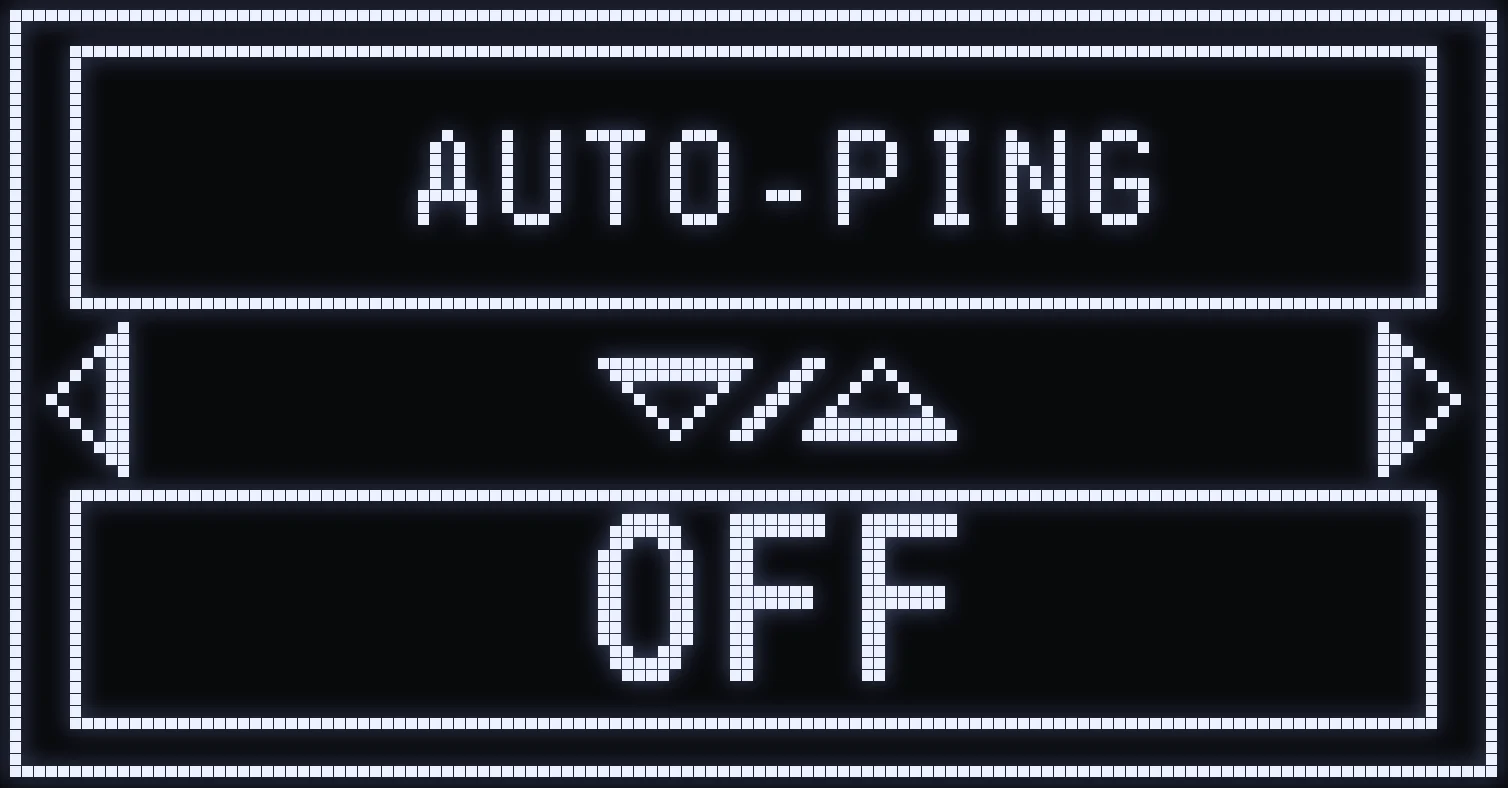
AUTO-PING
🎯 WHAT IS IT FOR?
Sends pings automatically (spotting) while you fire, whether you're aiming or not.
⚙️ SETTINGS
- UP / DOWN: ON / OFF. - CROSS / A: submenu.
⚙️ SUBMENU
- ACTIVATION with UP / DOWN: FIRE = when you fire without aiming, ADS&FIRE = when you aim and fire. - RIGHT: TIME, the time between two pings.
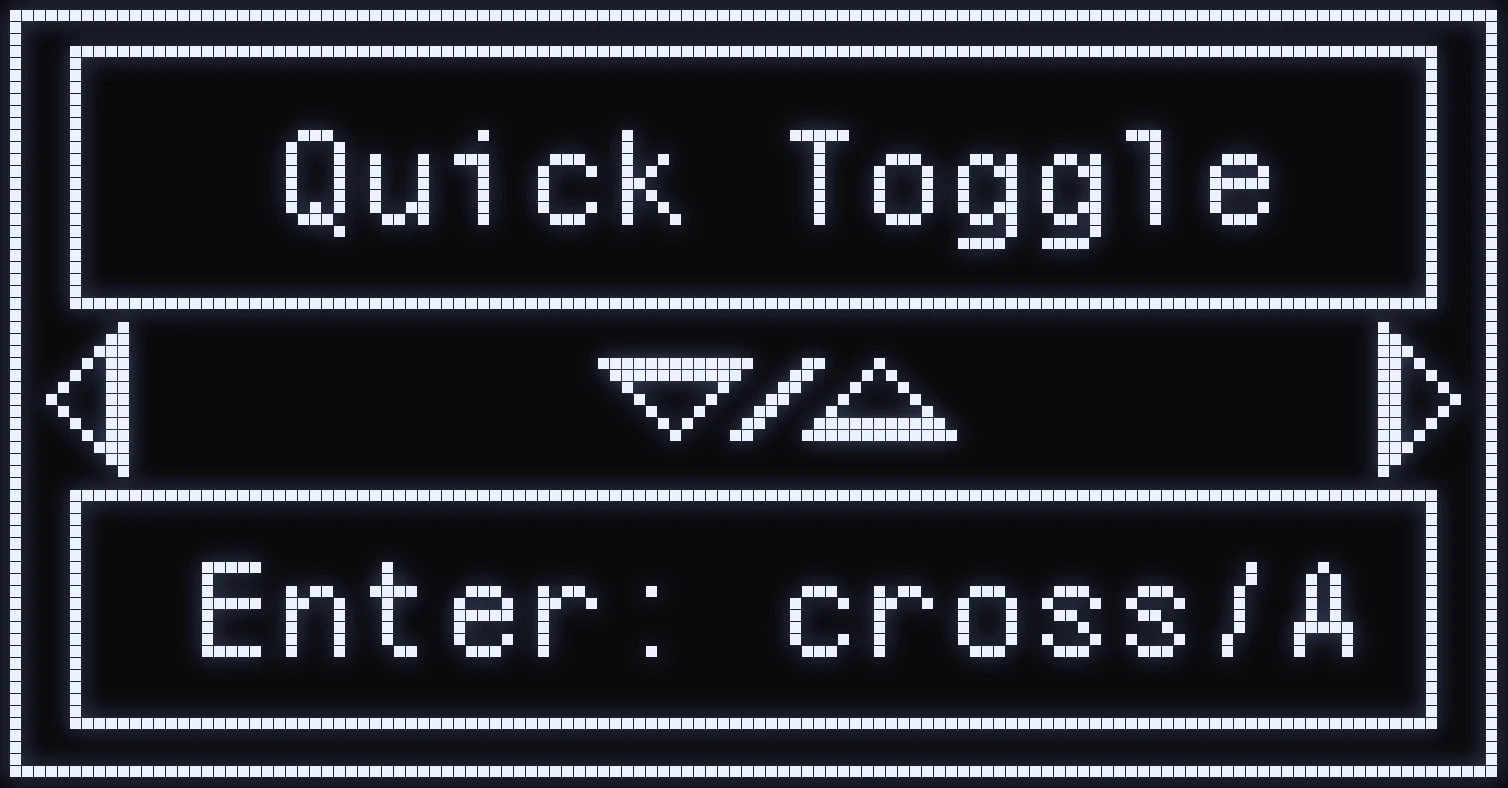
QUICK TOGGLE
🎯 WHAT IS IT FOR?
Customizes the script's shortcuts, to replace the default buttons for certain actions or for opening the menus.
⚙️ SETTINGS
- CROSS / A: enter QUICK TOGGLE. - RIGHT / LEFT: move from one screen to the next. - CROSS / A on a screen: show its buttons. - While setting: LEFT / RIGHT switches between TOUCH 1 and TOUCH 2, UP / DOWN changes the button. - CIRCLE / B: go back.
🎮 THE AVAILABLE SCREENS
TOUCH 1 is the button to hold, TOUCH 2 is the one you press while holding it.
- RAPIDFIRE: change the Rapid Fire mode. Default: TOUCHPAD + CIRCLE. - RESET OPTIC: reset every sight on every weapon to x1, by holding both buttons. Default: L1 + R1. - STOP-ALL: quickly turn off the active mods, with two presses of TOUCH 2. Default: SQUARE + LEFT. - SPAM TOUCH: the button repeated by the SPAM TOUCH mod. Default: CIRCLE. - ON/OFF ENNEMI: switch between ON ENNEMI and OFF ENNEMI, the enemy mode. Default: TOUCHPAD + SQUARE. - OPTIC: the ACTION button to hold, then one button for each sight x1, x2, x3 and x4. Default: L2, then LEFT, UP, RIGHT, DOWN. - MENU: open the main menu. Default: L2 + OPTIONS. - SELECT GUN: open the weapon selection menu. Default: L2 + SHARE. - MENU AR: directly open the anti-recoil for the weapon in hand. Default: L2 + PS. - PAD/SHARE: when ON, the SHARE button acts as the TOUCHPAD. PS5 setting, not needed on Xbox.
💡 TIP: on Xbox, the TOUCHPAD is the pairing button, the small Bluetooth button on top of the controller.
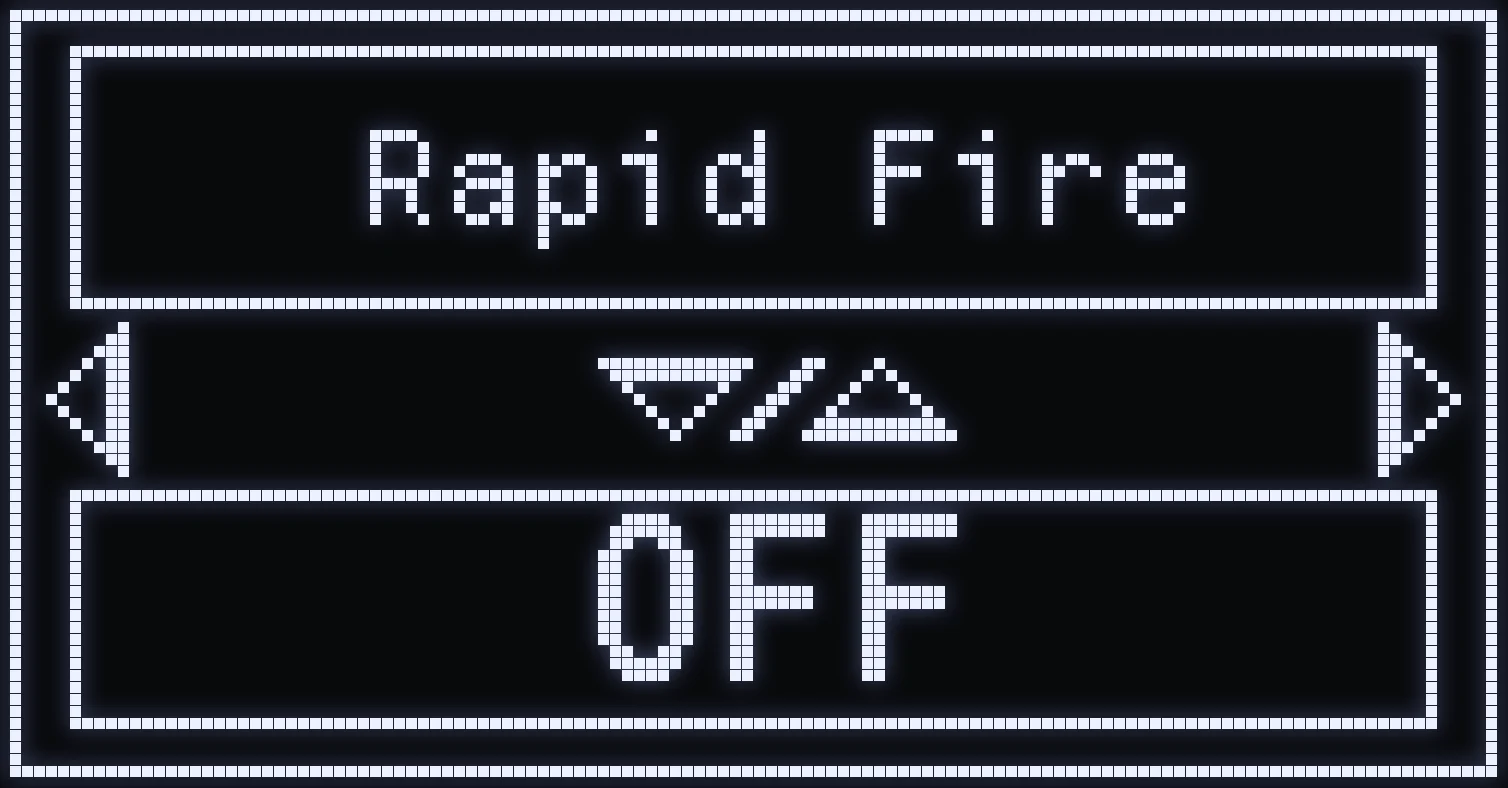
RAPID FIRE
🎯 WHAT IS IT FOR?
Increases the fire rate: useful on semi-auto weapons to fire faster.
🎮 THE MODES
- AUTO: works based on the weapon type. - ALL: on every weapon.
⚙️ SETTINGS
- UP / DOWN: mode (OFF / AUTO / ALL). - CROSS / A: TIME setting (UP / DOWN) to adjust the fire rate. The higher the value, the slower the fire rate.
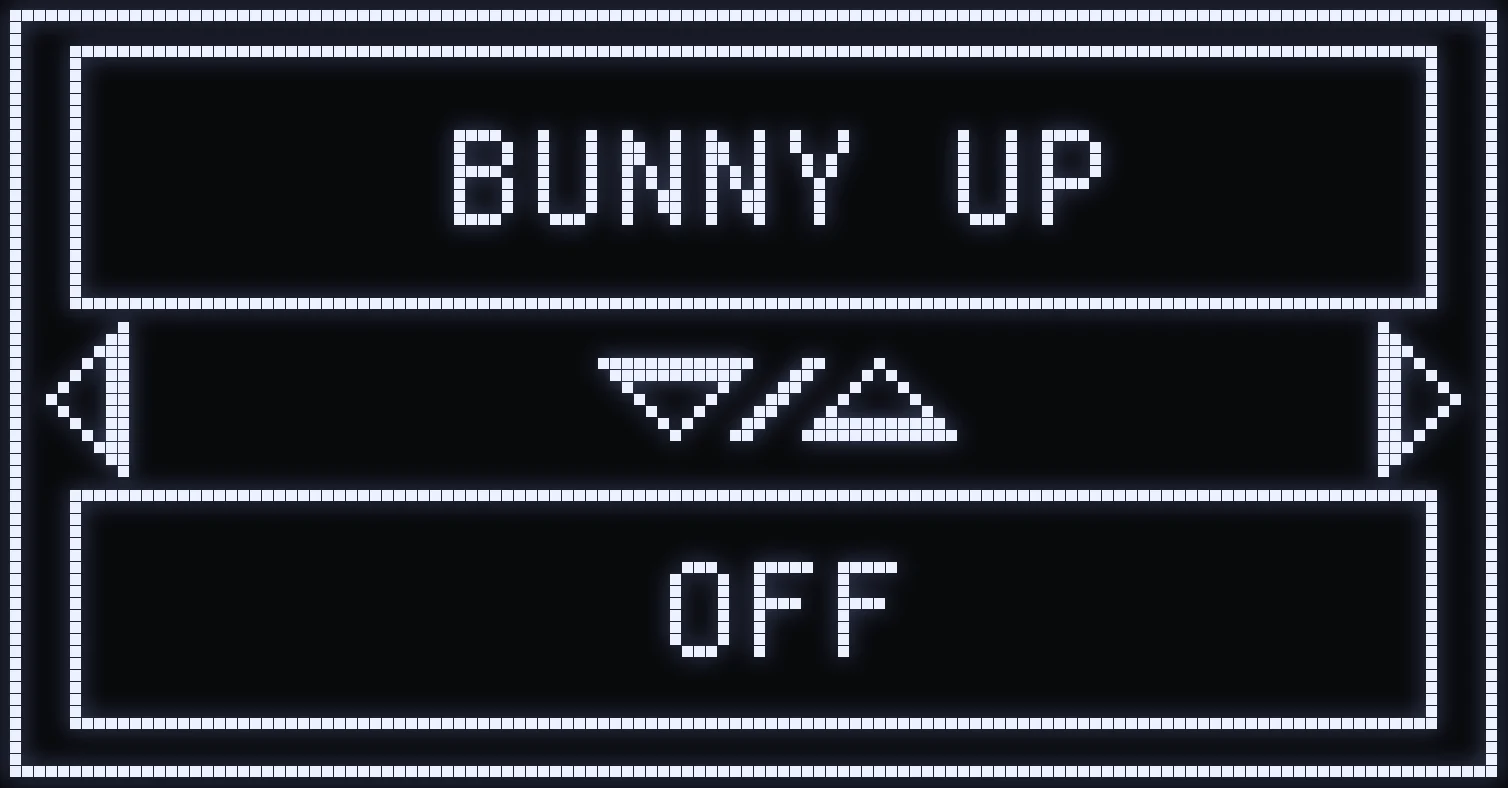
BUNNY UP
🎯 WHAT IS IT FOR?
Chains jumps for you during your slide, so you keep your momentum.
⚙️ SETTINGS
- UP / DOWN: OFF / HOLD / TOGGLE. - CROSS / A: TIME setting (UP / DOWN), the time between two jumps. The higher the value, the more spaced out the jumps.
- HOLD: if your in-game Crouch is set to “Hold”. - TOGGLE: if your in-game Crouch is set to “Toggle”. The script stands you back up when you release CROUCH.
🎮 IN GAME
While sprinting, with the left stick pushed all the way, hold CROUCH: after a brief moment, the jumps chain as long as you keep the button held down.
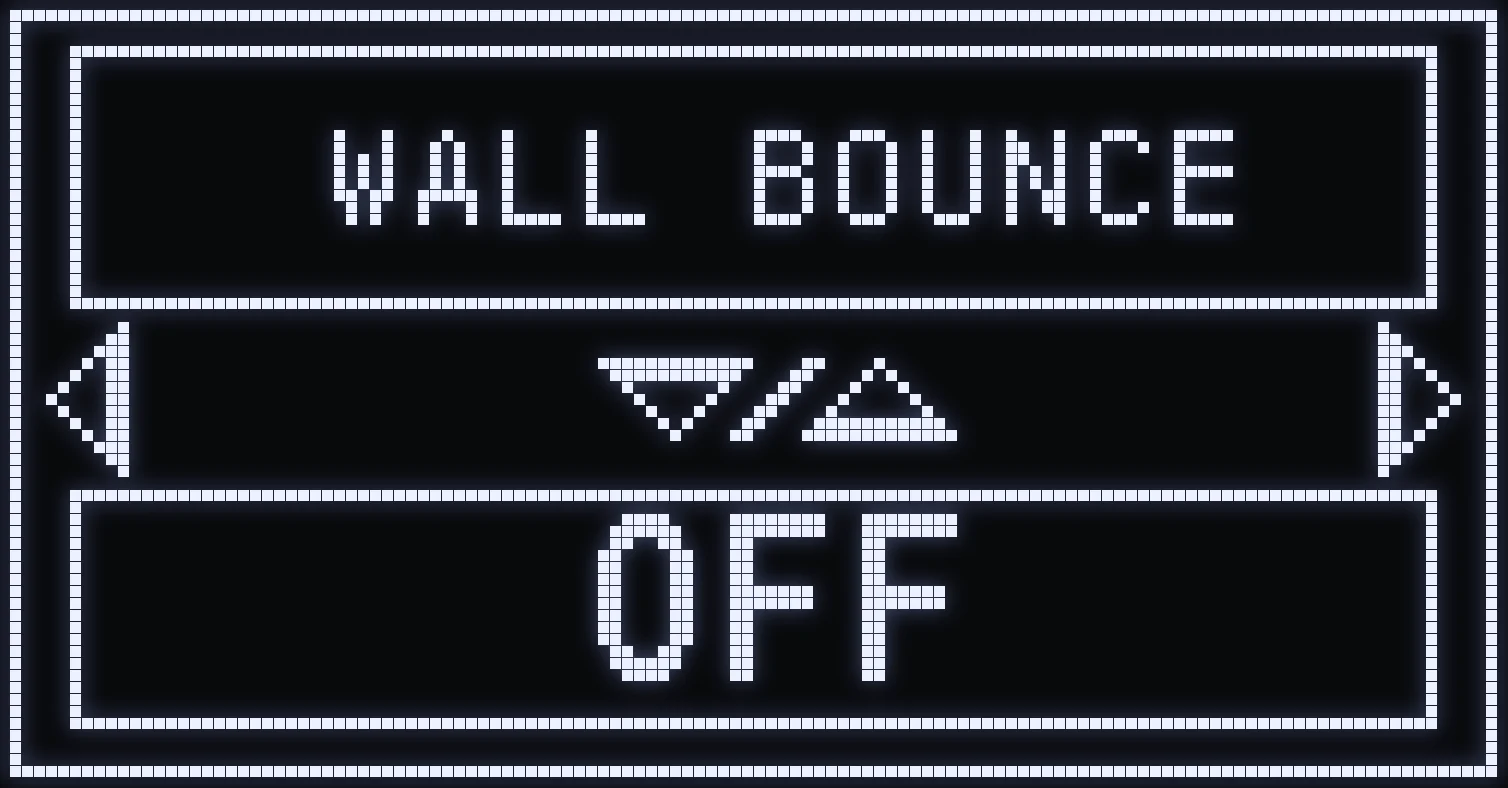
WALL BOUNCE
🎯 WHAT IS IT FOR?
When you slide and then jump toward a wall, on contact the script makes you jump off the wall again and launches you in the direction of your aim stick.
⚙️ SETTINGS
- UP / DOWN: ON / OFF. - CROSS / A: TIME setting (UP / DOWN), the timing of the bounce. The higher the value, the longer you have to hold JUMP before the bounce triggers.
🎮 IN GAME
Slide with CROUCH, then jump toward the wall while holding JUMP: on contact with the wall, the bounce triggers on its own. Point your right stick in the direction you want to be launched.
💡 TIP: adjust TIME so the bounce triggers right as you touch the wall.
Frequently asked questions
How do I use ZIP JUMP on a zipline?
In 2 TOUCH, press RELOAD, then quickly JUMP when you're on the zipline. In 1 TOUCH, just press the button chosen in the mod.
How do I trigger BUNNY UP?
While sprinting, with the left stick pushed all the way, hold CROUCH: after a brief moment, the jumps chain as long as you keep the button held. Choose HOLD or TOGGLE to match your in-game crouch setting.
Why isn't SPAM TOUCH working?
SPAM TOUCH doesn't work while you're aiming. When you're not aiming, hold the button chosen in QUICK TOGGLE (CIRCLE / B by default): it repeats as long as you keep it held down.
How do I do a WALL BOUNCE?
Slide with CROUCH, then jump toward a wall while holding JUMP: on contact with the wall, the script makes you jump off again and launches you in the direction of your aim stick.