Profiles
The script handles two independent profiles: PRIMARY and SECONDARY. Each profile keeps its own weapon, and therefore its own per-weapon anti-recoil and sight. Aim assist settings, on the other hand, are shared by both profiles.
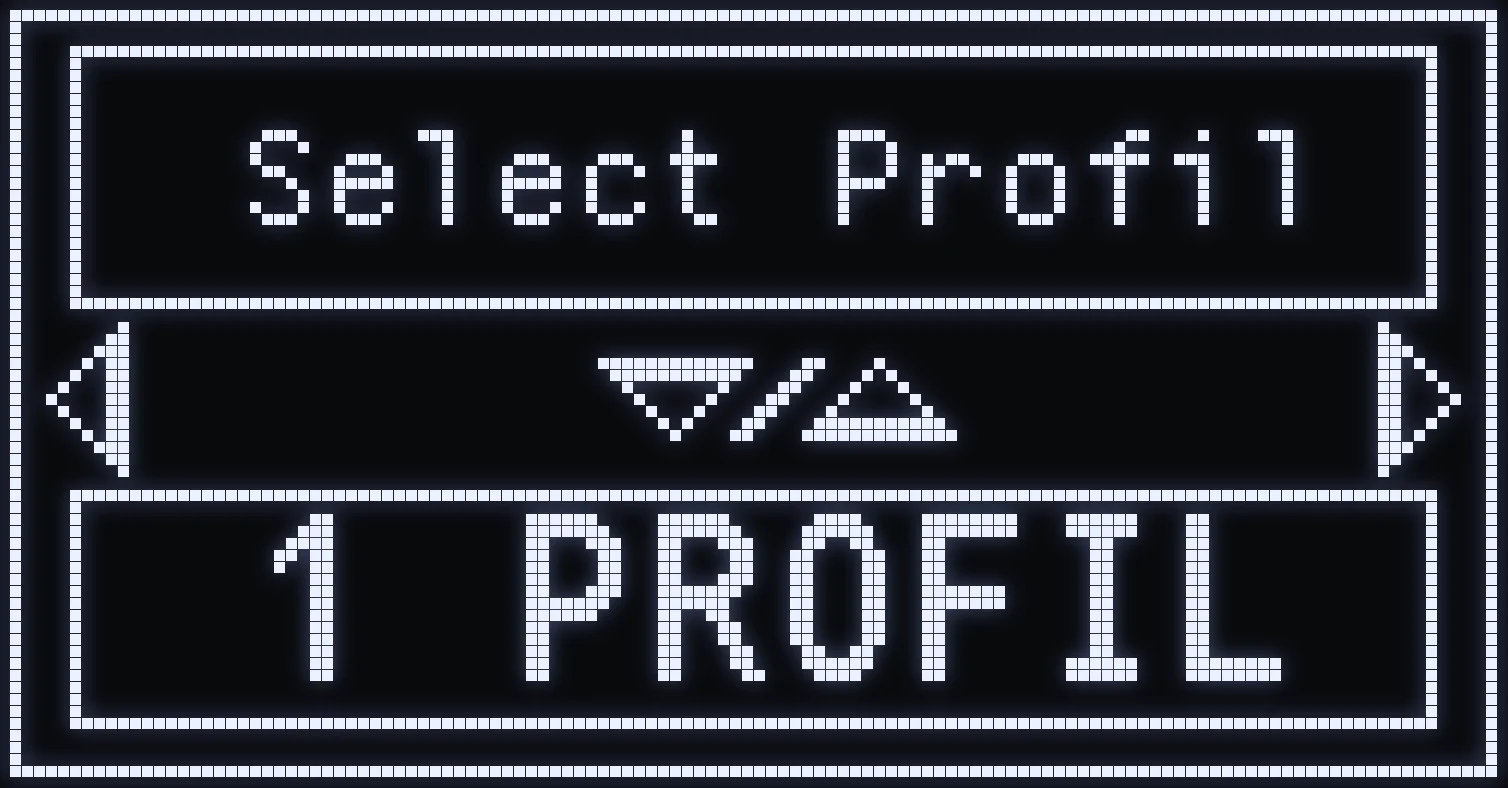
(#ff5a6a:❗ IMPORTANT: to be able to switch from one profile to the other, first turn on “2 profiles” mode in SETTING (SELECT PROFIL).)
SWAP BUTTON
Default: TRIANGLE / Y.
- SHORT press: switches between PRIMARY and SECONDARY. - LONG press (button held): doesn't switch.
💡 TIP: the long press prevents accidental profile changes when you holster your weapon.
🎮 SWAP + L2: RESYNC THE PROFILE
Hold SWAP and press L2 / LT: the profile changes. Use it to resync the displayed profile with the weapon you're actually holding, for example after a long press that didn't switch the profile.
Frequently asked questions
How do I switch profiles in game?
First turn on two-profile mode in SETTING (SELECT PROFIL). Then a short press on SWAP (TRIANGLE / Y by default) switches between PRIMARY and SECONDARY.
Why doesn't my profile change when I hold SWAP?
That's intended: a long press doesn't switch the profile, to avoid accidental changes when you holster your weapon. Use a short press.
My profile no longer matches the weapon in my hands, what should I do?
Hold SWAP and press L2 / LT: the profile changes and resyncs with the weapon you're actually holding.
Do the two profiles have different settings?
Each profile keeps its own weapon, and therefore its own per-weapon anti-recoil and sight. Aim assist settings are shared by both profiles.